Remove the Shipping Hardware| 11
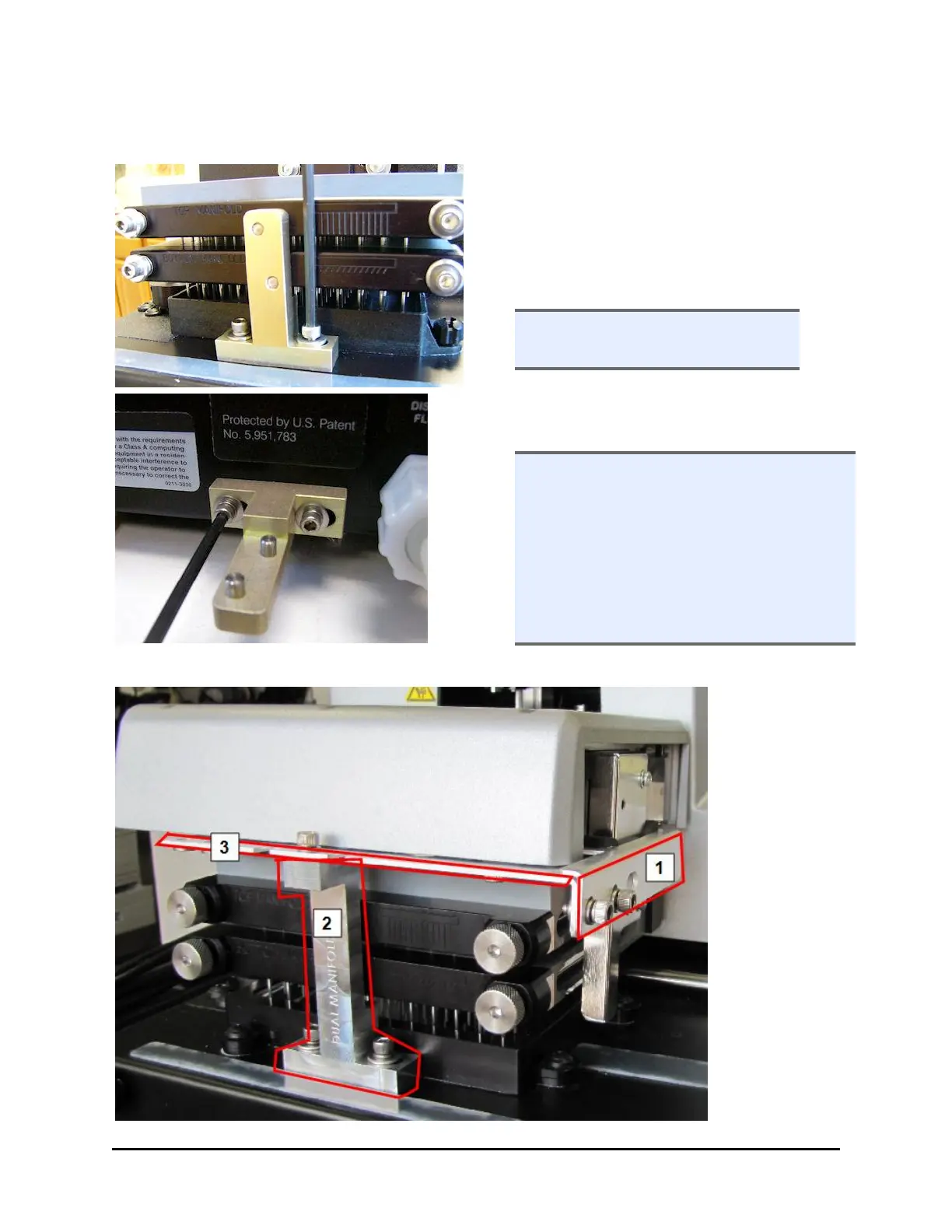
Remove the manifold shipping bracket
1. Use the 9/64” (3.57 mm) hex wrench to
unscrew the cap screws at the base of
the shipping bracket and remove it.
2. Slide the bracket towards you and
remove.
l Most brackets are black, unlike
the one shown here.
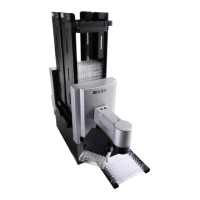
3. Store the bracket: mount it on the back
panel, on the studs provided.
l Direct Drain Waste System: if you are
using the direct drain waste method,
wait till later to mount the shipping
bracket. For direct drain, an
intermediate collection bottle is
attached to the washer using the
same studs as the shipping bracket.
See the Direct Drain Kit instructions.
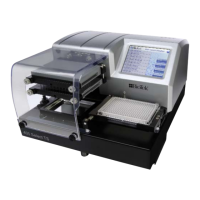
405 TS with Verify™ Technology "Q" Models
"Q" Models have
three shipping
brackets:
remove two
before powering
up, and the last
one after start
up.
BioTek Instruments, Inc.


 To Next Page