12 | 405 TS Getting Started Guide
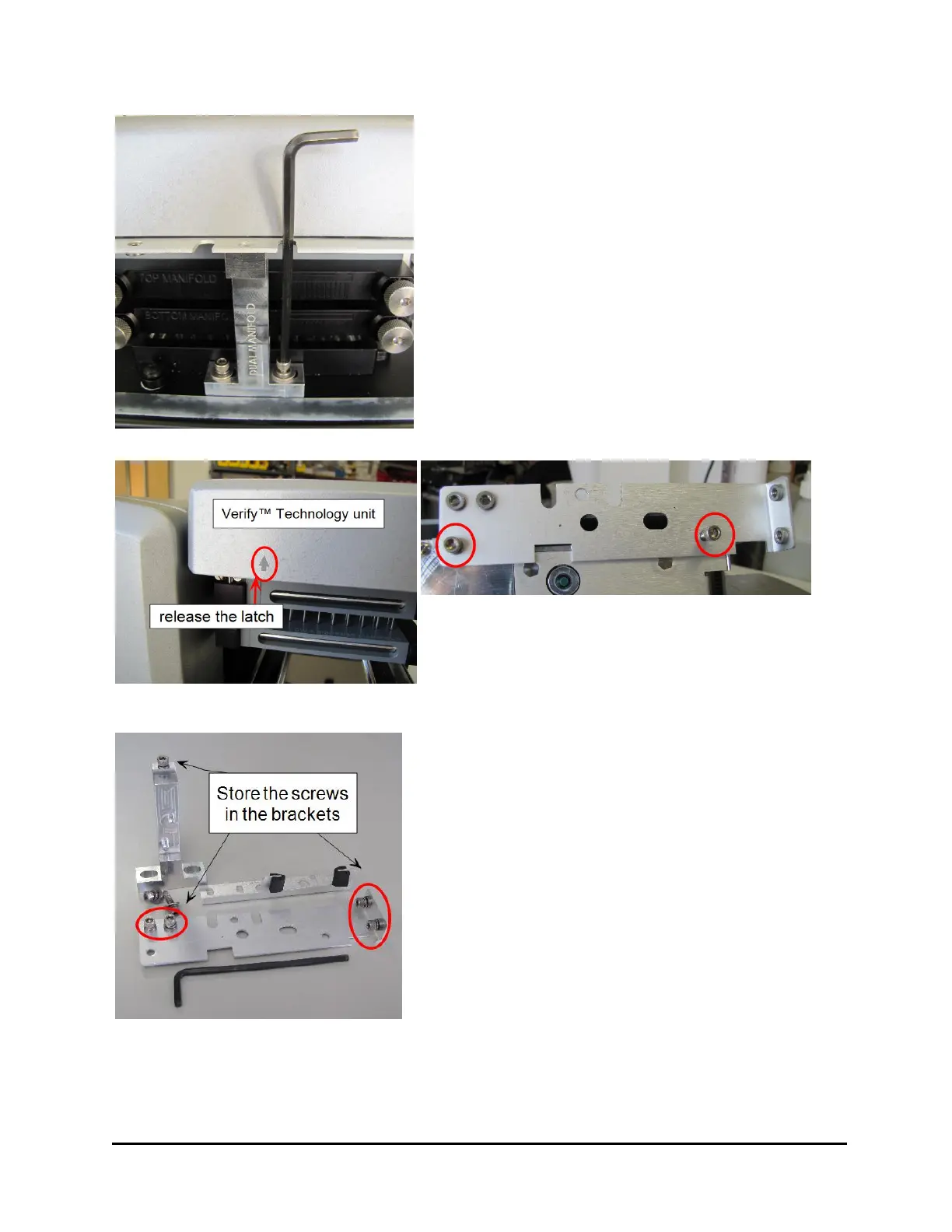
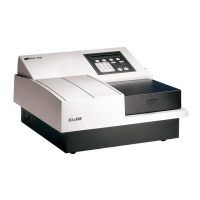
1. Use the 9/64” hex wrench to unscrew the
cap screws and remove the bracket on the
side of the wash manifold that holds the
Verify sensor in place.
2. Remove the large bracket in front holding
the wash manifold: Remove the three
screws. Slightly lift the manifold(s) to
release the bracket from the base, and pull
it away from the manifold(s).
3. Set the brackets, screws and washers aside.
Follow instructions to set up the washer, e.g.
install the vacuum pump and tubing. Then,
perform Step 4, below.
4. When you're ready to power up the
instrument, plug it in and turn it on.
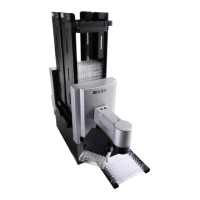
Release the latch on the left side of the
Verify™ sensor unit, and to lift it up to
remove the third shipping bracket.
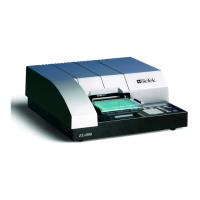
5. For safe keeping, put the cap screws and
washers for the two thin brackets in the
studs provided on the longest, last-
removed bracket.
6. Put the manifold bracket's top screw back
in its hole. Save the two longer screws for
storing all the brackets on the back of the
instrument.
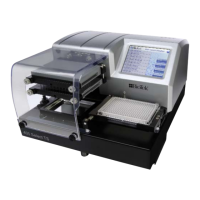
405™ TS Microplate Washer


 To Next Page