30 | 405 TS Getting Started Guide
Touch Screen Basics
Home screen
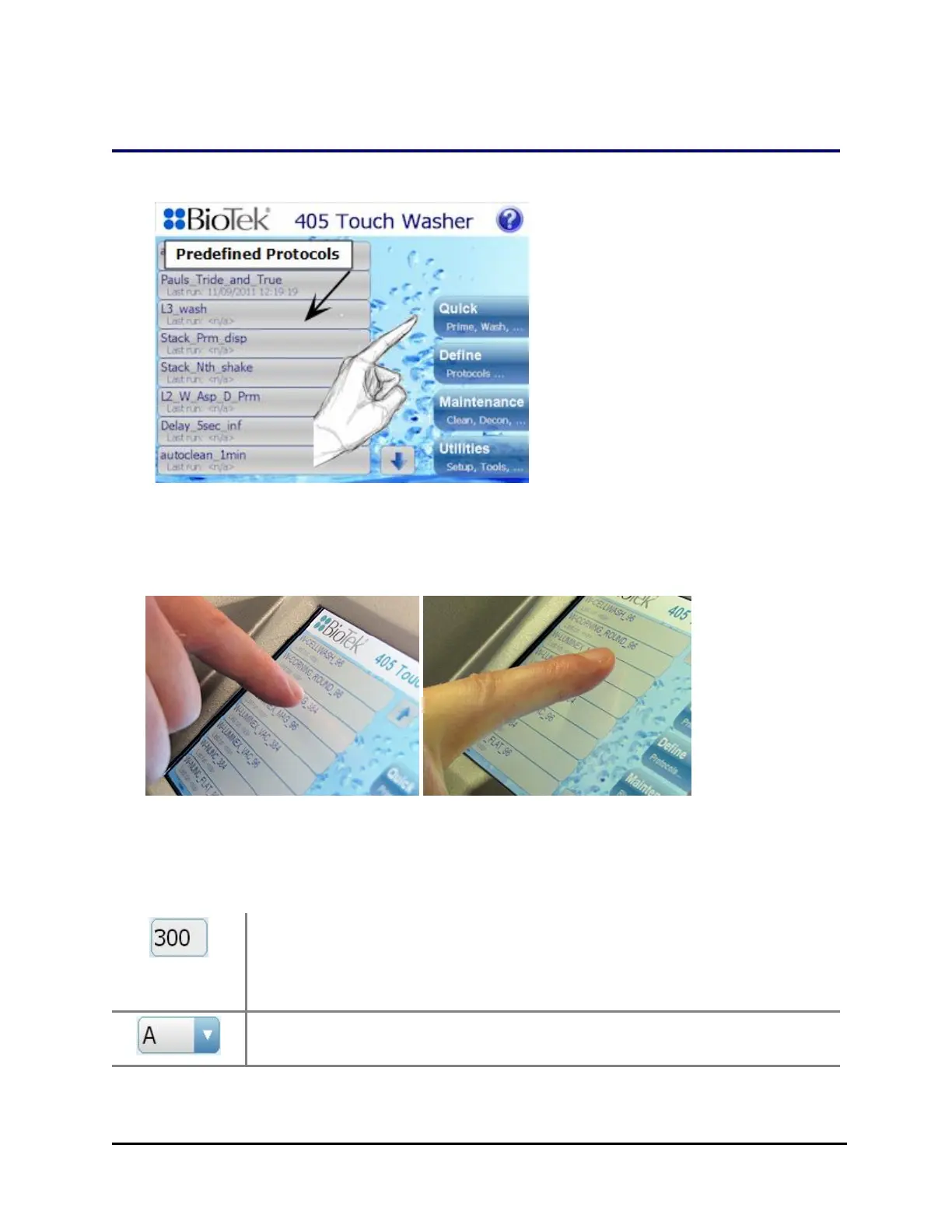
l Fast, Light Touch: a light, quick tap on the screen produces the best results.
Use your fingertip or a pointing device like a pen tip. The touch screen does not
support gestures, like swiping and zooming, that are common to smart phones.
Do Don't
Do use your fingertip
(precise selection)
Don't use your finger pad
(uncertain selection)
l Wash Protocols: Touch a protocol on the Home screen to run it. All
saved/predefined protocols appear on the Home screen.
Numbers: Touch any field that requires a numeric value to open a
field-sensitive number pad. Use the number pad to specify volume,
times, and other values. To enter negative numbers use the down
(decrement) arrow.
Pick Lists: touch a field with a down arrow to open a pick list to
select a value.
405™ TS Microplate Washer



 To Next Page