66 | 405 TS Getting Started Guide
l Important: Be sure to change the Plate Carrier setting to match the
installed carrier.
Remember to specify the type of aspiration to perform in a Final Aspirate.
Control the Vacuum Level
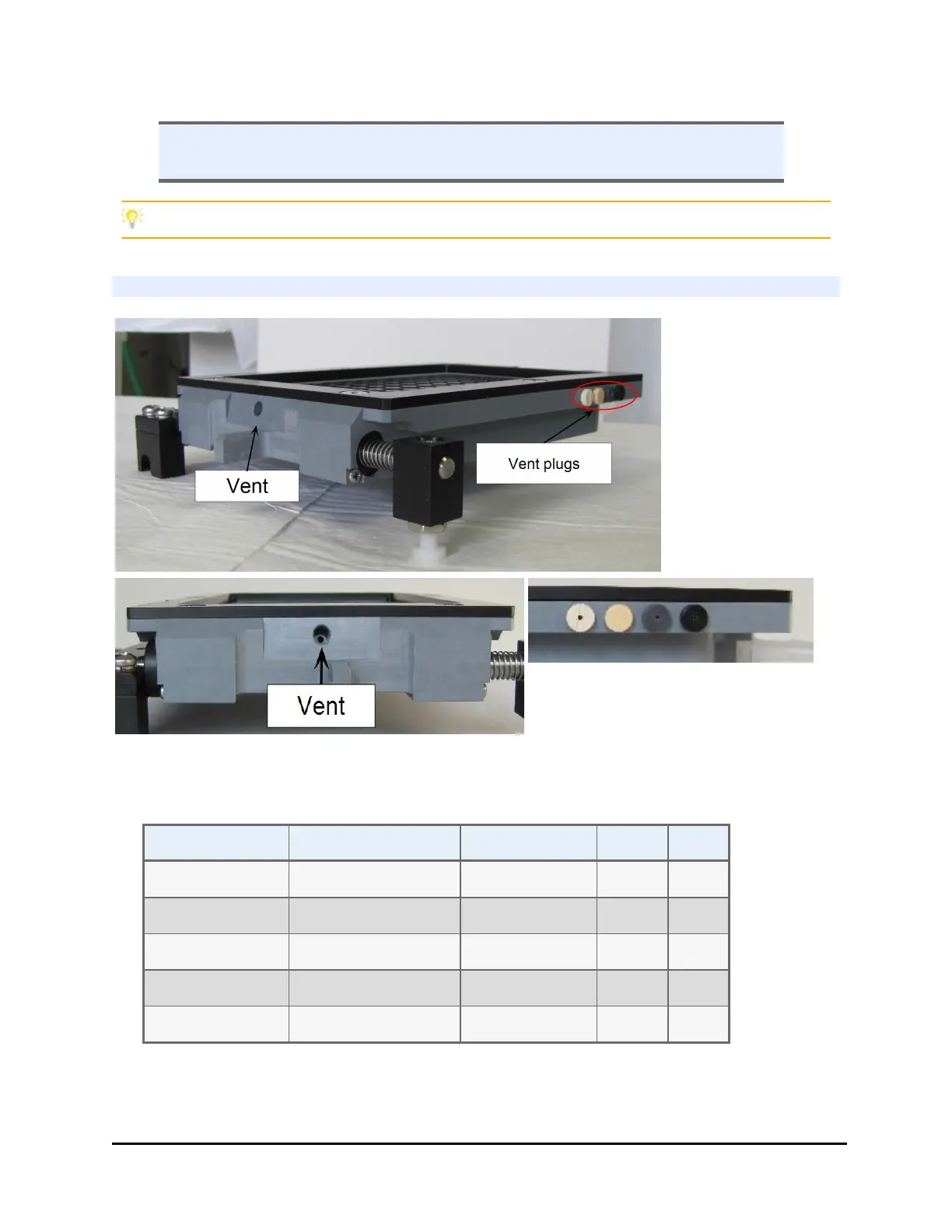
Vent plugs stored on side of carrier
Change the vent plug to control the vacuum level
The vacuum filtration plate carrier has a vent and ships with four vent plugs to
vary the vacuum levels:
Plug Vent Diameter Vacuum Level mmHg kPa
No plug 0.067” (1.70 mm) Lowest -32 -4.3
Beige with hole 0.047” (1.19 mm) Low -118 -15.7
Gray 0.032” (0.81 mm) Medium -187 -24.9
Black 0.020 (0.51 mm) High -382 -50.9
Beige (solid) 0.00 Highest -567 -75.5
Leave the vent open for the least amount of vacuum. Insert one of the plugs to
increase vacuum.
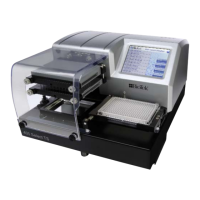
405™ TS Microplate Washer


 To Next Page