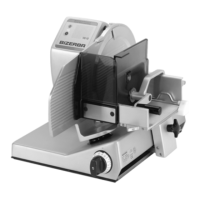
Operating instructions VS12 /C /F /F-P /W Operation
6.080.98.5.10.13 en 6 - 1
6
6 Operation
Only products approved in compliance with the specifications of this
documentation may be sliced. See chapter on Intended Use.
6.1 Inserting and slicing product with the VS12
WARNING Rotating blade!
Cut injuries
–
Do not allow yourself to become distracted. Concentrate on the
task in hand and avoid time pressure.
– Never push product ends towards blade by hand.
CAUTION There are spikes on the product holder!
Risk of injury.
–
Use handle when working with product holder.
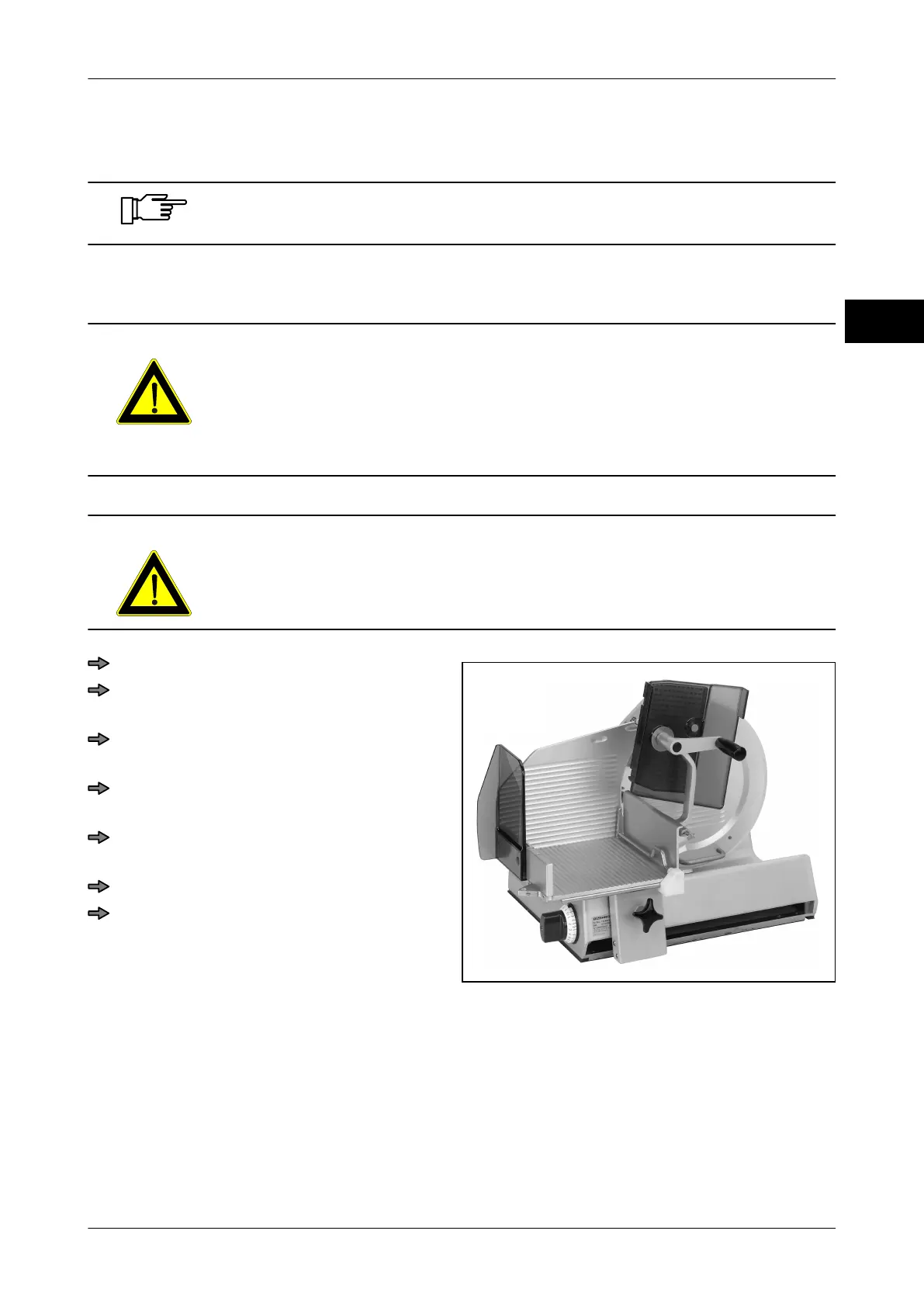
Fig. 22: Inserting the product
Move carriage towards operator.
Using the handle, move product holder
away from blade and tilt it up.
Place the product against carriage rear
wall and push on to gauge plate.
Position the product fixation against the
product.
Move the product holder to position it on
or behind the product.
Switch on machine.
Set slice thickness at knob.



 To Next Page