Enigma™ M4 Manual - Rev A Page 39 (c) 2020 Blizzard Lighting, LLC
9. The macro show will stop automatically when nished playing.
8.6.2. Internal Clock
This mode can be used in situations where you do not have a midi cable or an external midi device.
1. Select [Time code Mode = Internal Clock] and press the Macro in the “Select” section.
2. Press the soft key . It will turn red, which means that recording has started.
The macro show begins to record when the soft key turns red, and the time code will be based on the internal clock.
3. The output of playbacks or presets will follow the rhythm of the music. If there is a Cue-list playback, you may use
the function of GOTO to record.
4. Fade out all playbacks when the music is nished, and press the soft key to stop recording. Then press
[conrm] to save.
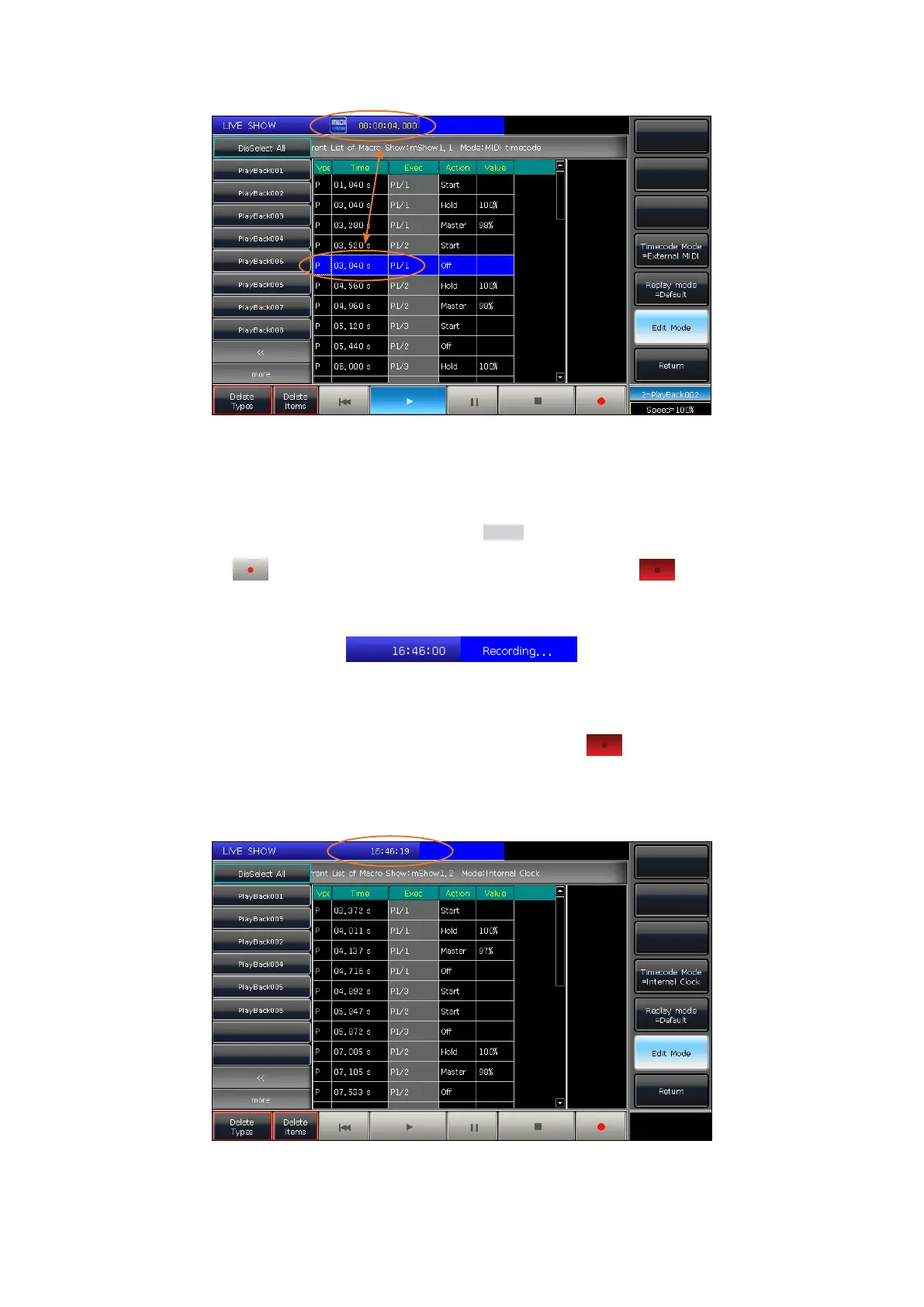
5. After saving, the screen will show all the used playbacks, presets, and operations.
6. The location of the macro show and its record mode will be shown on the top of the window.



 To Next Page