18
5 Using the Device
5 Using the Device
5.1 Turning the Device On and Off
5.1.1 Turning the Device On
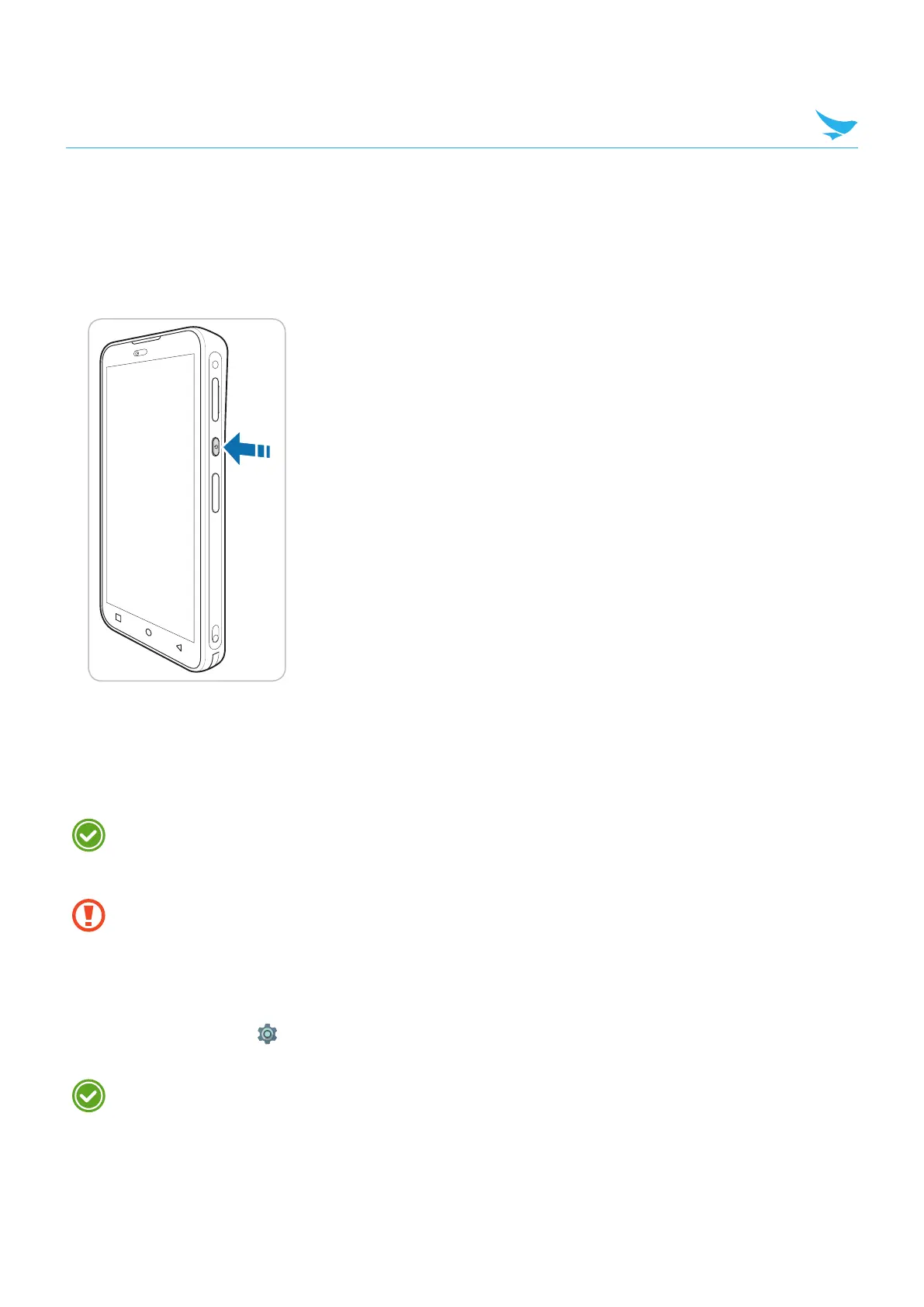
Press and hold the Power button for a few seconds.
5.1.2 Turning the Device Off
1
Press and hold the Power button for a few seconds.
2
Tap Power off.
• To turn the screen on or off, press the Power button.
• Registering the accounts without turning on the Wi-Fi may incur extra charges depending on your
data plan.
Do not turn off the device by removing the battery, as this may damage the device.
5.2 Using Airplane Mode
On the Home screen, tap > Network & Internet > Advanced and turn Airplane mode on. This feature
disables all wireless and mobile services. Repeat the step to deactivate Airplane mode.
You can activate Wi-Fi and Airplane mode from the quick action center. Drag down from the top of the
screen at any time from any menu or app and tap the Wi-Fi button or Airplane mode button.



 To Next Page