5 Using the Device
21
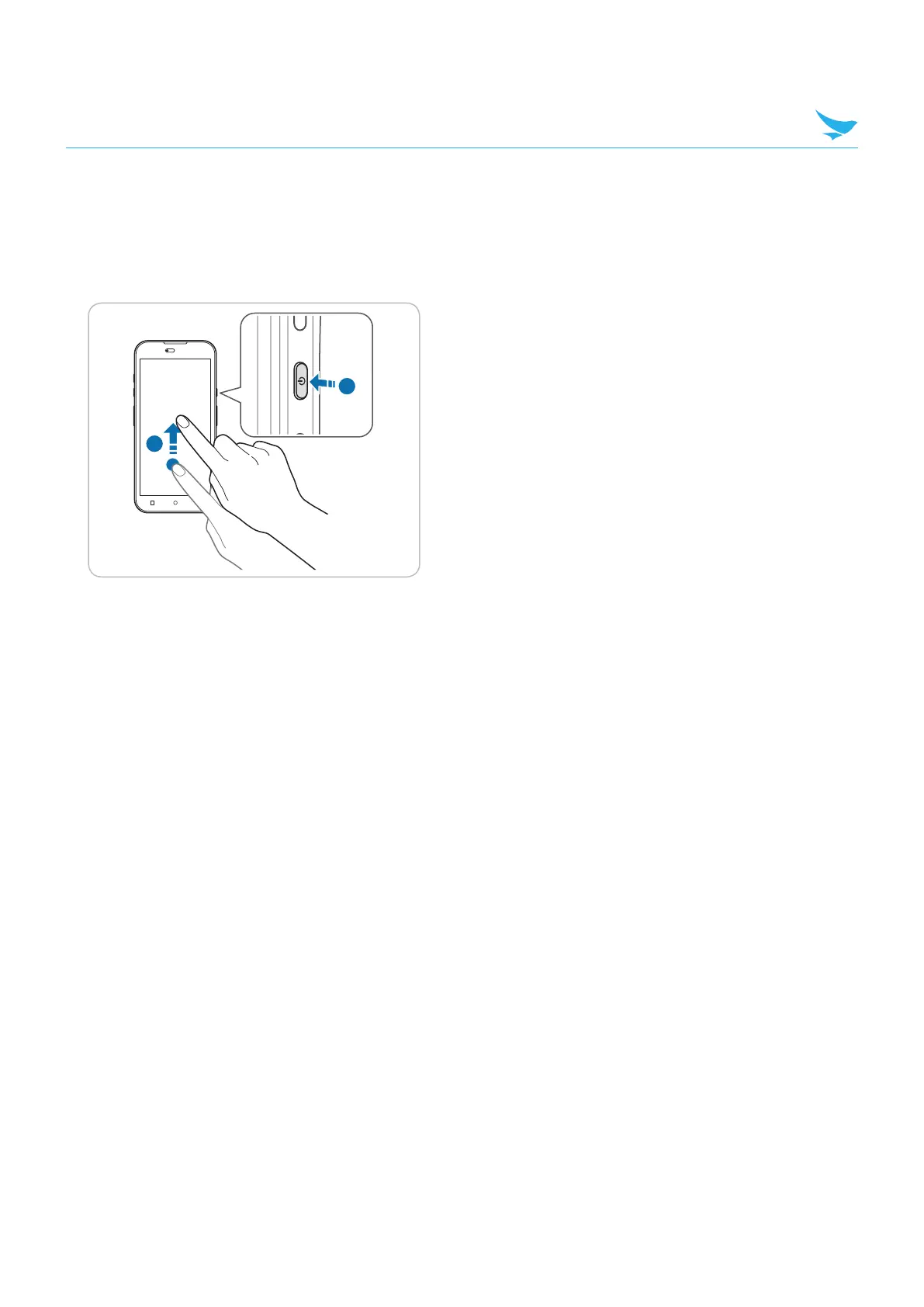
5.5 Locking and Unlocking the Device
Lock the screen to protect your device and its data.
The device locks if it is not in use for a specified period by default. To unlock the device, press the Power
button to turn on the screen and drag upward from the bottom of the screen.
1
2
You can increase security by creating a screen pattern, a PIN, or password. For more information about how
to configure and change screen lock settings.
5.6 Introduction
This chapter explains the buttons, status icons, and controls on the device, and provides basic instructions
for using the device including resetting the device and entering data.



 To Next Page