7 Applications
54
Icon Description
YouTube : Use to view videos on the YouTube ™ web site. GMS/GMS-Restricted
only.
YT Music : Use to listen to music. GMS/GMS-Restricted only.
7.2 Barcode
The VF550 includes a 2D barcode scanner. To use the barcode scanning function,
1
On the Home screen, tap
> .
2
Tap Open to start scanning the barcode.
3
Press the Right or Left button. A red laser will come from the top of your device.
4
Aim the red beam across the barcode you want to scan.
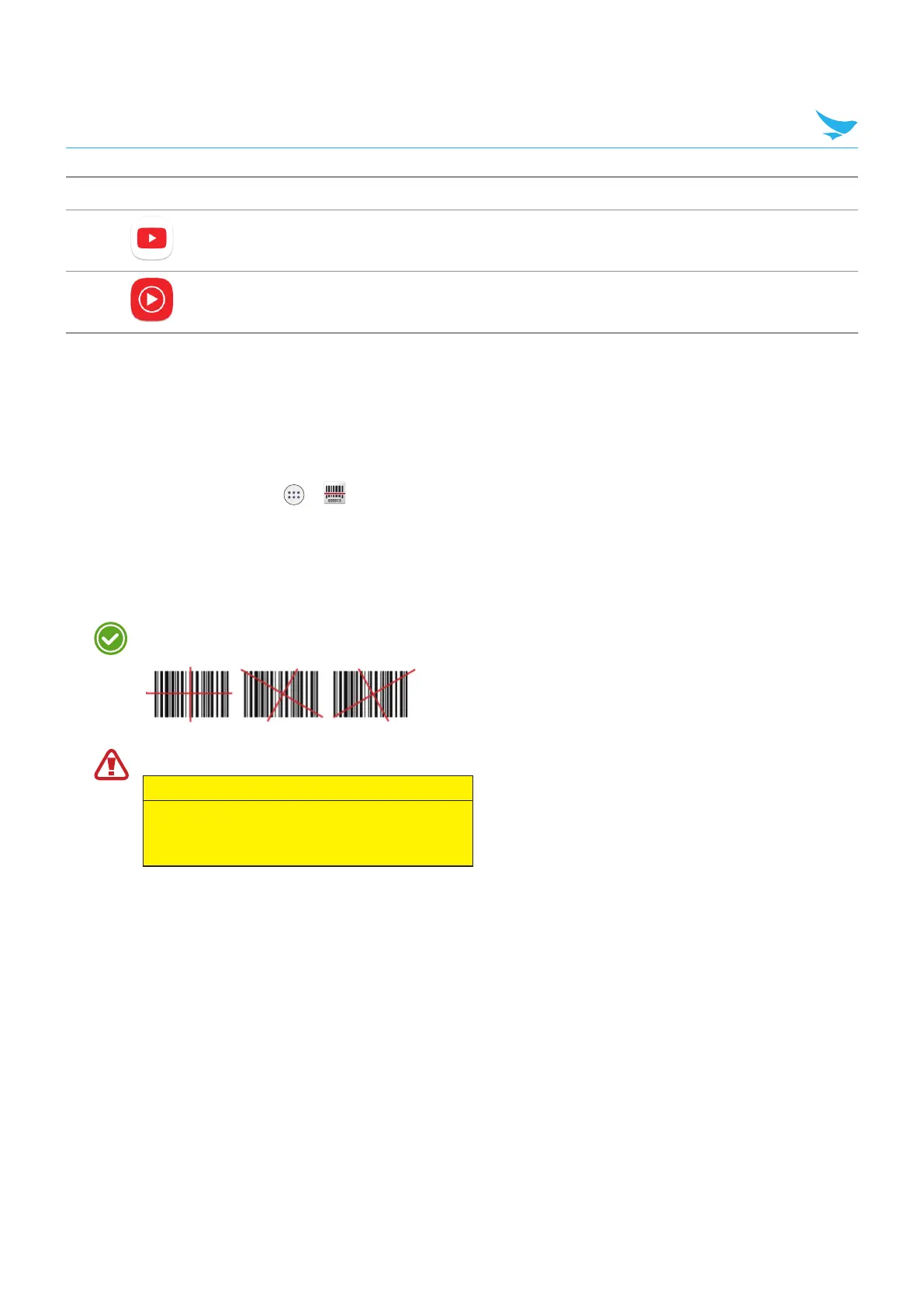
When scanning, maintain a distance of about 10 cm or 4 in. for the best result and aim it at an
appropriate angle as shown the following image.
Do not stare into the LED aimer of the barcode scanner. It may injure your eyes.
RISK GROUP 2
CAUTION
Possibly hazardous optical radiation
emitted from this product
When the barcode is scanned successfully, you can hear a beep sound and the results will appear on the
screen.



 To Next Page