5 Using the Device
36
5.23 Un-Locking the Screen
Use the Lock screen to protect access to data on the device. Some email accounts require locking the
screen. Refer to the device Integrator Guide for information on setting up the locking feature.
When locked, a pattern, PIN, or password is required to unlock the device. Press the Power button to lock
the screen. The device also locks after a pre-defined time-out.
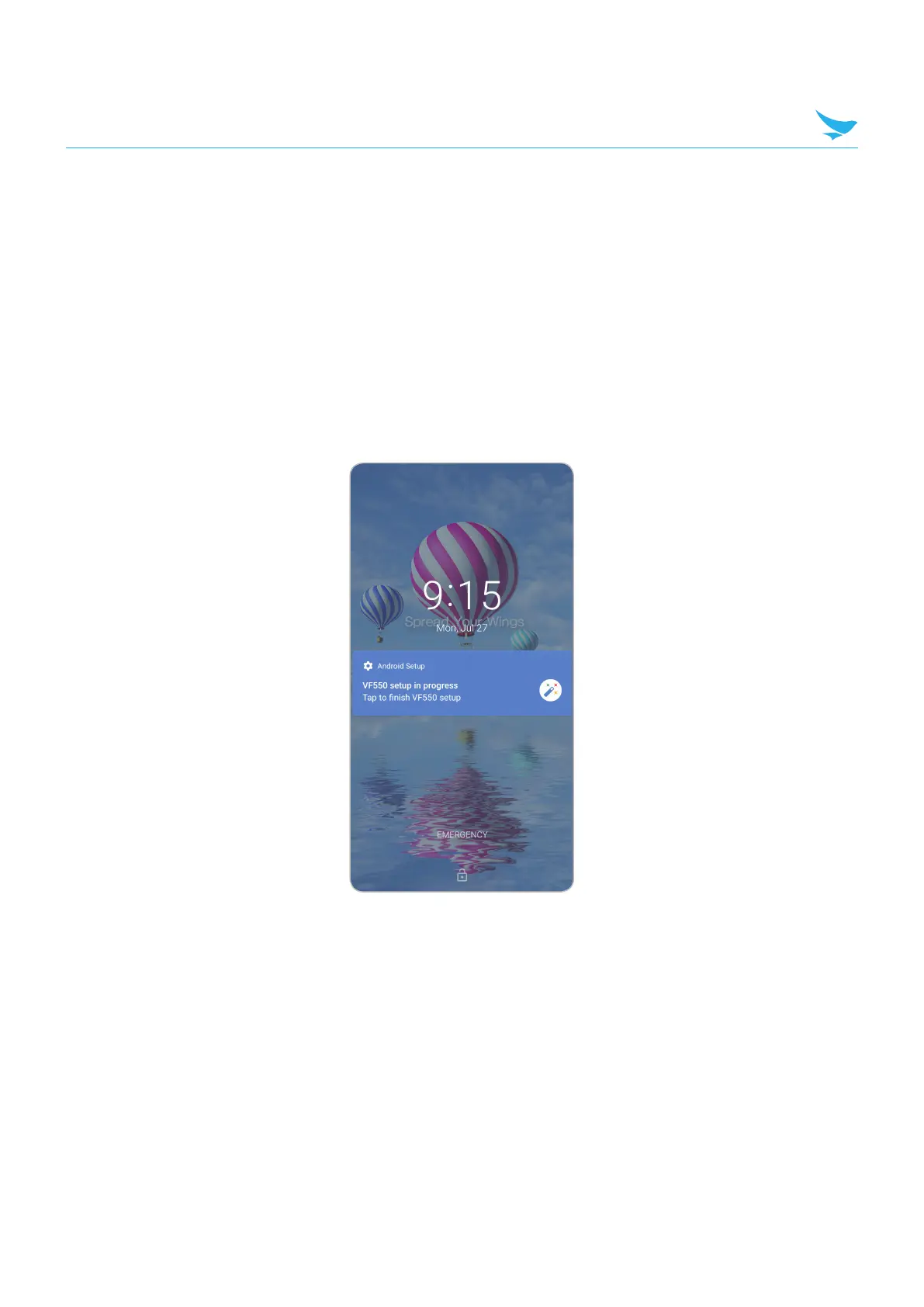
Press and release the Power button to wake the device. The Lock screen displays. Swipe the screen up
to unlock. If the Pattern screen unlock feature is enabled, the Pattern screen appears instead of the Lock
screen. If the PIN or Password screen unlock feature is enabled, enter the PIN or password after unlocking
the screen.
Lock Screen



 To Next Page