6 Calls
49
6.9 Making a Call Using a Bluetooth Headset
To make a call using a Bluetooth headset:
1
Pair the Bluetooth headset with the device.
2
Press the Call button on the Bluetooth headset.
3
Press the Call button on the Bluetooth headset to end the call.
6.10 Answering Calls
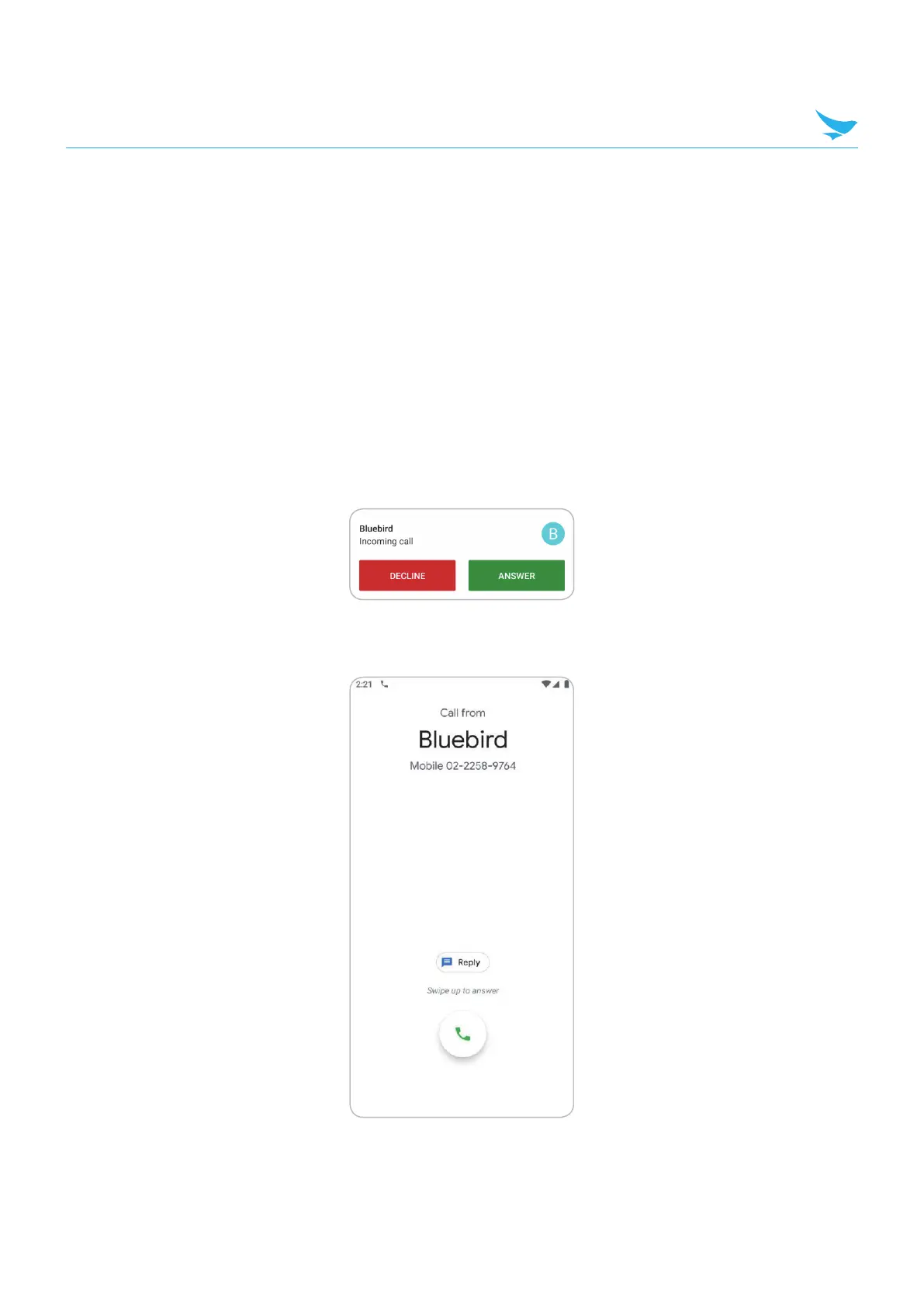
When receiving a phone call, the Incoming Call screen displays the caller ID and any additional information
about the caller that is in the Contacts app.
Touch ANSWER to answer the call or DECLINE to send the caller to voice mail.
If the screen lock is enabled, the user can answer the call without unlocking the device.



 To Next Page