5 Using the Device
20
5.4 Using the Touchscreen
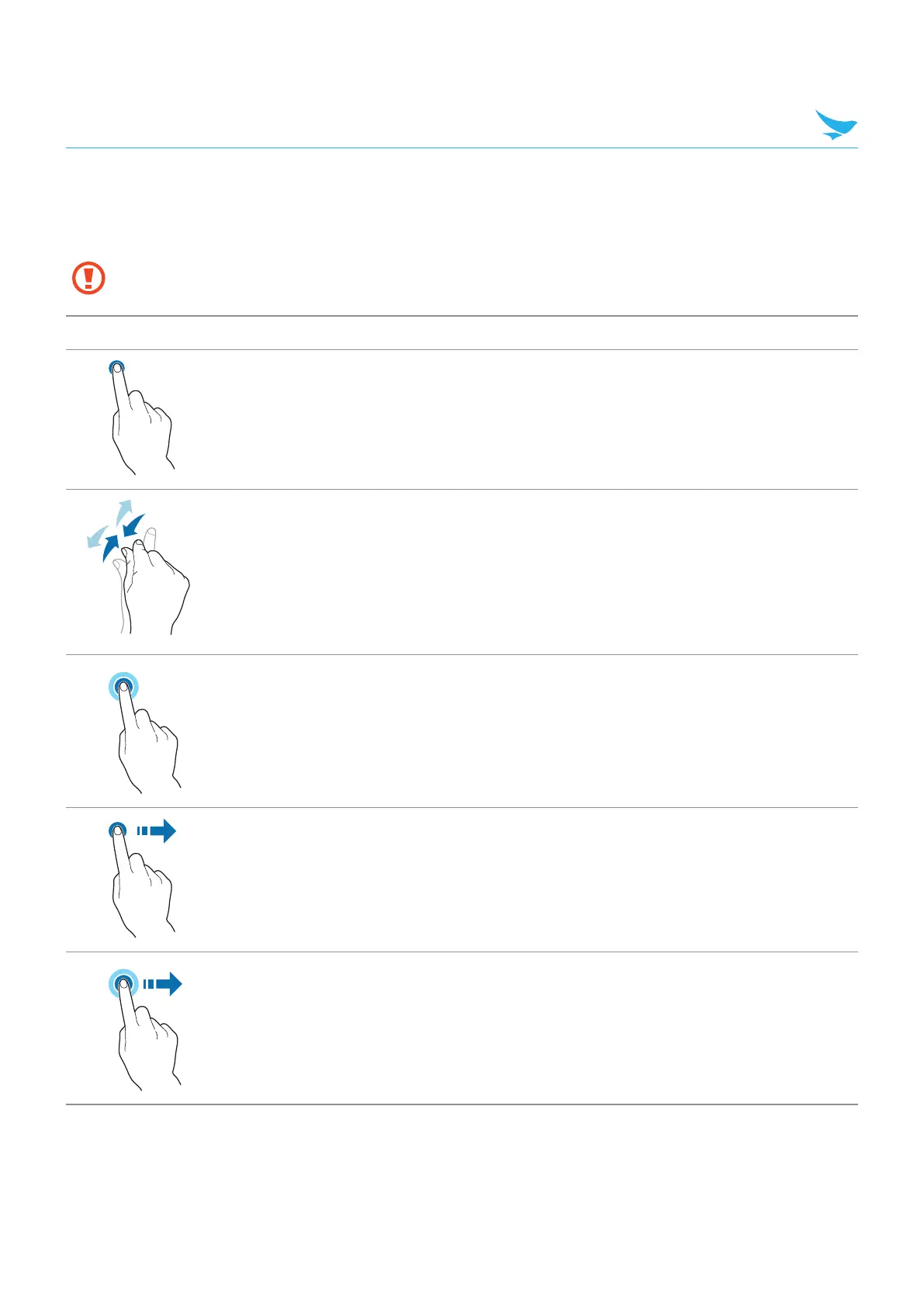
Use finger gestures to use the touchscreen effectively.
• Do not touch the screen with any sharp objects.
• Do not apply too much pressure to the touchscreen.
Gesture Name Description
Tap Briefly touch an item to open, launch, or select it.
Zoom in or out
Place two fingers on the screen and spread them apart to zoom
in. Pull the fingers together to zoom out. You can also double-
tap the screen quickly to zoom in or out.
Tap and hold
Touch an item or the screen for a few seconds to access more
detailed menus or options.
Swipe
Touch the screen and quickly flick in any direction to scroll
through menus or pages.
Drag
Touch an item or the screen for a few seconds and move your
finger around the screen to move the item or move through
screens.



 To Next Page