6 Calls
46
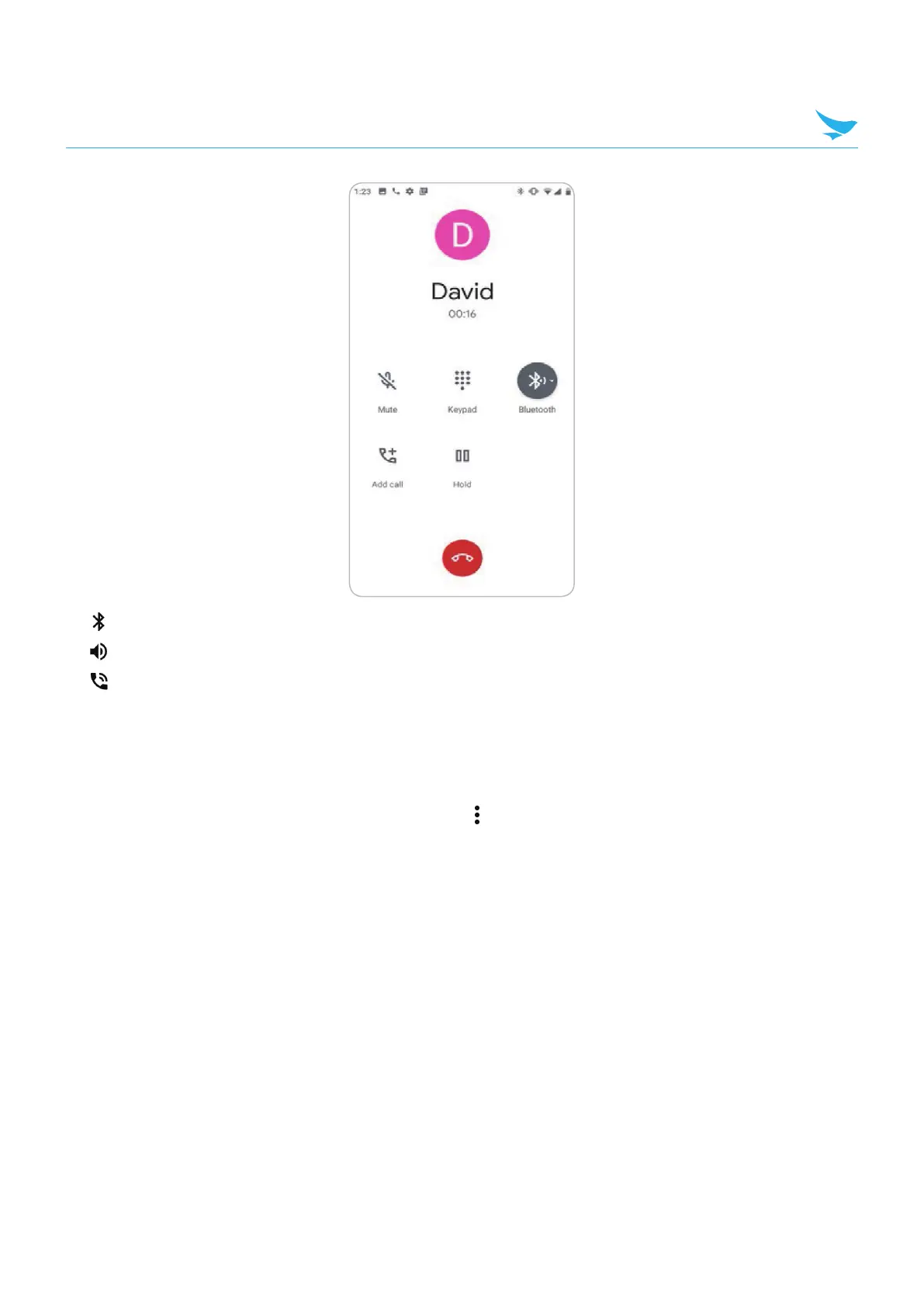
• : Audio is routed to the Bluetooth headset.
•
: Audio is routed to the speakerphone.
•
: Audio is routed to the earpiece.
6.7.1 Dialer Dialing Options
The dialer provides options to save the dialed number to contacts, send an SMS, or insert pauses and wait
into the dial string.
Enter at least one digit to access these options. Touch
to access the following.
• Add 2–sec pause : Pause the dialing of the next number for two seconds. Multiple pauses are added
sequentially.
• Add wait : Wait for confirmation to send the rest of the digits.



 To Next Page