7 Applications
58
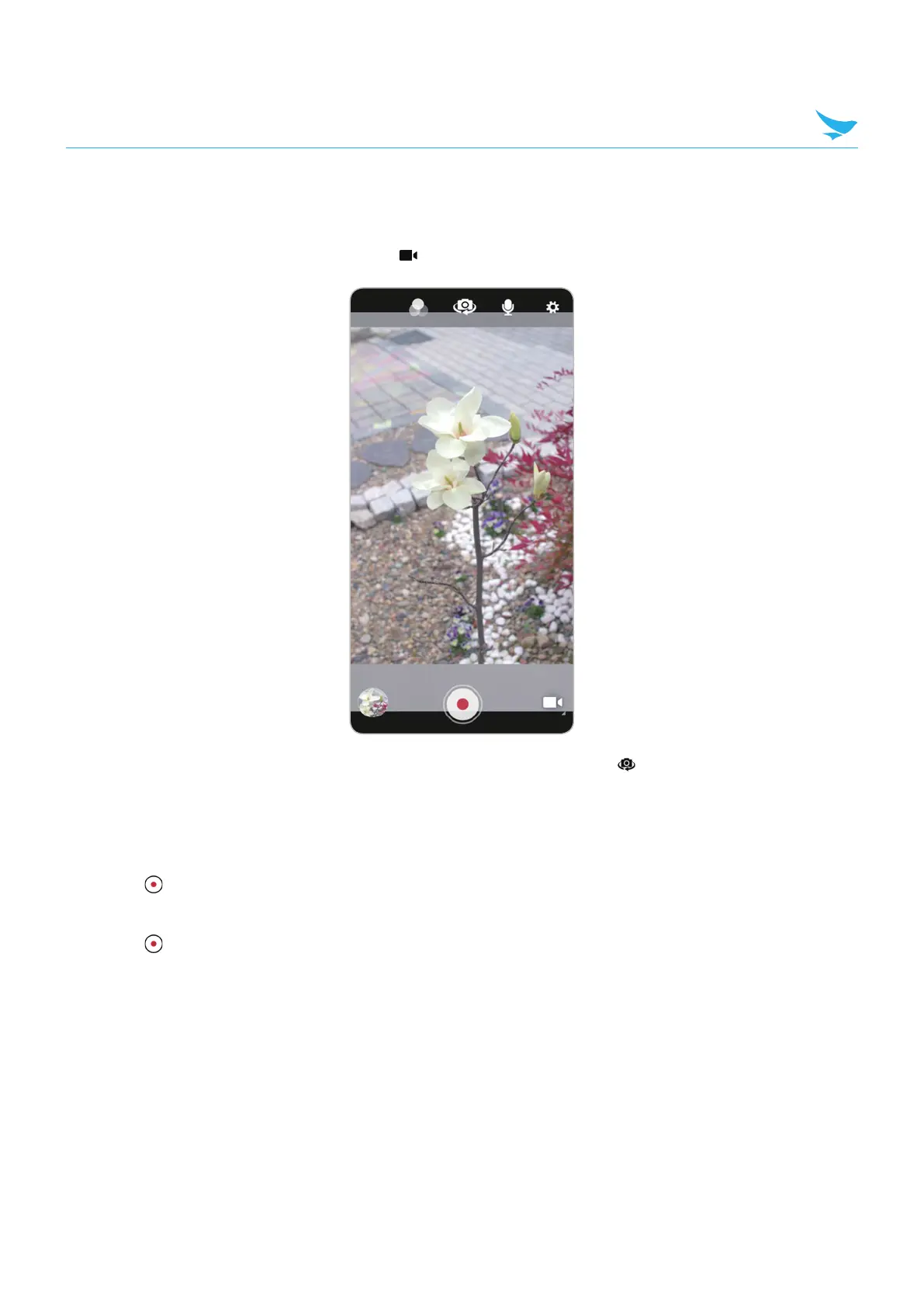
7.5.3 Recording Videos
1
Swipe up from the bottom of the Home screen and touch Camera.
2
Touch the camera mode menu and touch .
3
To switch between the rear camera and front camera (if available), touch .
4
Point the camera and frame the scene.
5
To zoom in or out, press two fingers on the display and pinch or expand fingers. The zoom controls
appear on the screen.
6
Touch to start recording.
The video time remaining appears in the top left of the screen.
7
Touch to the end recording.
The video momentarily displays as a thumbnail in the lower left corner.



 To Next Page