5 Using the Device
27
5.11 Managing Notifications
Notification icons report the arrival of new messages, calendar events, alarms, and ongoing events. When
a notification occurs, an icon appears in the Status bar with a brief description. See Notification Icons for
a list of possible notification icons and their description. Open the Notification panel to view a list of all the
notifications.
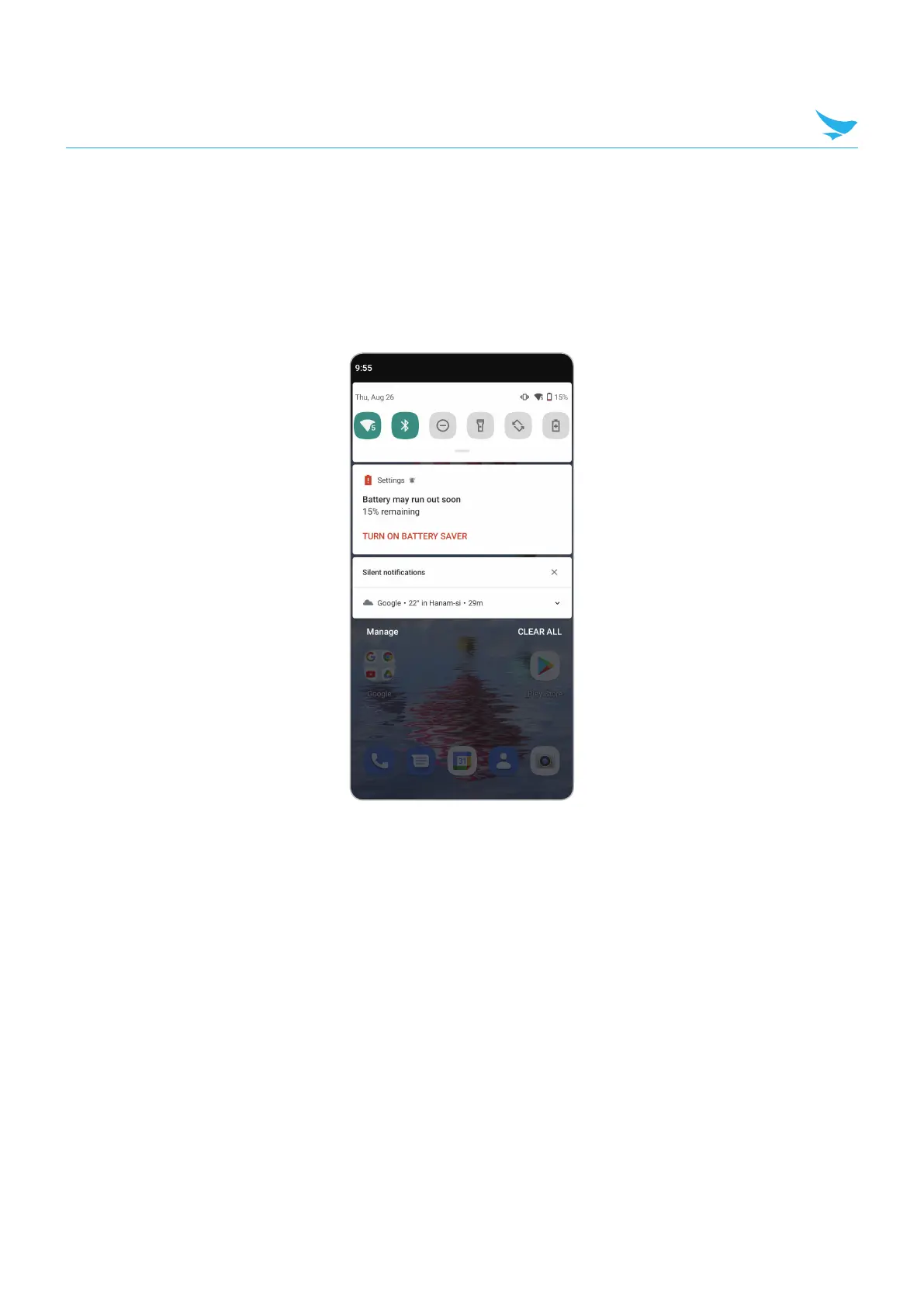
To open the Notification panel, drag the Status bar down from the top of the screen.
To respond to a notification, open the Notification panel and then touch a notification. The Notification panel
closes and the corresponding app opens.
To manage recent or frequently used notifications, open the Notification panel and then Touch the text titled,
"Manage". Touch the toggle switch next to an app to turn off all notifications, or touch an app for more
notification options.
To clear all notifications, open the Notification panel and then touch CLEAR ALL. All event-based
notifications are removed. Ongoing notifications remain in the list.
To close the Notification panel, swipe the Notification panel up.



 To Next Page