5 Using the Device
26
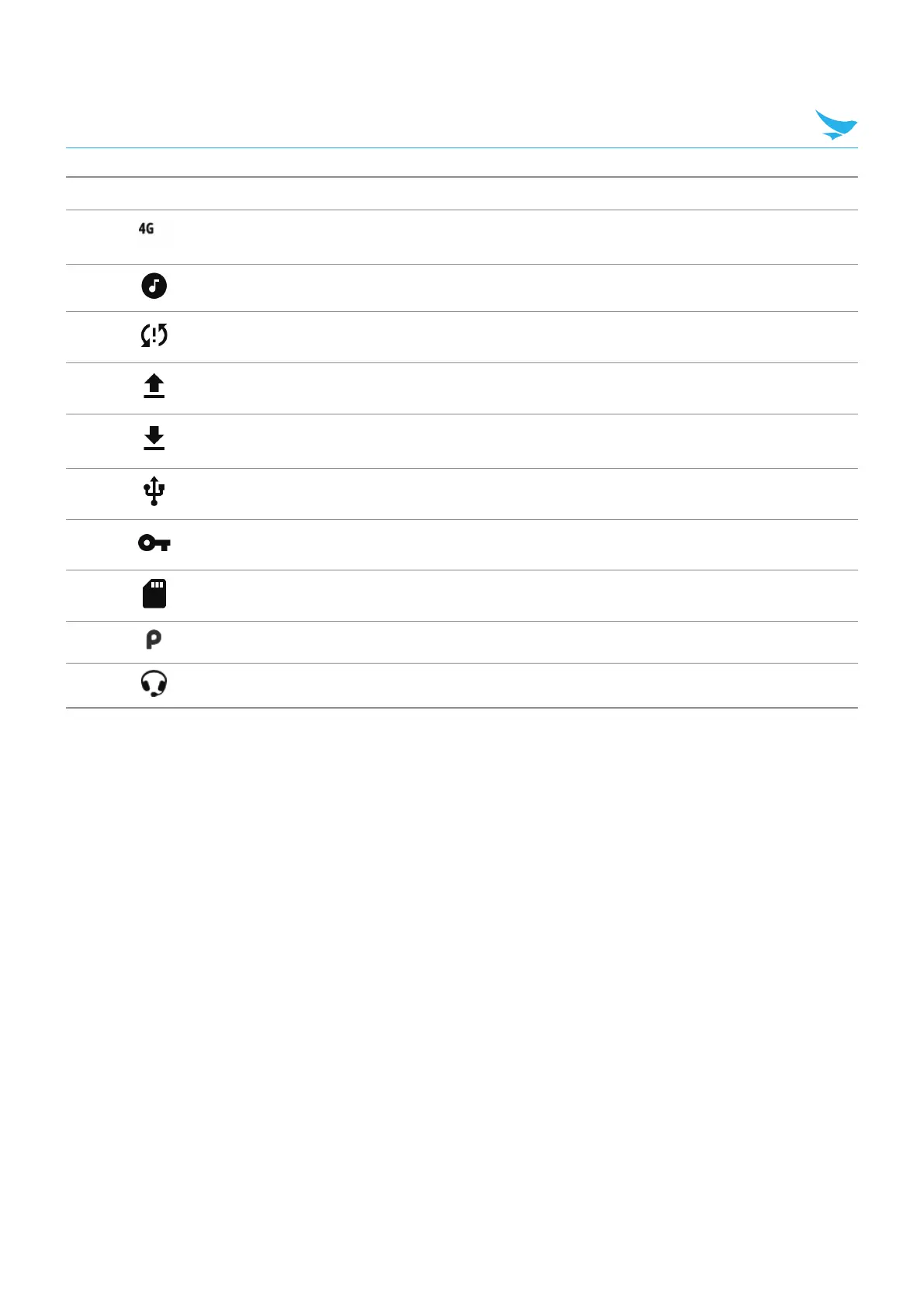
Icon Description
Connected to a DC-HSPA, HSDPA, HSPA+, HSUPA, LTE/LTE-CA or WCMDMA
network (WWAN only)1.
Song is playing.
Problem with sign-in or sync has occurred.
Device is uploading data.
Device is downloading data when animated and download is complete when
static.
Device is connected via USB cable.
Device is connected to or disconnected from virtual private network (VPN).
Preparing internal storage by checking it for errors.
USB debugging is enabled on the device.
Headset is connected to the device.
1) Cellular network icon that appears is dependent upon the carrier/network.



 To Next Page