5 Using the Device
39
5.23.1 Smart Lock
Keep the device unlocked in some situations, like when the device is in your pocket or near a specific
location. With Smart Lock, the user will not need to unlock the device with a PIN, pattern, or password.
To enable Smart Lock:
1
Ensure that a screen lock feature (PIN, pattern, or password) is enabled.
2
Swipe down from the Status bar to open the Quick Settings bar and then touch .
3
Touch Security > Smart Lock.
4
Enter the PIN, pattern, or password to continue.
5
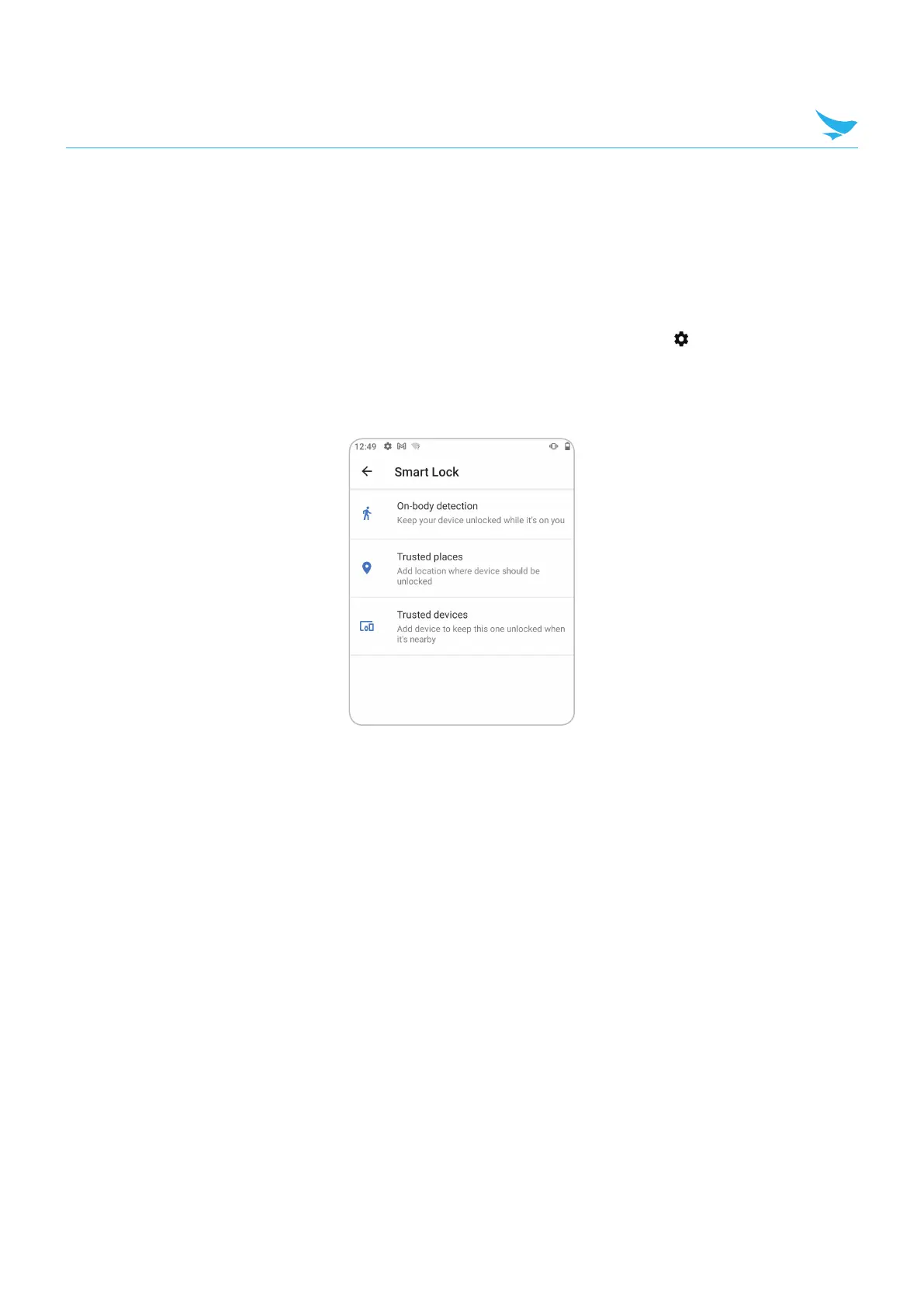
Select one of the options:
• On-body detection
• Trusted places
• Trusted devices
6
Follow the on-screen instructions for setting up each option.



 To Next Page