APPENDIX C – LEMUR-2, Lemur-2K OR Lemur-2P
Ticket Load Procedure for a Lemur-2 Series Printer
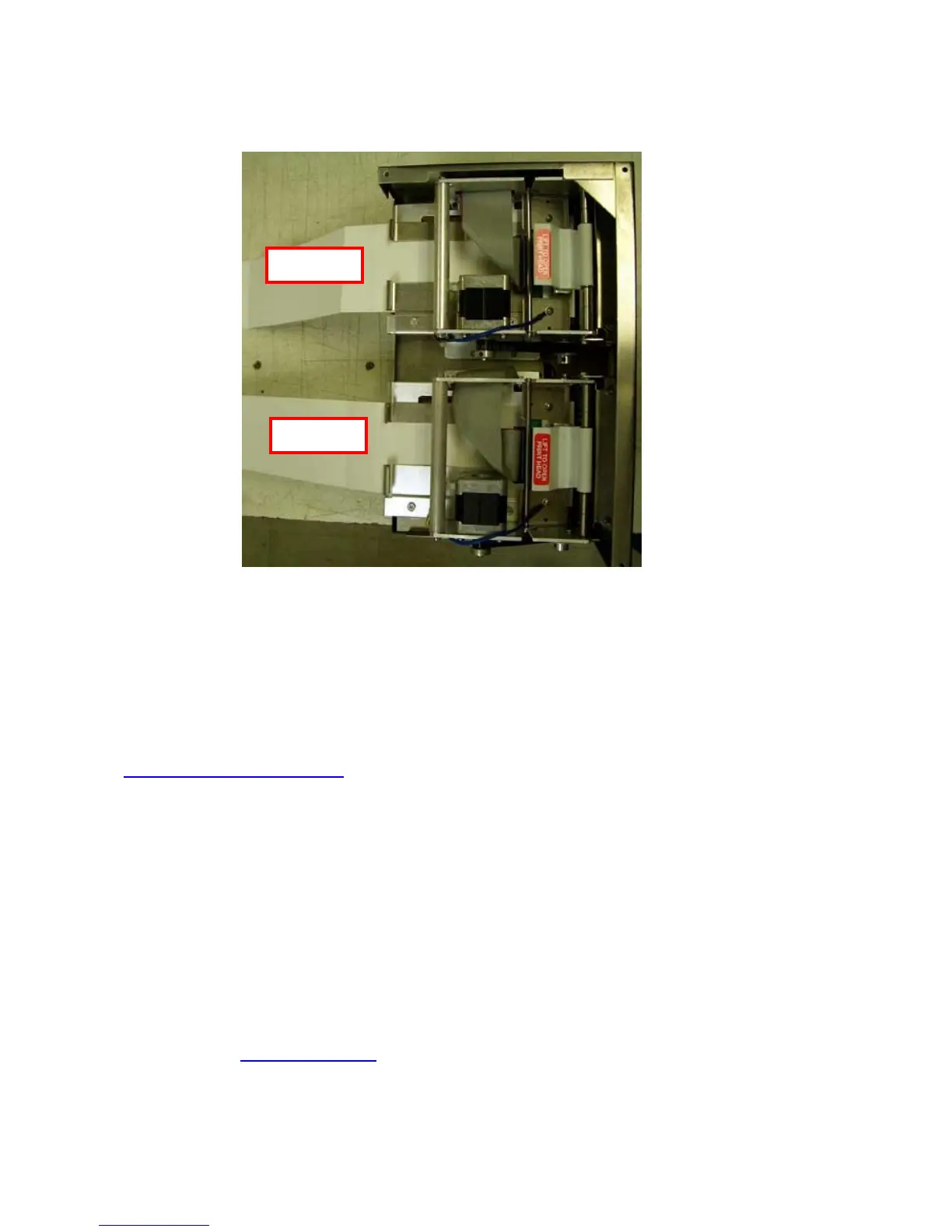
Your printer may vary from the above photo
Turn the printer on and wait five seconds. If your printer has an optional LCD then it will display
PAPER OUT (the red CHECK PAPER led will be illuminated). Begin loading the tickets through the
entrance slot of path #1 with a smooth motion until it stops. At this point the printer should
automatically grad and positions the ticket. Once path #1 had been loaded, you then can load path
#2 the same way. Both paths need to be loaded in order for the printer to work properly.
Section 5.0 Ticket Load Procedure will provide information on how the stock should be loaded into
the entrance slots.
After the ticket is automatically positioned (the READY LED will be illuminated), press the TEST
button located on the control panel to print a test ticket. The first ticket will print out on path #2 and
when you press the TEST button a second time the ticket will print out on path #1.
Which side the printer prints on is controlled by the data being sent from you host computer.
Click here to return to > Table of Contents



 To Next Page