APPENDIX I – CONFIGURE WI-FI CONNECTION
To use the wireless capabilities of a printer equipped with the optional 802.11b wireless interface (Wi-
Fi), it will first be necessary to setup the printer with information and security settings that match the
settings of the wireless server/router you are connecting to.
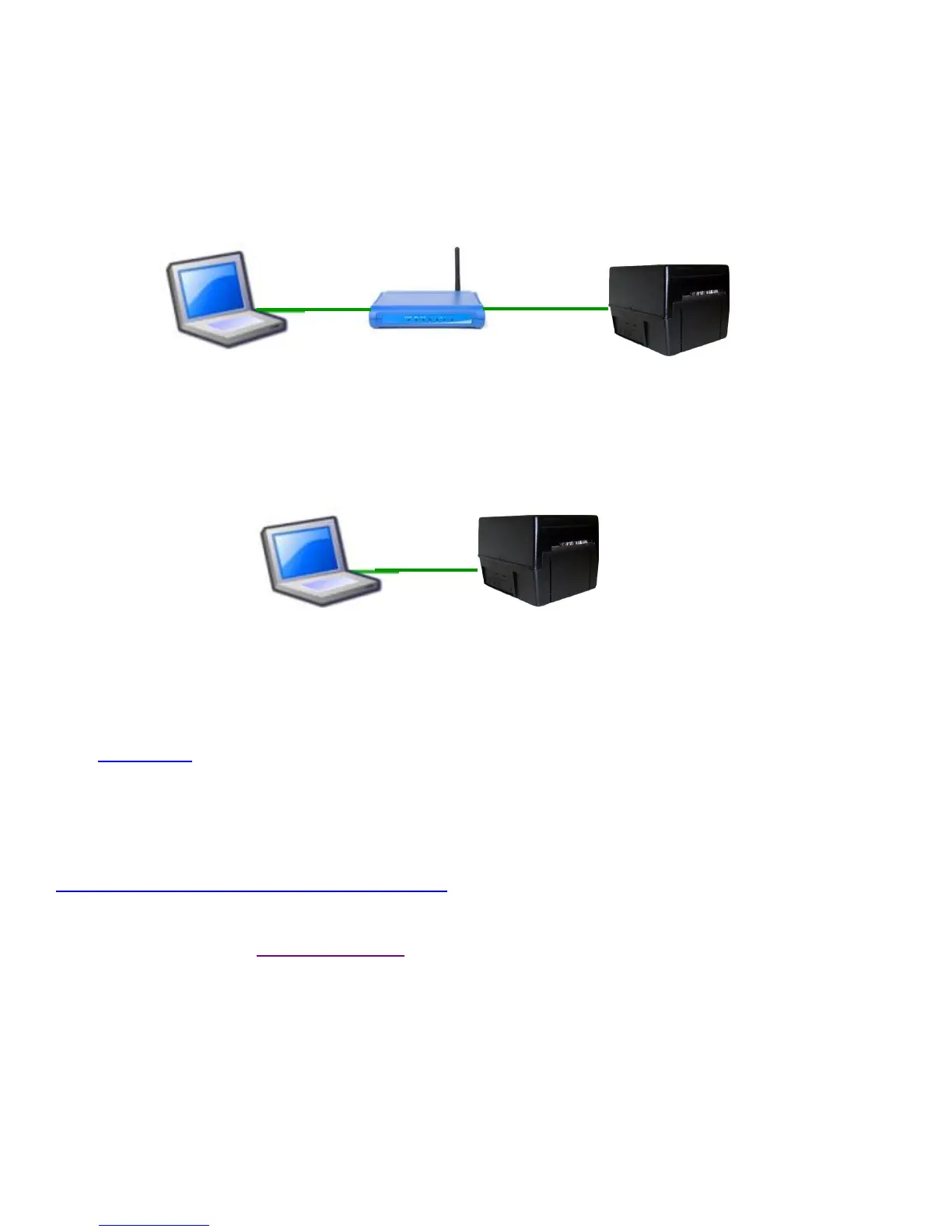
Our Wi-Fi printer is designed to work with a wireless router.
A Wi-Fi printer with firmware level FGL-46M32 or HP-46M32 and up will also support wireless peer-
to-peer / Ad-Hoc mode. This mode is a method for wireless devices to directly communicate with
each other. Operating in ad-hoc mode allows all wireless devices within range of each other to
discover and communicate in peer-to-peer fashion without involving central access points (including
those built in to broadband wireless routers).
For FGL-46M32 or HP-46M32 and Higher ONLY
To initially configure the wireless settings it will be necessary to connect to the printer via the Parallel,
RJ12, USB or Ethernet (if so equipped) interface using a Windows or MAC based system.
This may be done using our Configure and Test program for Windows or Customer program for MAC
(see Appendix F). After installing the necessary program, click on the blue “Check For Update”
button to acquire any recent modifications to the tool. Once the program is running click on the blue
Help button. Scroll down a little to get to the “Select Printer Operations” and choose “Setup Wi-Fi
Connection” for step by step instructions.
Please go to the link below if you need assistance in configuring your Wi-Fi connection.
www.bocasystems.com/onlinesupportform.html
Click here to return to > Table of Contents



 To Next Page