APPENDIX D – LEMUR-R
Ticket Load Procedure
Turn the printer on and wait five seconds. If your printer has an optional LCD then it will display PAPER OUT (the
red CHECK PAPER led will be illuminated).
You need to make sure the leading edge (first part that is feed into the printer) has a nice clean edge. Not
crumpled or tape stuck to it.
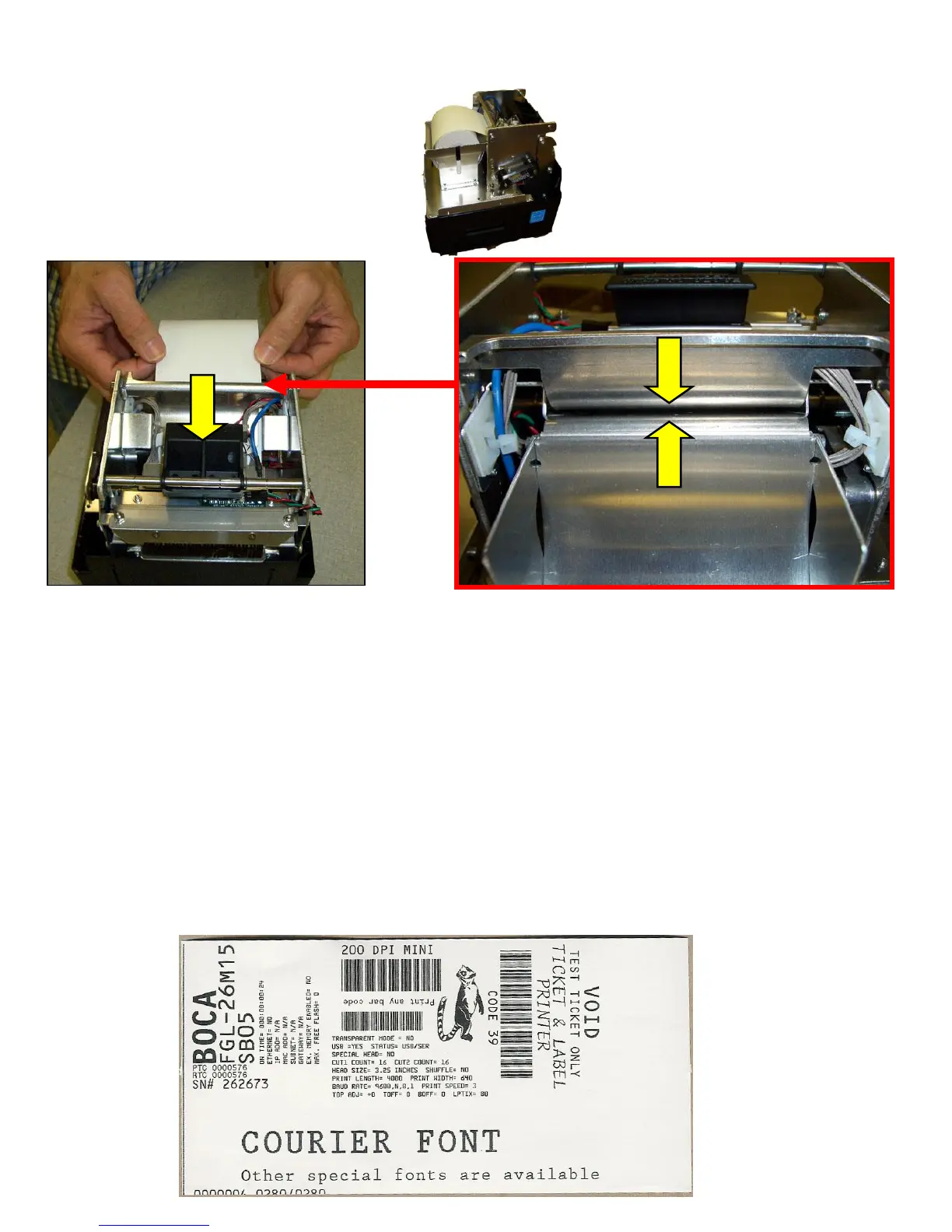
Begin loading the tickets through the entrance slot with a smooth motion until it stops. At this point the printer will
automatically grad and positions the receipt paper.
After the ticket is automatically positioned (the READY LED will be illuminated), press the TEST button located on
the control panel to print a test ticket. The printer is configured when it leaves the factory to be particle cut the
receipt. Self-test printout should look similar to the image below.
Printer is now ready for operation.



 To Next Page