1.0 Introduction
The Lemur series printers are direct thermal ticket printers that may be purchased with optional integrated
cutting mechanism and LCD display. This manual will provide the user with general information regarding
printer set-up, configuration and troubleshooting. Please read the important safety information section before
installation is conducted. Review the programming guide for additional details.
2.0 Unpacking the Printer
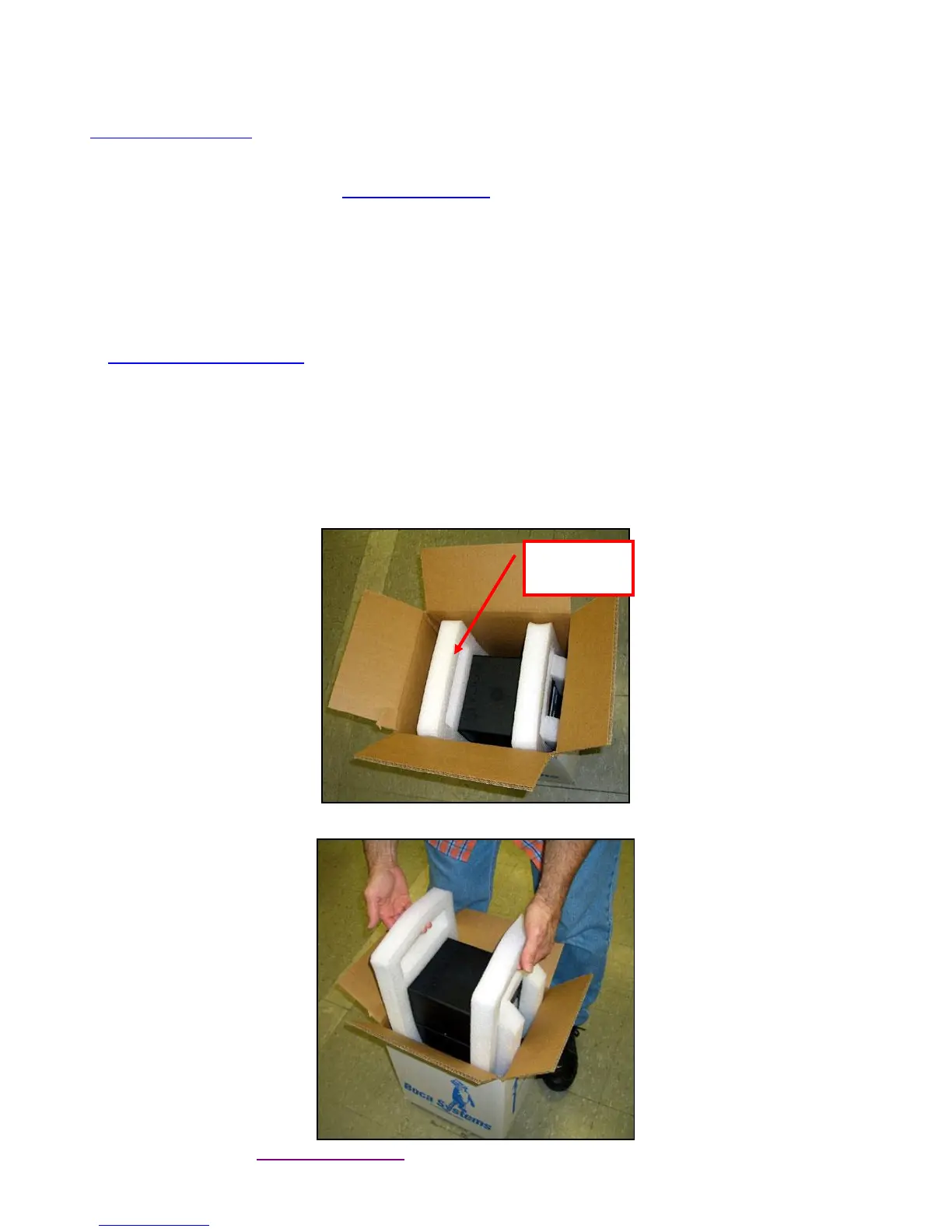
The printer is shipped in a ruggedized container. Please save packing material for future use. Remove the
printer and accessories from the box and inspect for obvious damage. If damage is noticed, please report it
immediately to BOCA.
Email: cathy@bocasystems.com Tel: (561) 998-9600 Fax: (561) 998-9609
The following items should be in the box:
a) Ticket Printer
b) Hopper (if applicable)
c) AC power cord
d) Interface cable (optional)
e) Mounting Plate (optional)
Click here to return to > Table of Contents



 To Next Page