21
P073GUI001 - e-Celsius Medical Connect System User Manual.4 - EN
and to regularly check on the watch display that the communication with the capsule is not interrupted. An
indicator (see symbols CF ) may be displayed indicating that the last data collected from this capsule is
more than 15 minutes old (i.e. 30 communication attempts).
As the storage capacity of each capsule is limited to 2000 data, communication between the capsule and
the associated watch must be re-established within a maximum of 15 hours, otherwise part of the collected
data will be lost denitively (the automatic synchronization between capsule and watch may take several
minutes depending on the number of data to be recovered).
The indications available on the watch
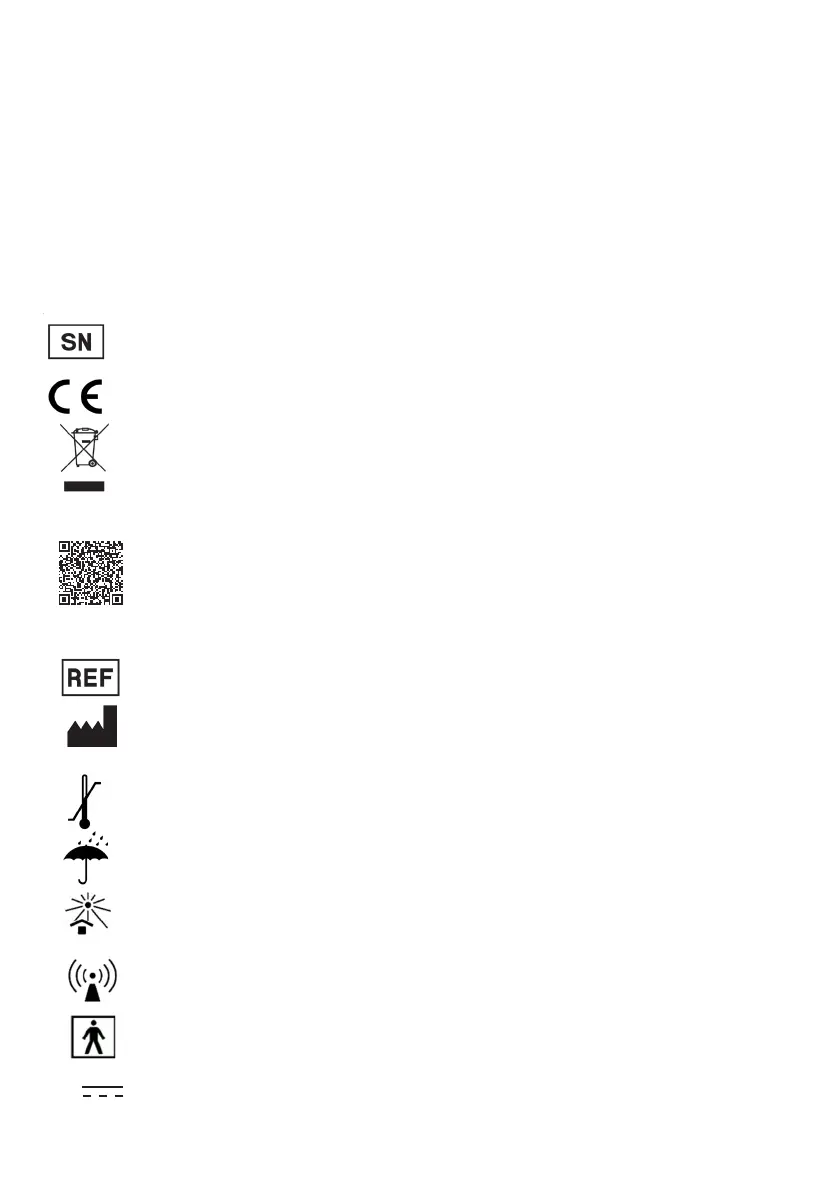
The rear shell contains the following symbols of the NF EN ISO 15223-1 standard:
Serial number"
A QR code with the following information:
BodyCAP Gateway
Ref: P110
SN: XXXX
Year of manufacture: AAAA
https://www.bodycap-medical.com/
XXXX
"CE marked medical device"
Do not dispose of the device with municipal waste (> Precautions for use - page 6 )
"Keep dry"
"Keep out of sunlight"
"Catalog reference"
"Manufacturer" + Year of manufacture (YYYY)
"Storage temperature limit"
AAAA
"Radiated RF disturbances"
The label on the box contains the following symbols:
"Applied part type BF"
"Input: 5V"
5V



 To Next Page