25
P073GUI001 - e-Celsius Medical Connect System User Manual.4 - EN
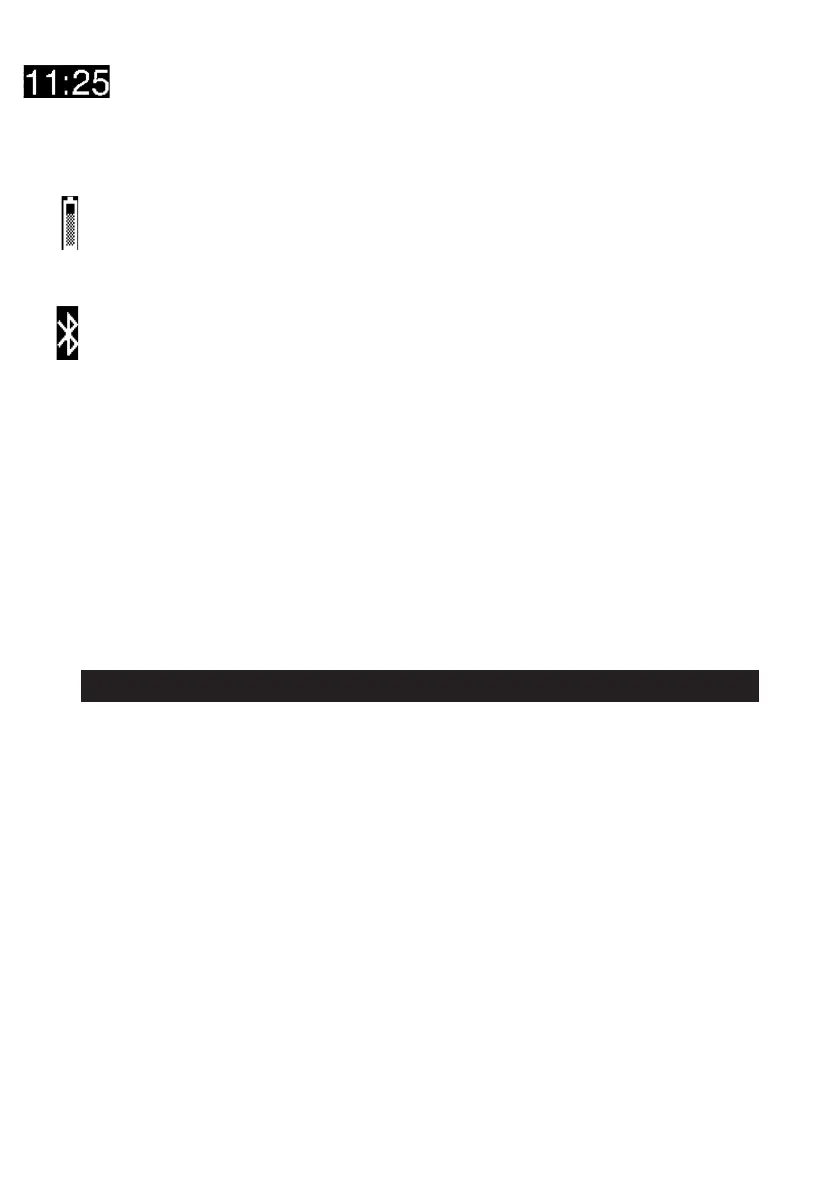
Time display (24h or 12h format)
If the symbol --- appears instead of the time, it is necessary to reconnect to the e-Celsius Mobile
to send a date and time reference.
The application will send to the watch the 12 or 24h format according to the settings applied on
the mobile object.
Battery level: the gauge gives an idea of the battery level of the watch. An exclamation mark
appears if the level becomes low and the corresponding alarm is triggered.
A plug symbol appears if the system is being charged.
BLE connection activated: the watch is connected to an Android device in real time. The symbol
disappears if the watch has no more active real time BLE connection.
Error messages may appear before the time is displayed. It is recommended to contact the
service if an internal error (Err int.) is mentioned.
Specic messages related to the current action may also appear:
* Associat. BLE + code: see BLE pairing process (long press on button 2)
* Associated BLE: Message displayed if the BLE pairing was successful
* BLE failure: Message displayed if the BLE pairing fails
* Add marker: Message displayed when adding a marker manually (long press on button 1)
* Goodbye! Message displayed in case the watch is turned off (via e-Celsius Mobile)
* Update: Message displayed if you are updating your watch software (via e-Celsius Mobile)
The e-Celsius Mobile application can be installed on a tablet or Android mobile device (see § Installation
P24). The application is used for:
* Set up the watch (time, information, channel etc...)
* Guide the user through the steps of activation, deactivation and pausing the capsules
* Collect real-time and synchronized data available in the watch's memory
* Display data in real time (numeric or graphical)
* Visualize technical or physiological alarms (symbols, notications)
* Store & Visualize former capsule data
The e-CELSIUS MOBILE APPLICATION



 To Next Page