20
P073GUI001 - e-Celsius Medical Connect System User Manual.4 - EN
The OK button is used to start the activation procedure.
The activation procedure is detailed in the Main functions menu > Associate a capsule - page 27.
A green LED is positioned on the top of the activator. This LED is continuously switched on when the
activator is powered and ashes throughout the activation process.
During this period, the capsule must remain positioned in the activator's hole.
THE BOUTON
THE LED
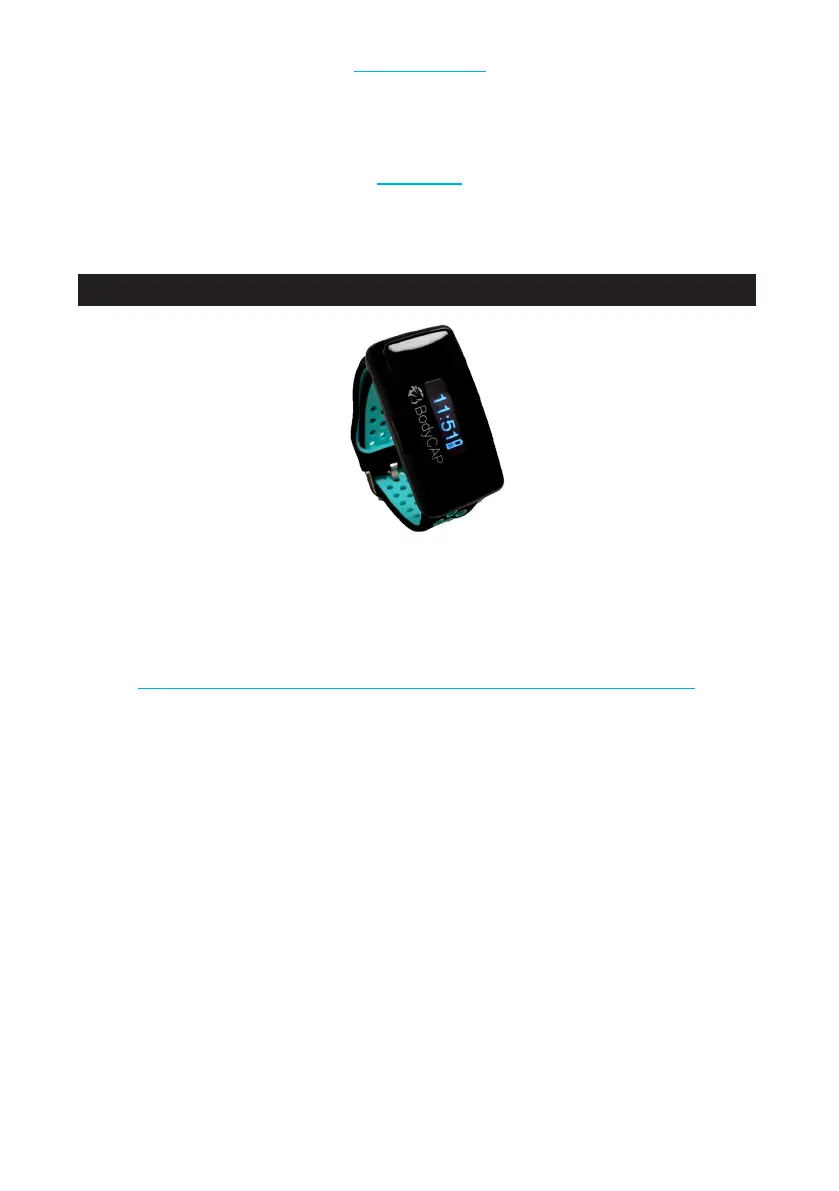
The e-Med Connect watch is designed to communicate via RF with the e-Celsius® Medical capsule to
recover and store temperature data.
Figure 5: e-Med Connect
The battery
The e-Med Connect watch (Fig. 5) includes a Lithium-ion battery.
The watch must not be disassembled under any circumstances; the battery must not be disconnected or
thrown into a re.
To charge the watch, please use only the dedicated cable provided by the manufacturer.
Cleaning
The cleaning of the watch must be done according to certain instructions. It is possible to clean your e-Med
Connect watch with a hydro-alcoholic wipe in order to control the moisture content. Under no circumstances
should the e-Med Connect watch be autoclaved, otherwise it may be permanently damaged.
Maintenance
It is strictly forbidden to open the e-Med Connect watch. If a malfunction or defect is found, please contact
your distributor or BodyCAP (contact details at the end of the user manual).
RF (Radio Frequency) communication
In operation, the watch should be worn on the wrist of the patient who has ingested an e-Celsius Medical.
IIt is recommended to be vigilant in environments with high metallic stress (reinforced concrete wall...)
THE e-MED CONNECT WATCH
IMPORTANT INFORMATION AND SAFETY INSTRUCTIONS



 To Next Page