Front panel
8 of 29
JUD408312 Rev.B JSE410920 22/07/08
A38 INV Æ LOAD
= Active only in ECO-MODE
Inverter feed load
3. LCD DISPLAY MANAGEMENT
3.1 DEFAULT
>> B8031 << >> B8033 <<
xxx kVA xxx kVA
XXX V XXX YYY ZZZ V
1Ph UPS
3Ph UPS
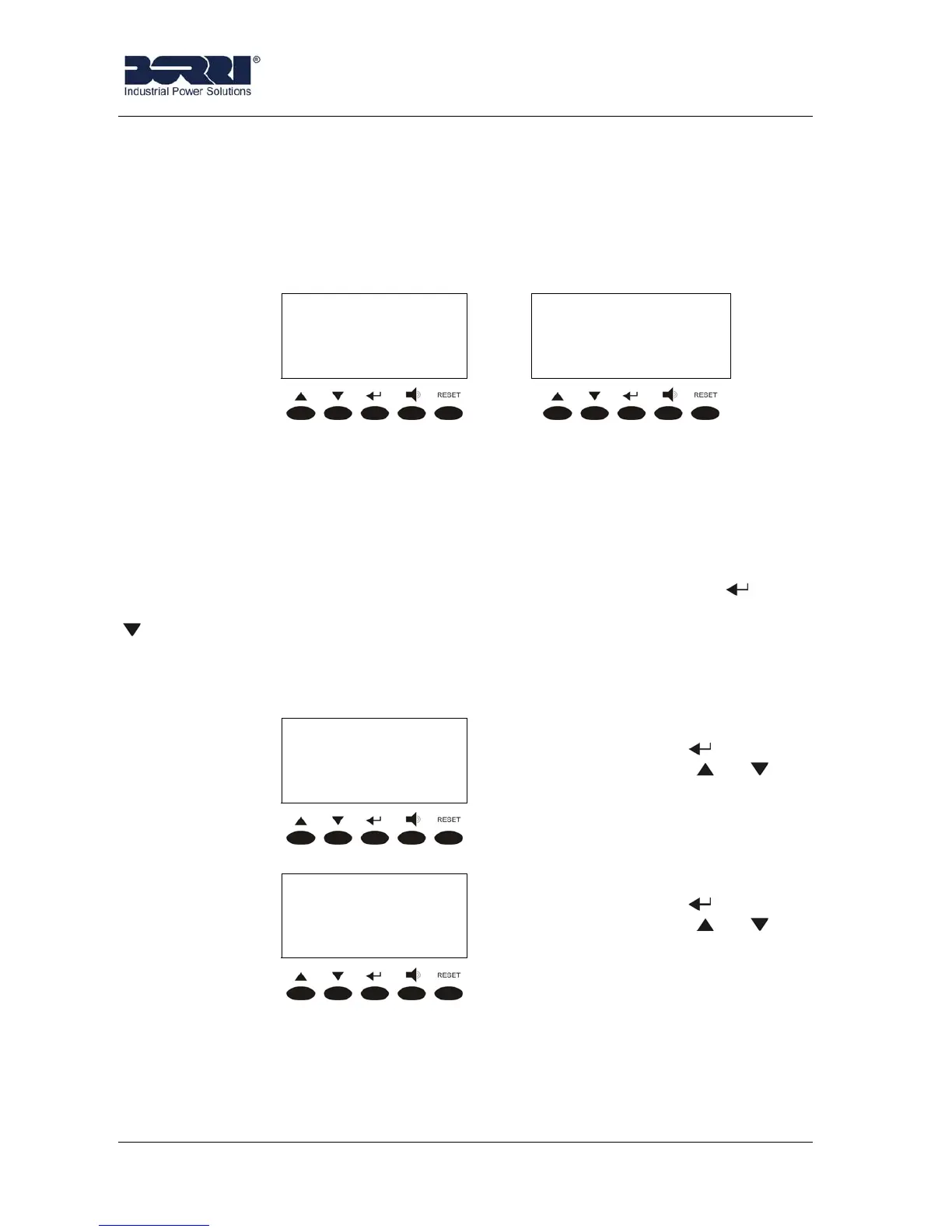
The default screen appears on the LCD panel when the UPS is in normal operation
(with no alarm present); it shows the name of the UPS, the nominal power and the value
of the output voltage.
Pressing a key the main menu, with all the functions and parameters, is accessed
After 5’ during which no key is pushed, if there isn’t any alarm and the battery is not
in discharge mode the Default screen is shown again. If you press the key on this
menu, the output currents first and then time and the date are shown. If you press the
key you enter in the following menu.
3.2 MAIN MENU
The screen of the main menu, equal for 1Ph and 3Ph UPS’s, appears as follows.
< NAME >
MEASURES
MEASURES menu. It is accessed
pressing the key
(see 3.3),
pressing the keys
or the
other menu are scrolled down.
< NAME >
ALARMS
LARMS menu. It is accessed
pressing the key (see 3.4),
pressing the keys or the
other menu are scrolled down.








 To Next Page