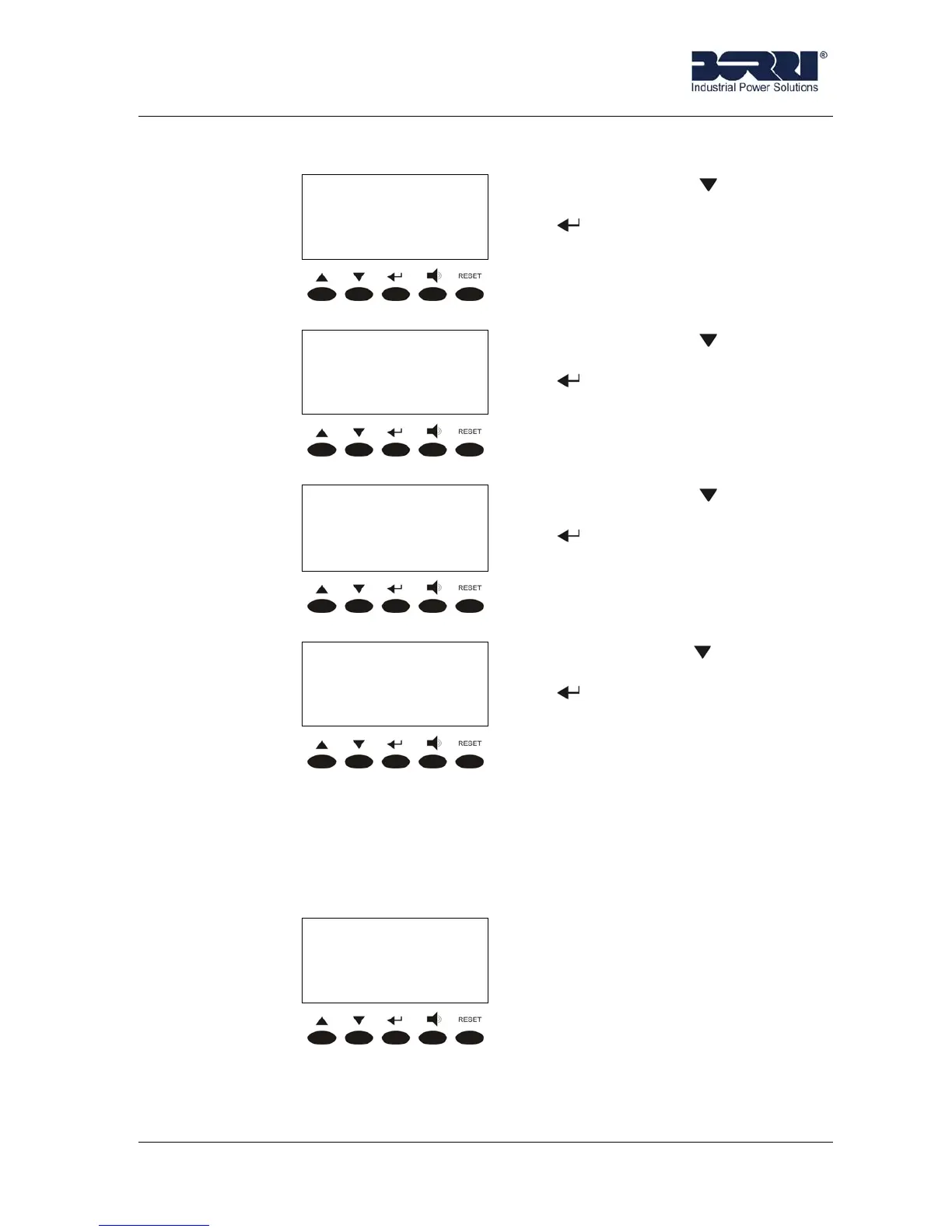
Front panel
Rev.B JSE410920 22/07/08 JUD408312
17 of 29
3.4.2 History
< HISTORY >
1
st
alarm/status
Date Time
Pressing the key the following
alarm is shown; pressing the key
exit the history, leading to the
ALARMS menu screen (see 3.4).
< HISTORY >
2
nd
alarm/status
Date Time
Pressing the key the following
alarm is shown; pressing the key
exit the history, leading to the
ALARMS menu screen (see 3.4).
< HISTORY >
3
rd
alarm/status
Date Time
Pressing the key the following
alarm is shown; pressing the key
exit the history, leading to the
ALARMS menu screen (see 3.4).
< HISTORY >
Last alarm/status
Date Time
Pressing the key the first alarm
is shown again; pressing the key
exit the history, leading to the
ALARMS menu screen (see 3.4).
The first alarm shown is the most recent in order of time; a new alarm makes all the
alarms shift one position, clearing the oldest event.
For each event is shown the alarm code, the date and time; an asterisk next to the
code indicates that the alarm has cleared at the date and time indicated. The following
example shows two possible screens.
< HISTORY >
2/6 A01
25-12-2005 23:08
larm A1 (MAINS FAULT)
happened on 25/12/05 at 23:08.
The position of this event in list is
the second. The total events
stored in the history are six.








 To Next Page