LED Display
7–1
1070 073 822-104 (02.06) GB
7 LED Display
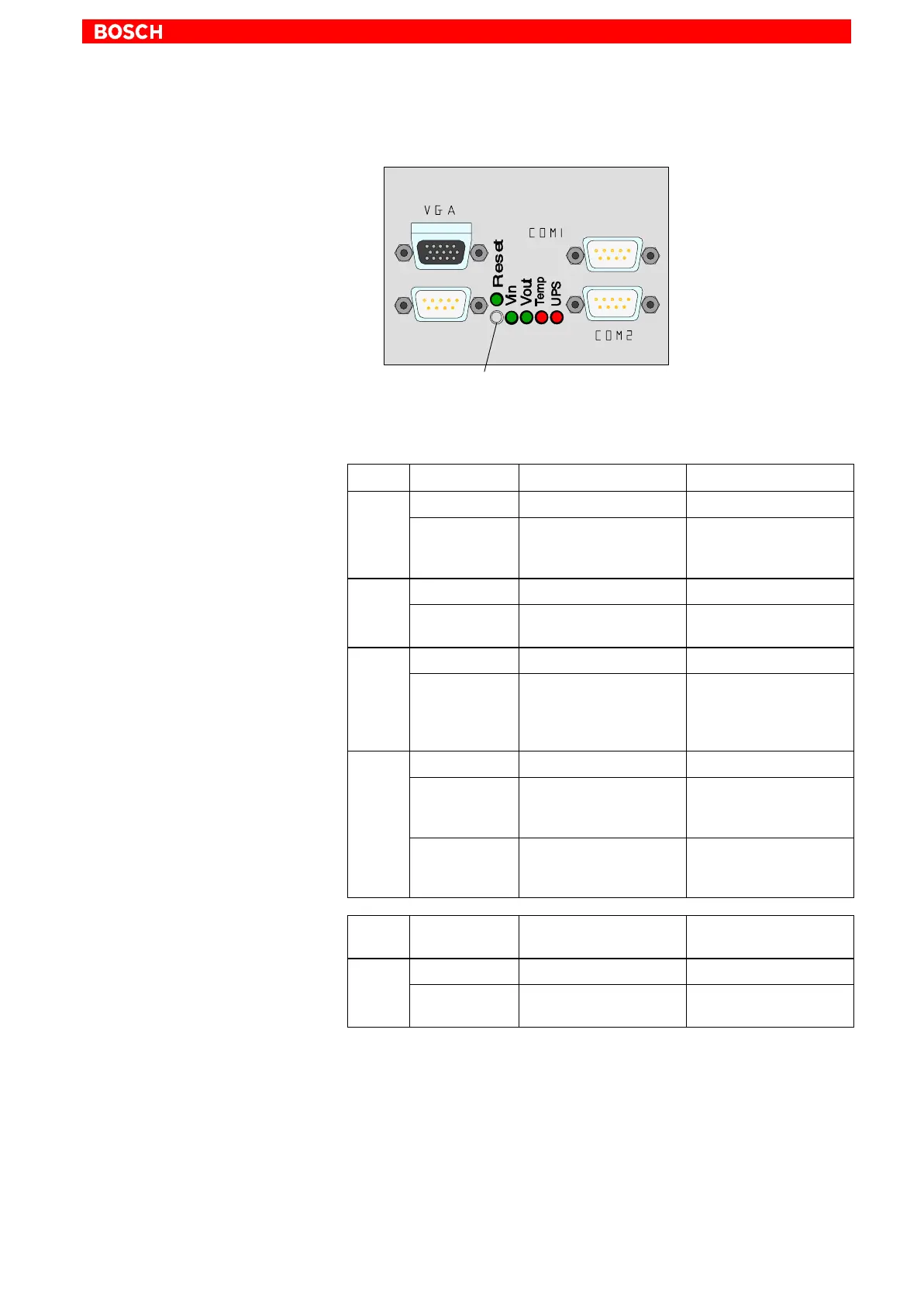
RESET pushbutton
A RESET pushbutton and a horizontal array of 5 LEDs are located on the
backside. They have the following functions:
LED Display Meaning Remedial measure
V
in
LED green Standard operation –
LED off No 230/115V
AC
mains
power or 24 V
DC
is pre-
sent at power supply
Check IPC power supply
for power.
VOut LED green Standard operation –
LED off Internal +5 V and +12 V
voltages are not present
Check IPC power supply
for power.
Temp LED off Standard operation –
LED
flashes red
Internal housing temp.
above 50 °C, shutdown
will occur if temperature
continues to rise
Reduce internal IPC
housing temperature.
Check/verify fan func-
tions.
UPS LED off Standard operation –
LED red IPC currently in battery
mode, i.e., no mains
power present!
Restore mains power to
IPC. Initiate controlled
IPC restart.
LED
flashes red
Battery pack discharged,
defective or not connec-
ted
Check battery charge.
Maintain 5-hour charging
cycle!
Control/
Display
Meaning Remedial measure
RESET pushbutton Initiates reboot of the PC –
LED red RESET pushbutton has
been pressed
–



 To Next Page