Interfaces, Ports & Connectors
6–3
1070 073 822-104 (02.06) GB
6.2 COM1 through COM4 serial ports
6.2.1 Pin assignments
CAUTION
Functional failures caused by poor screening!
Use only metallic or conductive connector/coupling shells providing
large-area screen contact.
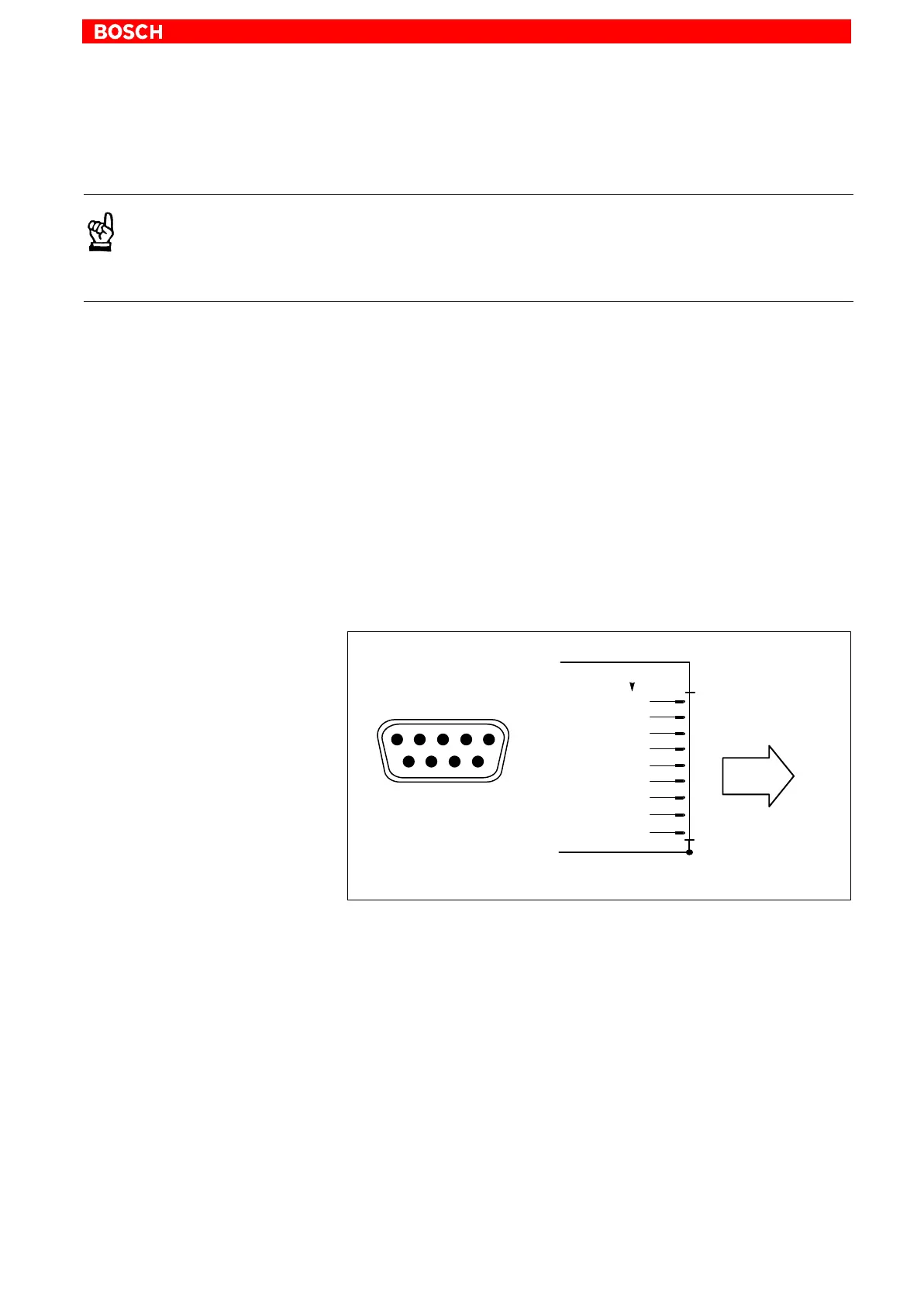
COM1 Serial port, freely assignable
IPC300: alternative to X57
Male DB-9 connector
Type: RS-232
IPC300: COM1 is also applied to X57 as an
RS-422/485. Parallel operation is not possible.
Cable length: Max. 15 m
Cable type: Screened, min. cross-section 0.14 mm
2
Transmission rate: Max. 115200 bps
Handshake: Hardware and software handshake (XON, XOFF)
Interrupt (IRQ): 4
I/O address: 3F8H or AUTO (recommended)
BIOS preset: IPC: Onboard Serial Port1: Auto
IPC300: Serial Port A: Enabled
To peripheral
devices
1
2
3
DCD
RX
TX
4
COM1
Screen applied to
metal shell of connector
5
GND
6
7
8
9
RI
DTR
DSR
RTS
CTS
1
5
69
RS232
Assignment as an RS-232:
DCD Data Carrier Detect. RCV channel used, for example, by a
connected modem to inform the PC that it is receiving a carrier
signal (active connection).
RX Receive Data. Line on which data is received.
TX Transmit Data. Line on which data is transmitted to a
peripheral device.
DTR Data Terminal Ready. XMIT channel used by the PC to signal
to a connected peripheral device that its interface is switched
on and initialized.
DSR Data Set Ready. RCV channel used by the connected periph-
eral device to inform the PC that it is switched on and inilital-
ized.
GND Signal Ground



 To Next Page