Security Functions
3–5
1070 073 822-104 (02.06) GB
3.3.2 Operating and configuring UPS
plus
(Windows95)
. The full complement of the procedural steps described below is avail-
able only during the initial installation, or in the event that the program
was started by a user with special access privileges.
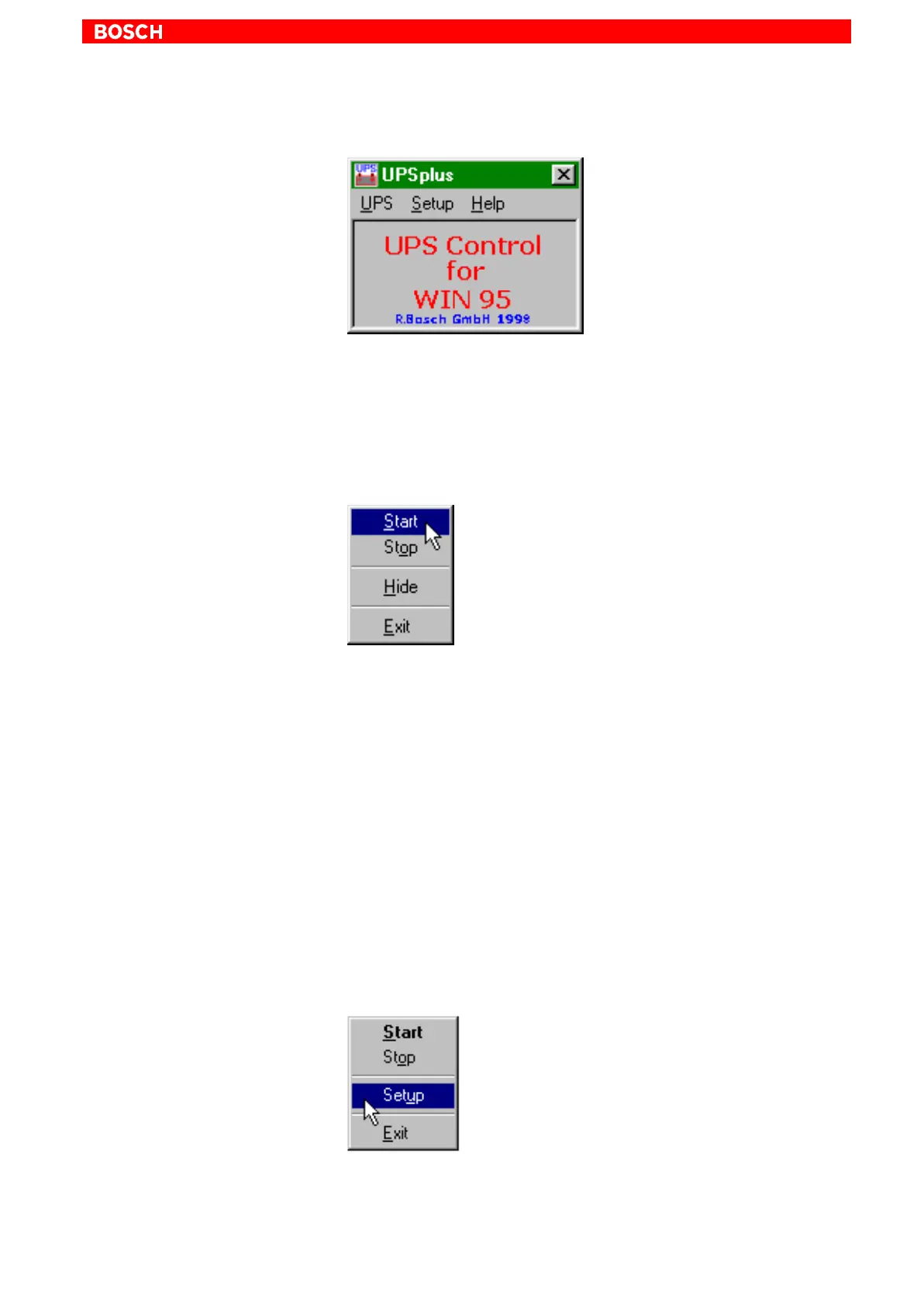
Start / Stop
Select the UPS menu option in the main window, and double-click Start.
Subsequent to the initial installation or after a Stop command, the program is
again started with this command. Once the start has been successful, the
main window disappears after approx. 2 seconds, and a symbol is added to
the task bar.
The USP program is exited by selecting the Stop menu command.
Hide
Hides the main window of the program, and adds a symbol to the task bar.
The command is not available while the program is stopped.
Exit
Exits the entire program, and terminates an ongoing monitoring event.
Simple operating menu
Click the right mouse button to open a simple operating menu listing the
important functions of the program.



 To Next Page