Maintenance and Replacement
8–4
1070 073 822-104 (02.06) GB
8.2 Replacing the hard disk
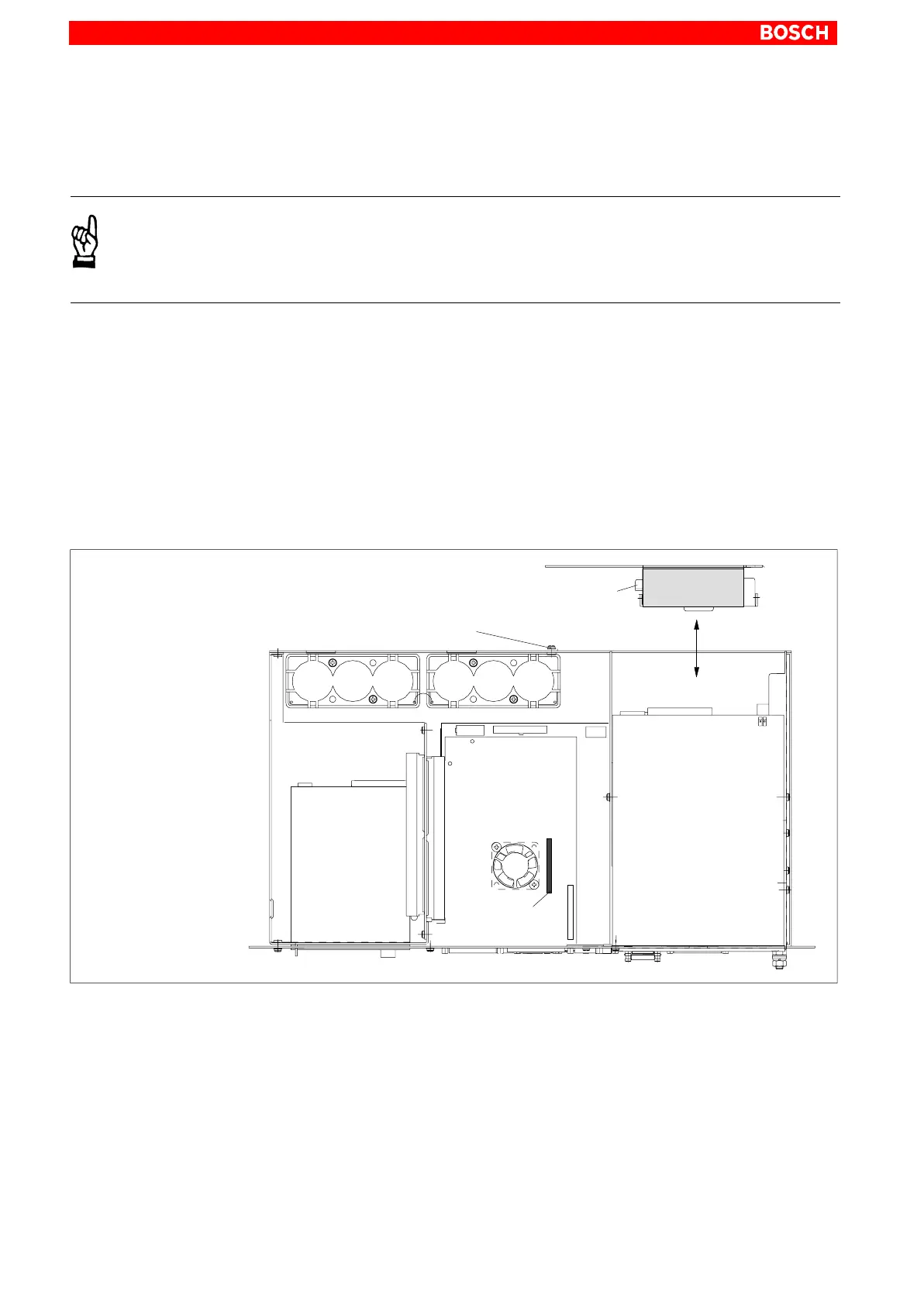
The hard disk is replaced complete with installation frame.
CAUTION
Loss of data!
Back up all required application data and operating system settings
to an external storage medium!
. To safeguard application data, and to avoid the necessity of time–
intensive new installation of operating system (OS) and application
programs following a hard disk replacement, the functional program
and OS data on the hard disk should be backed up at regular intervals
with the use of the Bosch-supplied “Backup Package for Industrial
PC” This process writes an image of the hard disk to the medium in the
Iomega ”Jaz” drive supplied with the package; if a hard disk replace-
ment is required, this image must simply be copied back to the newly
installed hard disk.
Please refer to Section 10.3 for ordering information.
Data/voltage
connection
Hard disk with
holder
Mounting screw for
hard disk holder
Hard disk
data/voltage
connection
Motherboard
1. Switch off the power supply to the unit. If required, unplug all connectors
from the unit.
2. Wait until the UPS has switched off the power supply (the UPS LED on
the front illuminates red until the UPS switches off the IPC power supply).
3. Open the housing.
4. The ribbon cable is secured by a spot of hot glue which must be broken
(cut) for deinstallation. Disconnect the IDE ribbon cable from the hard
disk. Unless this cable is defective, disconnecting it from the mainboard
will not be required.On the IPC300, this ribbon cable also connects the
CD-ROM drive.



 To Next Page