Maintenance and Replacement
8–10
1070 073 822-104 (02.06) GB
Replacing the batteries
WARNING
Before replacing the battery, back up important data because during
the battery replacement procedure, power supply is removed.
1. Before replacing the batteries, switch off the PC and remove the mains
plug (230/115 VAC and 24 VDC plug).
2. Open the housing cover
3. Remove the connector with the bipolar cable from battery terminal X19
below the CD-ROM.
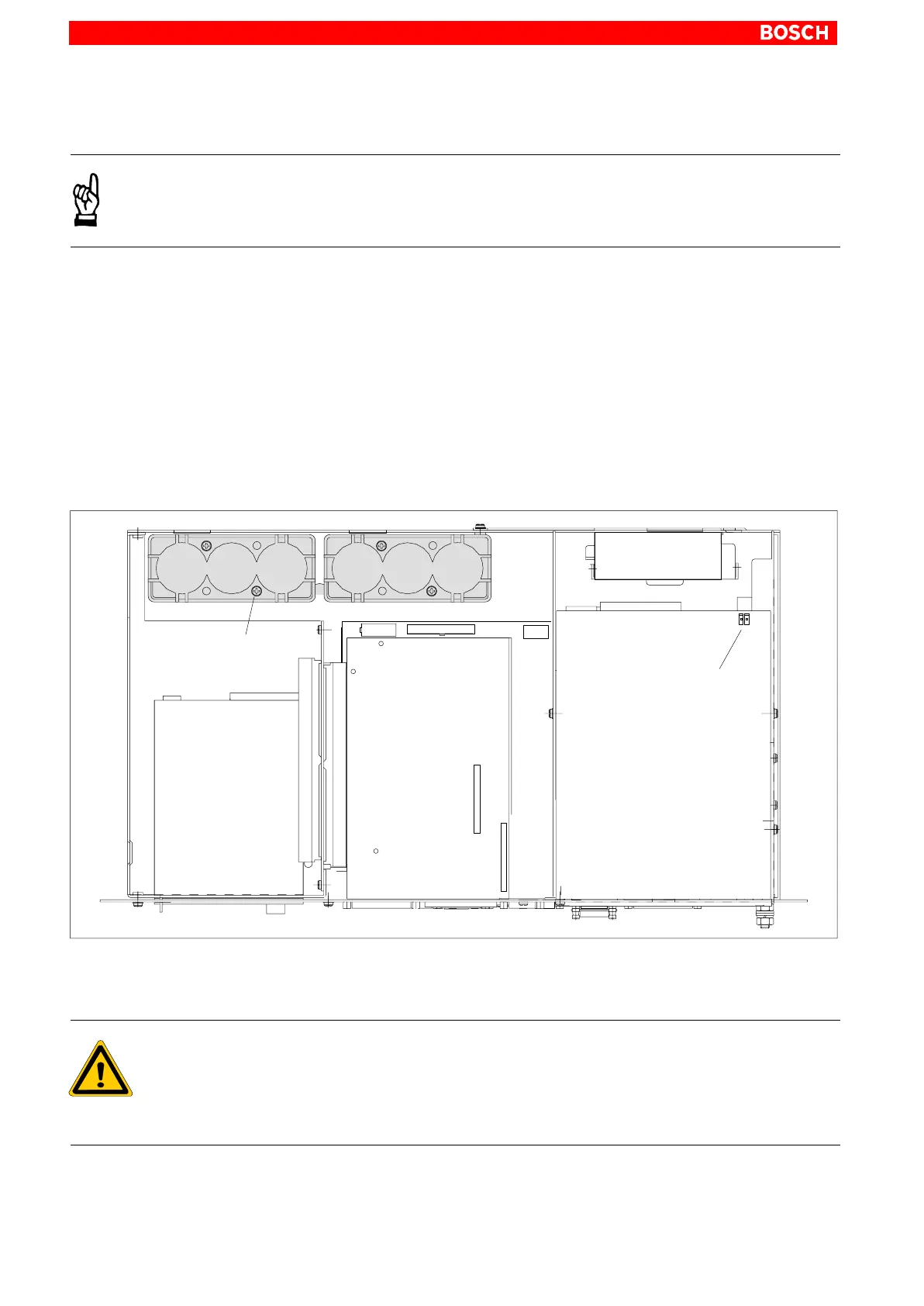
4. The battery packs can be replaced when the 4 mounting screws have
been removed (cf. figure below).
. Insert the two new battery packs as shown in the figure below. Please
also observe the installation instructions delivered together with the
packs.
Battery pack
connector
(X19)
Battery
Battery
CD-ROM drive
Battery retaining screws
12
+–
+
+––
5. Plug the connector with the bipolar cable back onto terminal X19. Ensure
correct polarity of the batteries.
DANGER
Polarity reversal of the rechargeable battery packs will result in an
F10A (5x20) fuse being triggered on the power supply module.
Further damages might occur. The UPS operating cycle will then no
longer be possible.
6. Close the housing cover.



 To Next Page