267
Section 7
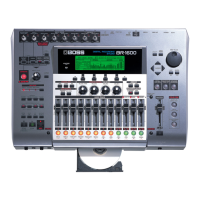
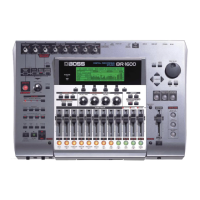
Initializing all BR-1600CD settings (Initialize)
The Initialize function allows you to return all of the
following BR-1600CD parameters to their original settings.
● Global Parameters
• Reference Pitch in Tuner parameters
• System parameters
• Sync parameters
• MIDI parameters
• Marker parameters
• Scene parameters
• Scrub and Preview parameters
● Mixer Parameters
• Track Compressor, EQ, Pan
• Loop Effects
• Input Select
• Level Calibration
• Recording Mode
● Effect Patch Data
• User patches from all insert effect banks
• Vocal Tool Box user patches
• Mastering Tool Kit user patches
• Speaker Modeling user patches
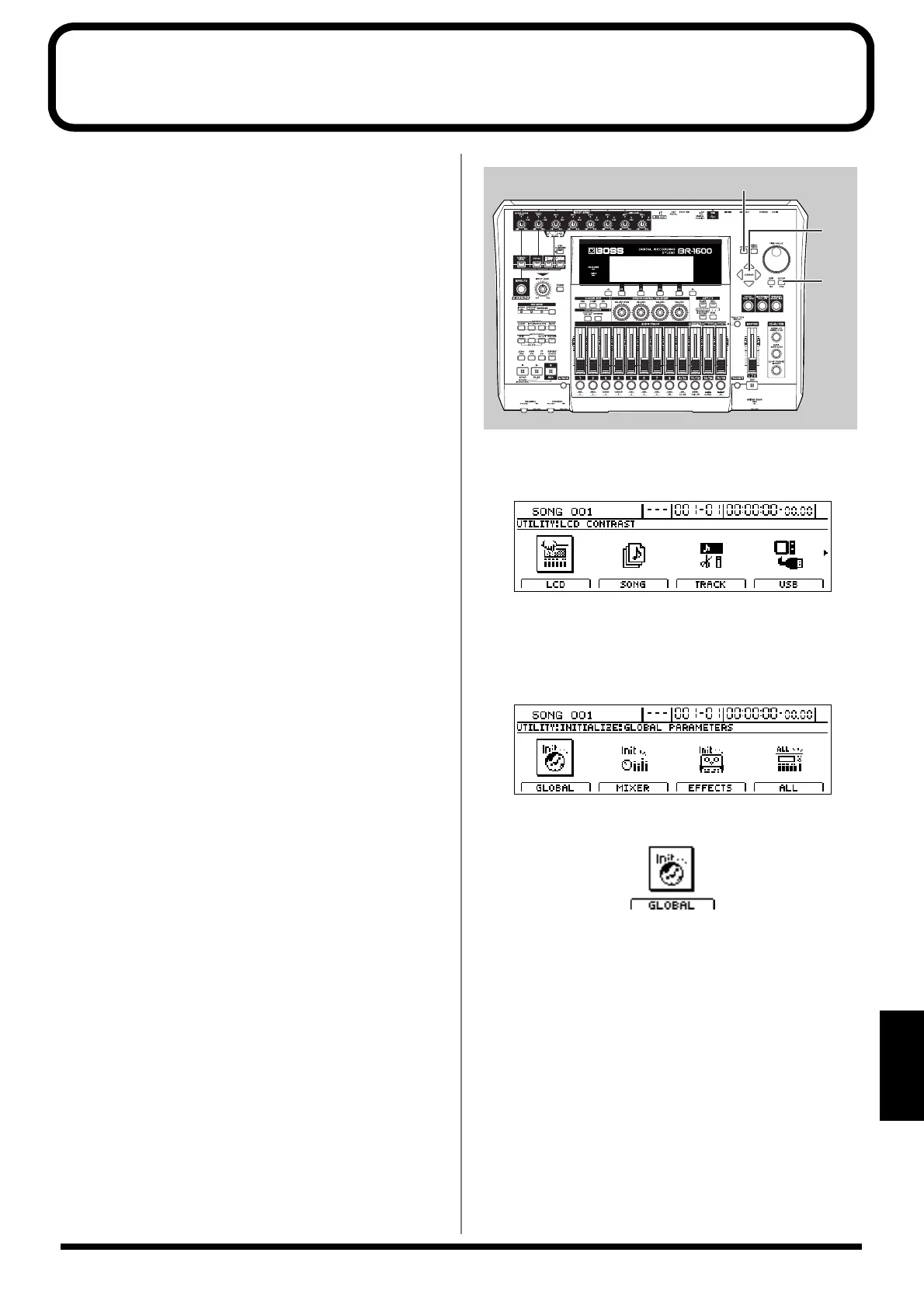
fig.53-28
1. Press [UTILITY].
The Utility screen will appear.
fig.12-12d
2. Move the cursor to the INITIALIZE icon and press
[ENTER/YES].
Icons representing the various things that can be
initialized will appear.
fig.53-30d
GLOBAL icon
fig.53-30d
When this icon is selected
• Reference Pitch in Tuner parameters
• System parameters
• Sync parameters
• MIDI parameters
• Marker parameters
• Scene parameters
• Scrub and Preview parameters
will be initialized and returned to the values they had at
the time of purchase.




 To Next Page