174
Creating bass patterns
Deleting bass patterns
1. Press [F4] (WRITE/COPY/DEL) on the Bass Pattern Edit
screen.
The Write/Copy/Delete screen for bass patterns will
appear.
fig.20-354dp
2. Press [F3] (=>DELETE).
The Bass Pattern Delete screen will appear.
ig.20-078d_bassfrom.bmp
3. Use the TIME/VALUE dial to select the bass pattern to
be deleted and press [F4] (GO).
A confirmation message will appear.
fig.20-079d_bassfrom.bmp
4. Press [ENTER/YES].
Deletion of the bass pattern will begin. When the
message “Complete!” appears, it indicates that deletion
has been completed.
Loading bass patterns from the
CD-R/RW drive (SMF Import)
The BR-1600CD allows you to read Standard MIDI Files (or
SMFs) from CD-R/RW discs into user bass patterns and song
bass patterns.
Precautions for SMF import
● CR-R/RW discs of ISO9660 Level 2, Mode 1 format are
supported for import. It will not be possible to import
data from discs of any other format.
● SMFs of up to 240 KB in size may be imported. It will not
be possible to import files that exceed this size limit.
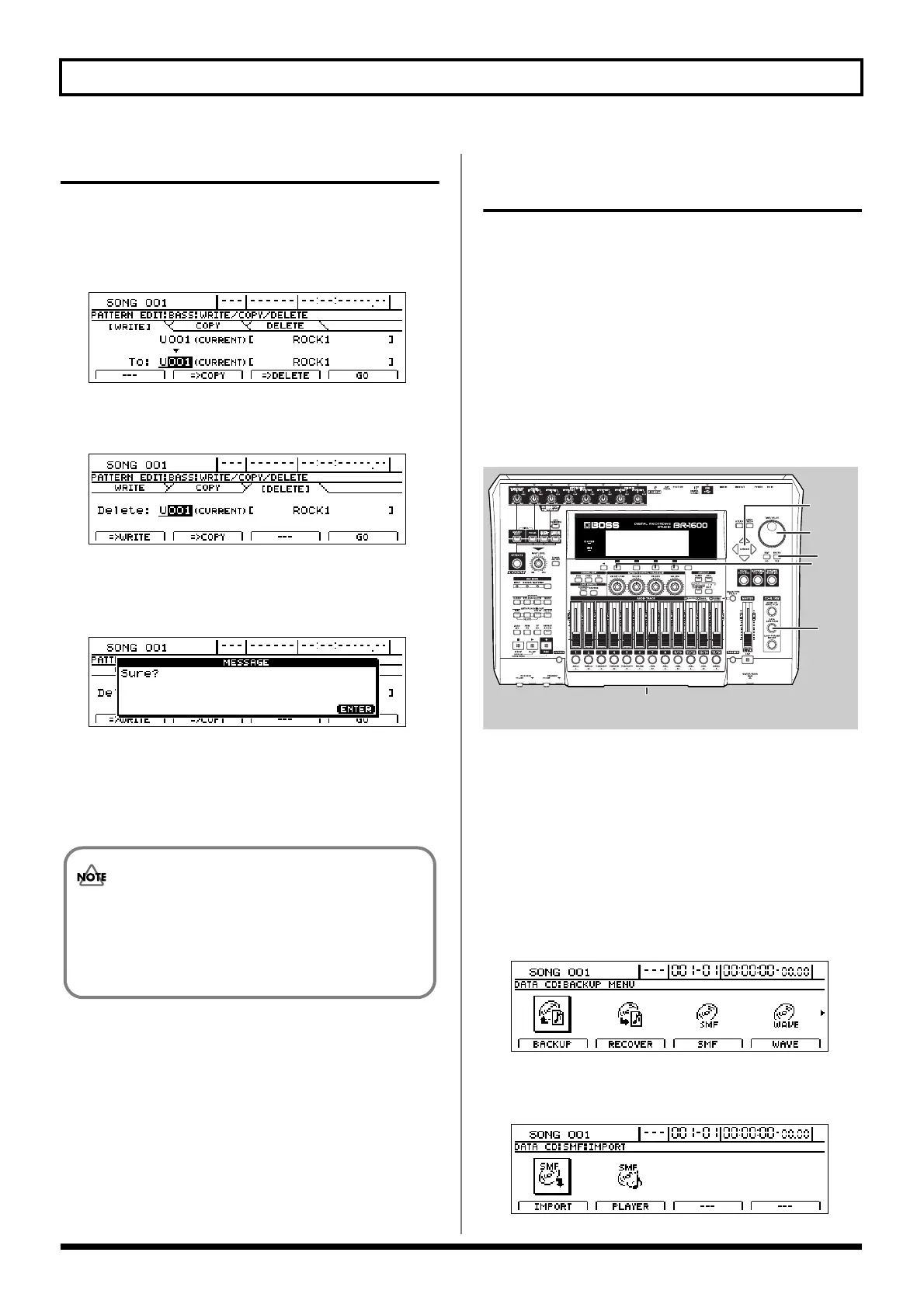
fig.20-080
1. Using a PC, burn a CD-R/RW disc containing the SMFs
you want to import.
2. Insert this CD-R/RW disc into the BR-1600CD’s CD-R/
RW drive.
The drive’s access indicator will begin to flash. Wait until
this indicator stops flashing and turns off before
proceeding.
3. Press CD-R/RW [DATA SAVE/LOAD].
The Data CD screen will appear.
fig.20-081d
4. Press [F3] (SMF).
The SMF Menu screen will appear.
fig.20-082d
• As it will not be possible to restore deleted bass
patterns, care should be taken to ensure that
important patterns are not accidentally deleted.
• Preset patterns cannot be deleted.
3
5, 10
4, 5, 6
6, 8, 9
7, 8, 9
2




 To Next Page