67
Section 1
Organizing your songs
Displaying song details
(Song Information)
Use Song Information to display the following information
for the currently selected song.
● Song number
● Song name
● Song protection (on or off)
● Whether recording or editing has been carried out
● Disk memory used for the song
Disk memory is displayed in units of 1 MB (i.e., 1,048,576
bytes) and should be treated as a general guide rather
than an exact figure.
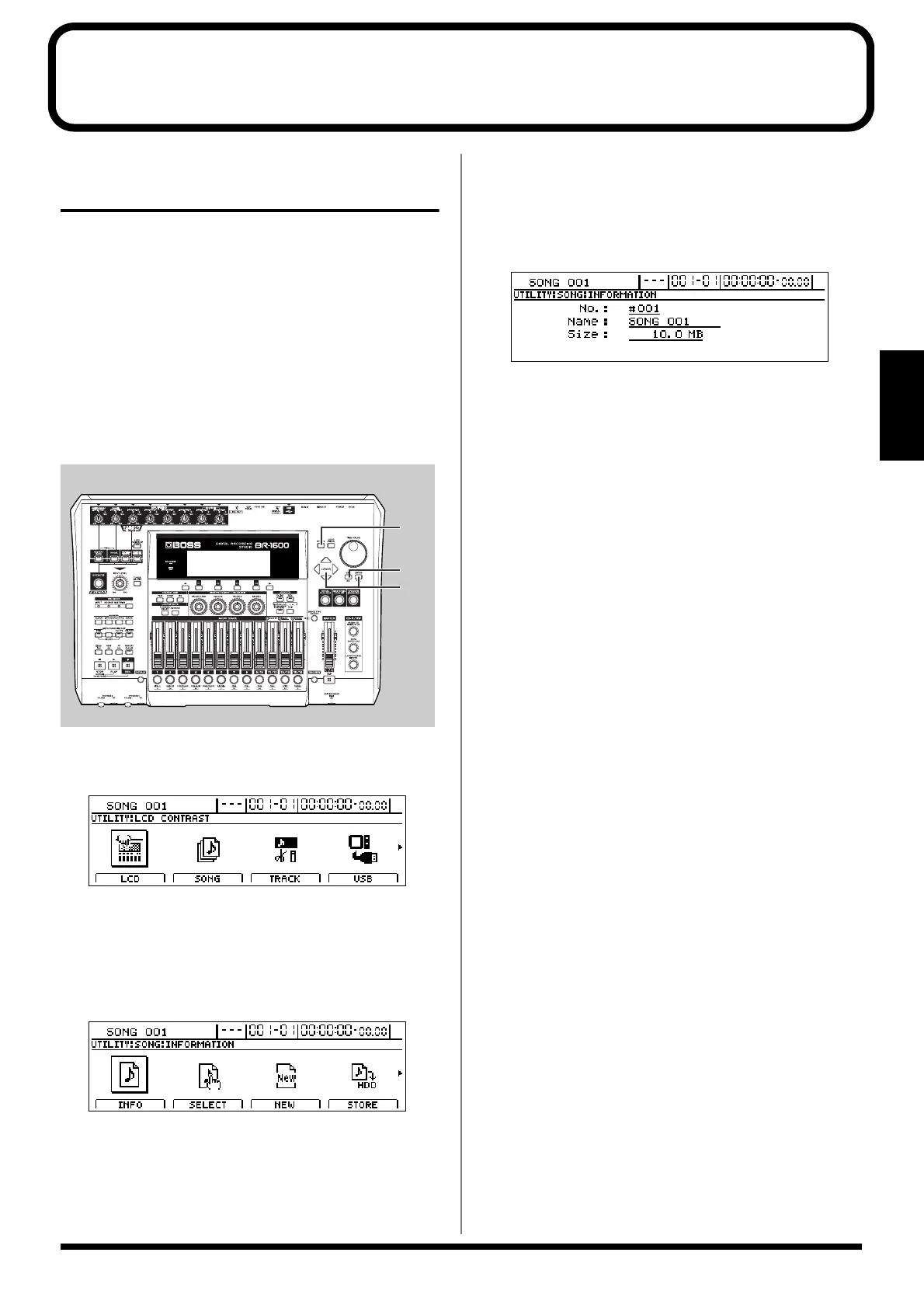
fig.16-01
1. Press [UTILITY].
The Utility Menu screen will appear.
fig.12-12d
2. Move the cursor to the SONG icon and press [ENTER/
YES].
Alternatively, you can press [F2] (SONG) if the SONG
icon is currently displayed.
The Song Menu screen will appear.
fig.16-03d
3. Move the cursor to the INFO icon and press [ENTER/
YES].
Alternatively, you can press [F1] (INFO) if the INFO icon
is currently displayed.
The Song Information screen will appear.
fig.16-04d
No.:
Shows the song’s number.
Name:
Shows the song’s name.
If song protection is turned on, “PROTECTED” will be
displayed here.
If the song is recorded or edited, “EDITED” will be
displayed here.
Size:
Shows the disk memory used for the current song (in
MB).
4. Press [EXIT/NO] several times to return to the top
screen.
2, 3
4
1




 To Next Page