22
Convenient Functions
Assigning the Functions of the [A], [B], and [TAP/CTL] Switches
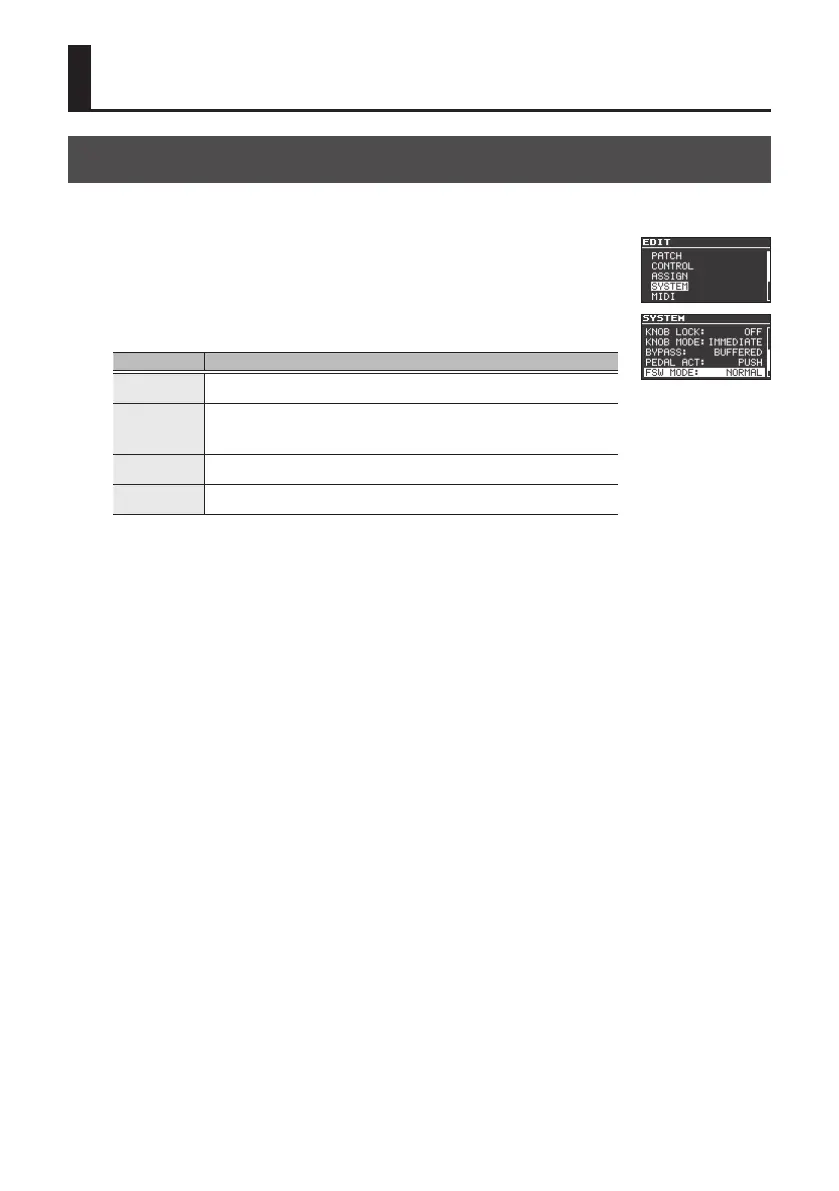
1. Press the [EDIT] button.
2. Use the [
H
] [
I
] buttons to select “SYSTEM” and then press the
[EDIT] button.
3. Use the [
H
] [
I
] buttons to select “FSW MODE,” and use the [RATE/
VALUE] knob to select the mode.
Mode Explanation
NORMAL
Use the [A] and [B] switches to select patch A or patch B, and use the [TAP/CTL]
switch for tap input.
A/B/C
Use the [TAP/CTL] switch to select patch C.
* In this case, you can’t use the [TAP/CTL] switch to change how the eect is
applied.
A/B SIMUL
Patches A and B can be used simultaneously (p. 23). Press the unlit [A] or [B]
switch to make both light.
SW DN/UP
Use the [A] switch to turn eect on/o, and use the [B] switch and [TAP/CTL]
switch to change patches.
4. Press the [EXIT] button to return to the top screen.



 To Next Page