27
Synchronizing with a DAW or External MIDI Device
MIDI Routing
For details on how to set the MIDI parameters, refer to “Basic [EDIT] operations” (p. 8).
Main Setting Items
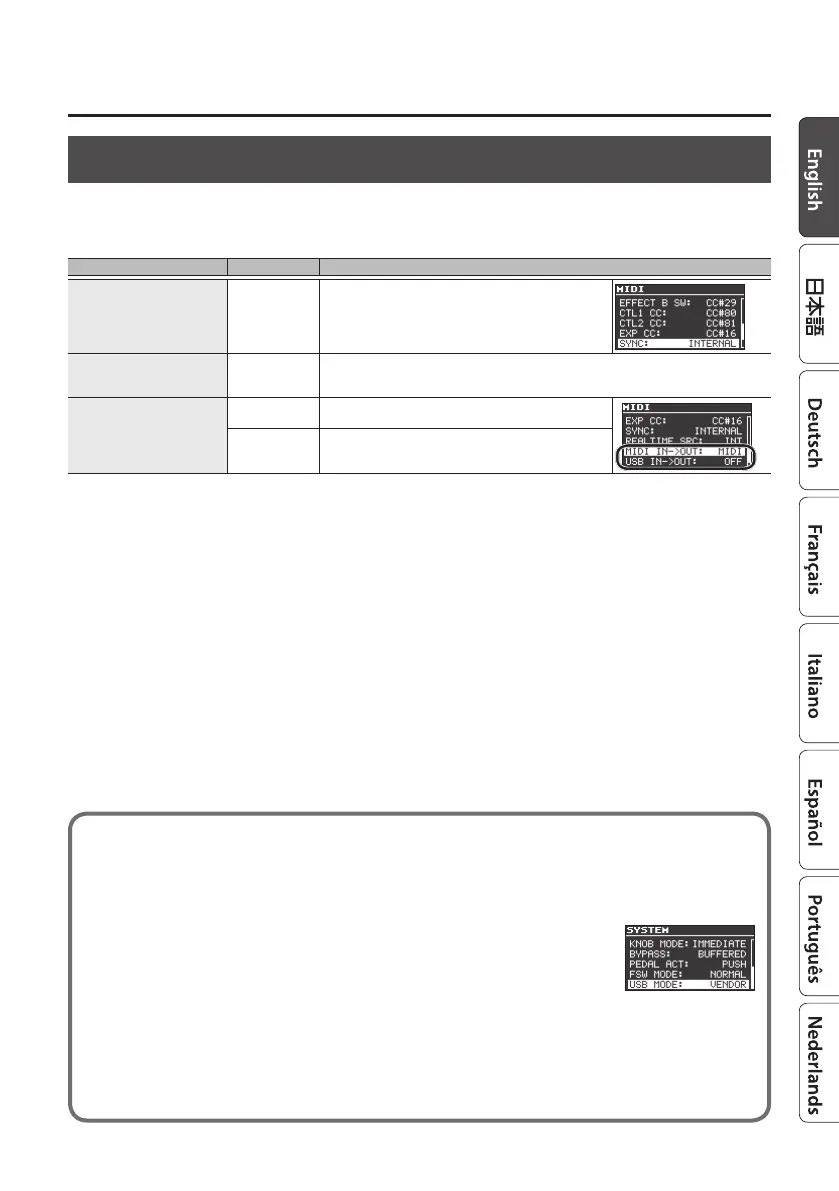
Item Parameter Explanation
Synchronization source SYNC
Species whether the synchronization source is the MD-500
(INTERNAL), USB, or an external device connected via
MIDI.
Realtime messages REALTIME SRC
Species whether realtime messages generated by the MD-500 are transmitted, and
whether realtime messages received via the MIDI IN connector or the USB port are
transmitted.
MIDI message output
destination
MIDI IN->OUT
Species the MIDI messages that are transmitted from
the MIDI OUT connector.
USB IN->OUT
Species the MIDI messages that are transmitted from
the USB port.
If you experience problems connecting with your DAW
Normally, you don’t need to install a driver in order to connect the MD-500 to your computer.
However, if some problem occurs, or if the performance is poor, using the BOSS original driver
may solve the problem.
In this case, setting “USB MODE” to “VENDOR” on the MD-500, install the
driver on your personal computer.
For details on downloading and installing the BOSS original driver, refer
to the BOSS website. For further details, refer to the Readme.htm le that
comes with the download.
&
http://www.boss.info/support/
The program you need to use, and the steps you need to take to install the USB driver will
dier depending on your computer setup, so please carefully read and refer to the Readme.
htm le that comes with the download.



 To Next Page