9
Saving a Patch
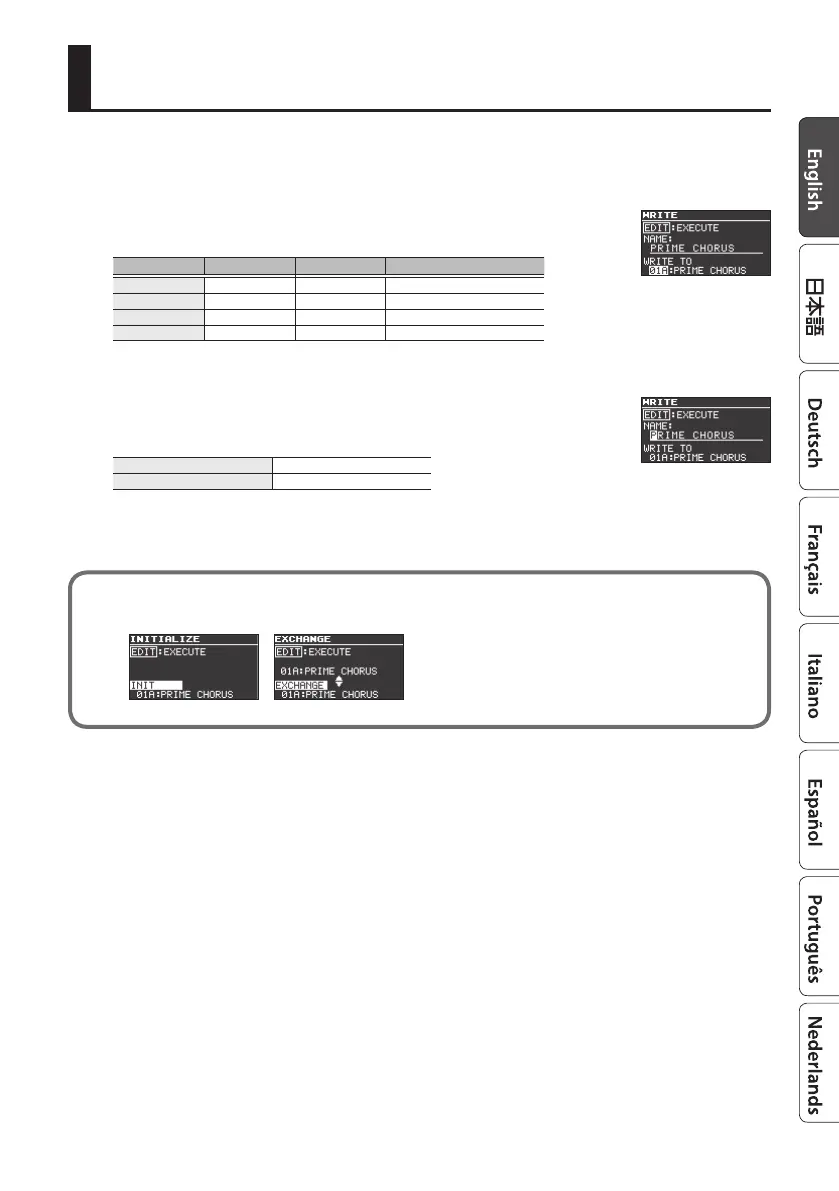
Here’s how to save a patch that you’ve edited.
1. Press the [EXIT] button and [EDIT] button simultaneously.
2. Use the [RATE/VALUE] knob to select the save-destination
number.
Bank [A] switch [B] switch [TAP/CTL] switch
Bank 01 01A 01B 01C
Bank 02 02A 02B 02C
: : : :
Bank 99 99A 99B 99C
* Patch C can be selected only if FSW MODE (p. 22) is set to “A/B/C.”
3. Press the [
H
] button to select the patch name.
4. Edit the patch name.
[
H
] [
I
] buttons
Move the cursor
[RATE/VALUE] knob Edit the character
5. Press the [EDIT] button to save the patch.
If you decide to cancel, press the [EXIT] button.
By moving the cursor to “WRITE TO” and turning the [RATE/VALUE] knob, you can initialize a
patch (INIT) or exchange patches (EXCHANGE).



 To Next Page