7
Basic Operation
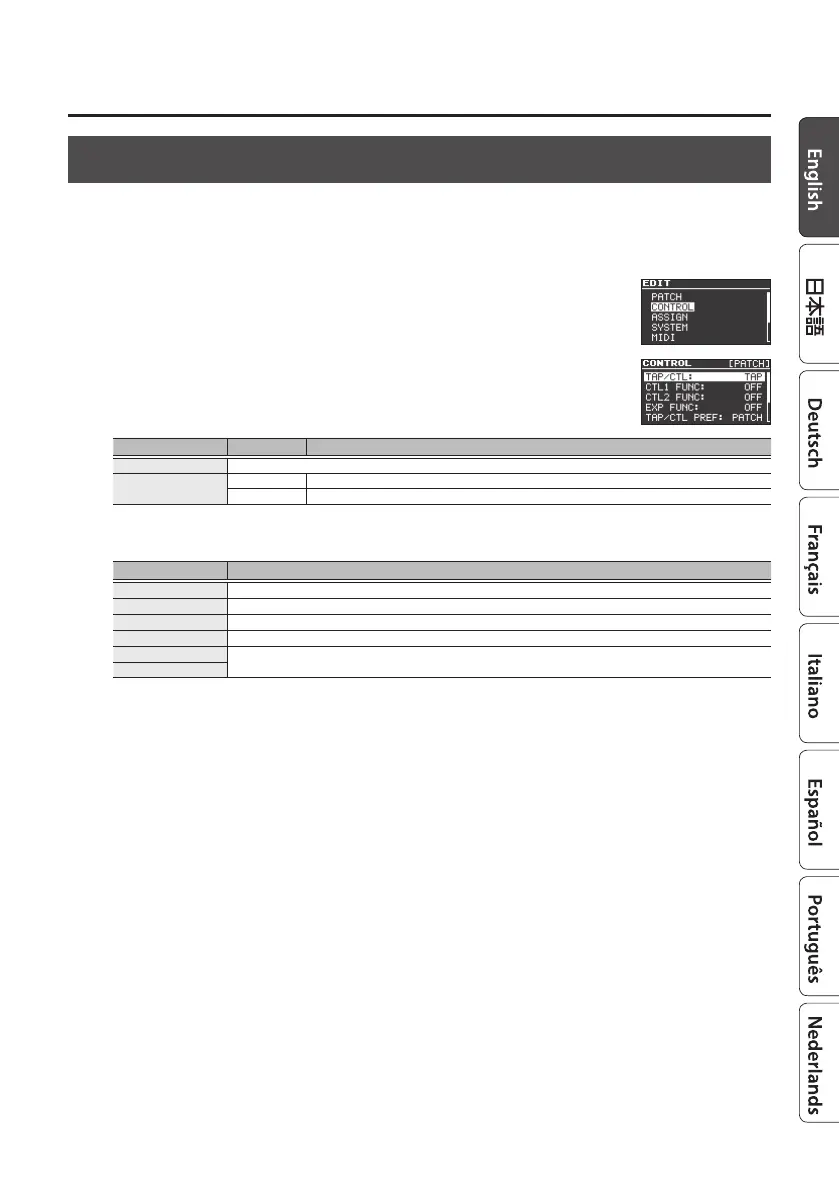
Using the [TAP/CTL] Switch to Control the Eect
By default, the [TAP/CTL] switch is used for tap input, but you can change the setting and use this
switch to vary the way in which the eect is applied.
1. Press the [EDIT] button.
2. Use the [
H
] [
I
] buttons to select “CONTROL” and then press the
[EDIT] button.
3. Use the [
H
] [
I
] buttons to select a parameter, and use the [RATE/
VALUE] knob to edit the value.
Parameter Value Explanation
TAP/CTL Species the function of the [TAP/CTL] switch.
TAP/CTL PREF
PATCH Dierent settings can be made for each patch.
SYSTEM The same settings are shared by all patches.
TAP/CTL Settings
Value Explanation
OFF No assignment.
TAP Lets you specify the modulation rate by tap input.
RESET When you press the pedal, the LFO’s phase returns to the value of INIT PHASE (p. 10).
MOMENT Outputs the eect sound only while you hold down the switch.
BANK UP
Change banks.
BANK DOWN
4. Press the [EXIT] button to return to the top screen.



 To Next Page