58
Flight control system user manual Agriculture
©2024 Boying General Aviation All Rights Reserved
Firmware upgrade and log download
Please refer to "Flight Control Firmware Upgrade and Log Download Process".
PC ground station
Connect your mobile phone or remote control to the ight control via an OTG cable, and select OTG as
the connection method. You can directly download the flight control logs. Please do not disconnect
or perform other operations during the downloading process, otherwise the log download may be
incomplete.
APP ground station
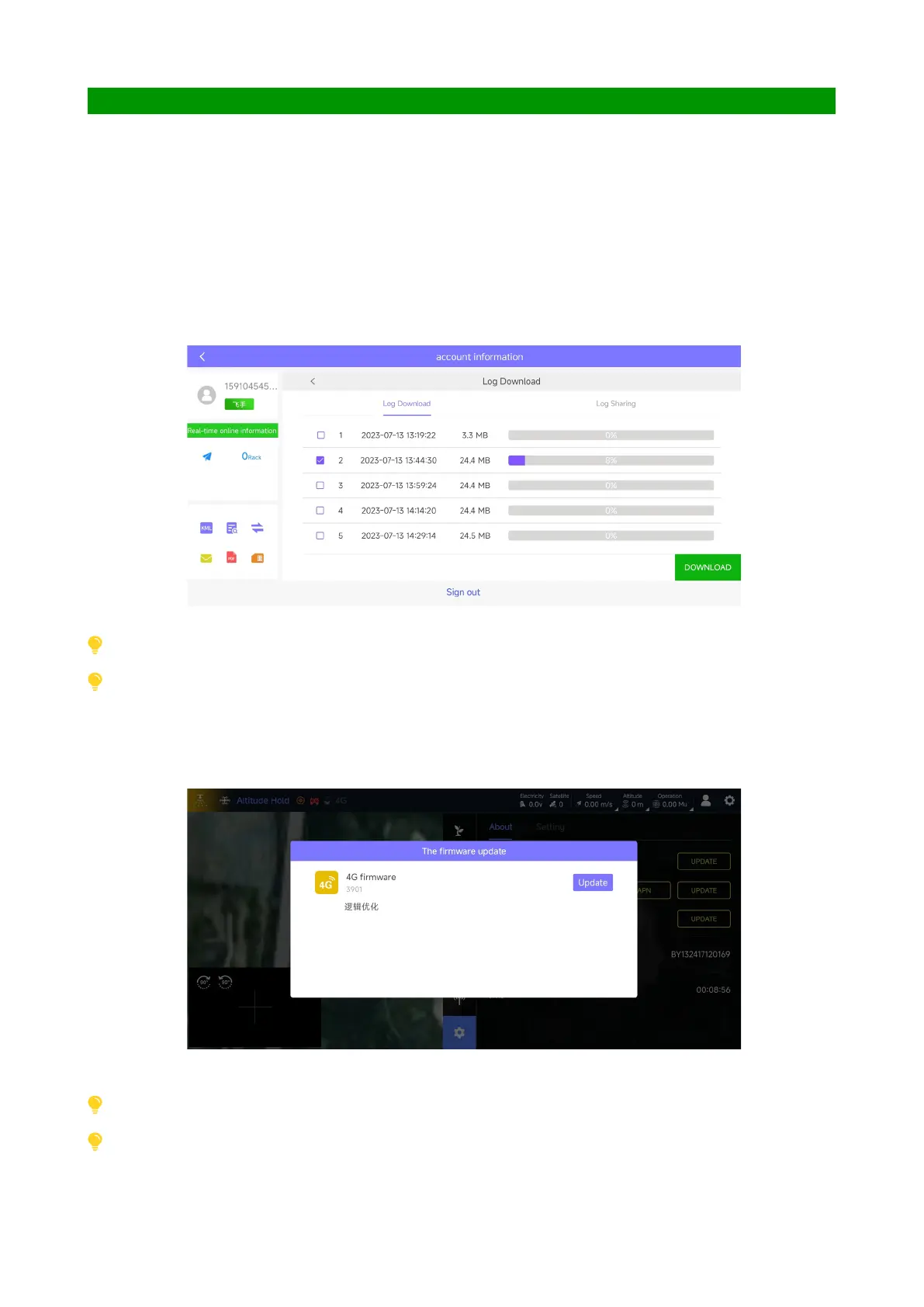
Click the rmware upgrade button on the settings page and follow the prompts to automatically upgrade.
The upgrade takes about 5 minutes. Please wait patiently during the upgrade process. As shown below:
Please conrm that the OTG function of the mobile device is stable and reliable.
Please conrm that the OTG function of the mobile device is stable and reliable. When using OTG to upgrade, there is no need
to use battery power.
The H12 remote control supports wireless downloading. Please upgrade the receiver and remote control rmware to the latest
version before downloading.
Some remote controls support wireless upgrade, please consult technical support before use.



 To Next Page