What does head open mean on Brady Label Maker?
- MMelissa BoothSep 3, 2025
If your Brady Label Maker shows 'Head open', it means the printhead might not be completely closed. Ensure the printhead is fully closed and press the pause key.
What does head open mean on Brady Label Maker?
If your Brady Label Maker shows 'Head open', it means the printhead might not be completely closed. Ensure the printhead is fully closed and press the pause key.
What to do if Brady i5100 says font not found?
If your Brady Label Maker shows 'Font not found', it means there's an error with the selected download font. Cancel the current print job and change the font.
What does protocol error mean on Brady i5100?
If the Brady Label Maker shows 'Protocol error', it means the printer received an unknown or invalid command. Press the pause key to skip the command, or press the cancel key to cancel the print job.
Why does my Brady Label Maker show ribbon ink side error?
If your Brady Label Maker displays 'Ribbon ink side' error, the identified ribbon unwinding direction doesn't match the setup or the setting does not match the used ribbon. Ensure the ribbon is loaded correctly, clean the printhead, and correct the setting.
How to resolve buffer overflow on Brady Label Maker?
If your Brady Label Maker displays 'Buffer overflow', the input buffer memory is full, and the computer is still transmitting data because handshake mode isn't on. Use data transmission via protocol (preferably RTS/CTS). Access the printer setup menu, handshake mode and select RTS/CTS.
Why does my Brady i5100 say remove ribbon?
If your Brady Label Maker displays 'Remove ribbon', it means a transfer ribbon is loaded although the printer is set to direct thermal printing or for thermal transfer printing the printer is not set properly. For direct thermal printing remove ribbon. For thermal transfer printing set the printer in the configuration or in the software to transfer printing.
What to do if Brady i5100 Label Maker shows no label size?
If your Brady Label Maker displays 'No label size', it means the size of the label is not defined in the programming/software. Check the software programming.
Why does my Brady i5100 Label Maker say not a recommend ribbon?
If your Brady Label Maker displays 'Not a Recommend Ribbon, Use XXXX instead', the ribbon doesn't match the primary ribbon compatibility selection. Install the recommended ribbon, or if the loaded supply is a secondary option, select enter to bypass the error, and the printer will load primary ribbon settings for Hassle Free mode.
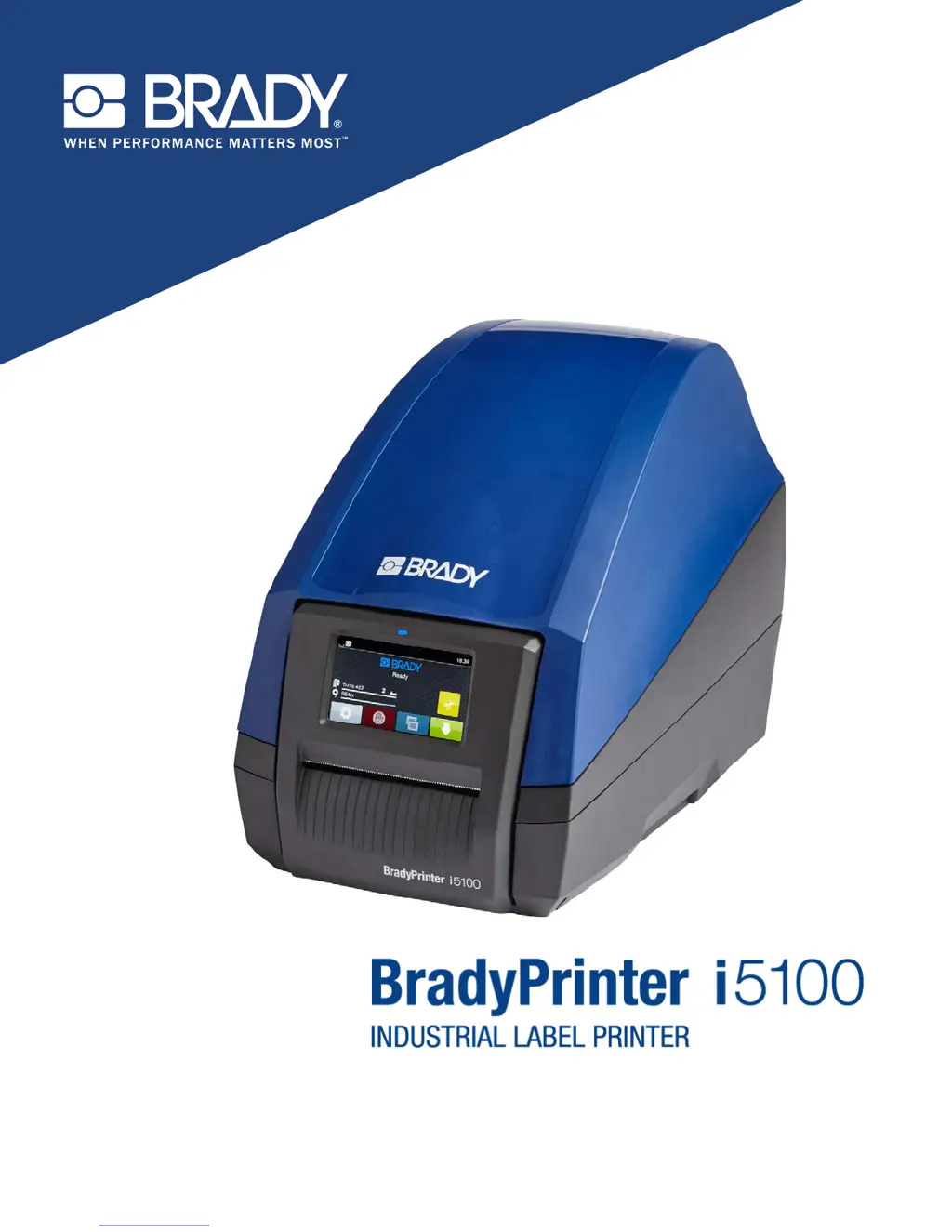
Provides an overview of the printer models and disclaims legal liability.
Details safety precautions and warnings for using the printer.
Explains the meaning of DANGER, WARNING, and CAUTION symbols in the manual.
Defines the proper and improper uses of the BradyPrinter i5100.
Describes the printer's compatibility with software and IP-enabled materials.
Warns about the danger of opening the casing and contact with power supply.
Provides guidance on recycling obsolete devices and batteries.
Informs about Prop 65 compliance information availability.
Outlines Brady's support services for troubleshooting, setup, and repair.
Lists global contact information for Brady's technical support by region.
Provides contact details for inquiring about application engineering services.
Lists all components included with the BradyPrinter i5100.
Offers free setup assistance in North America via phone.
Identifies the main external components of the printer.
Details the components within the print module of the printer.
Identifies the ports and power switch located on the back of the printer.
Details how to safely connect the printer to a power source.
Explains how to connect the printer via USB, RS-232, or Ethernet.
Refers to the configuration manual for driver installation.
Describes the elements displayed on the printer's home screen.
Details the function of each icon available on the home screen.
Explains the function of common buttons used for setting parameters.
Explains the benefits of Brady Mode using IP-enabled supplies.
Details the automatic setup and information benefits of Brady Mode.
Describes manual setup and operation for non-IP-enabled supplies.
Explains the recommended order for loading label media and ribbon.
Instructions for removing existing label rolls and ribbon.
Step-by-step guide to remove a label roll from the holder.
Instructions for removing the ribbon supply and take-up spindles.
Steps to load a label roll onto the holder, including margin adjustments.
Guide to inserting the loaded roll holder into the printer.
Steps to position the ribbon supply roll correctly.
Steps to install the ribbon take-up spindle.
Describes the Gap Sensor and Reflect/Notch Sensor functions.
Detailed steps to set the Gap Sensor using IP-enabled labels.
Instructions for setting the Gap Sensor for non-IP-enabled labels.
Instructions for setting the Reflect/Notch Sensor for non-IP-enabled labels.
Lists crucial requirements to protect the printhead and ensure longevity.
Steps to calibrate the printer's sensors to the label media.
Explains how to manually tear labels after printing.
Details the functionality of the auto-cut feature for labels.
Combines DANGER and ATTENTION notes for safe maintenance.
Specifies the part number for approved cleaning swabs.
Guides for cleaning print roller and printhead.
Warns about the sharp blade edges of the cutter.
Explains how error messages are displayed and navigated.
Lists available buttons for error message actions and their functions.
Details common error messages, their causes, and corrective actions.
Illustrates and lists dimensions for label media characteristics.
Lists EU directives the printer complies with.
Details FCC compliance and operational conditions.
Informs about Prop 65 compliance information availability.
Provides information on Canadian agency approval for Class A digital apparatus.
Details RoHS compliance with EU directives.
Mentions WEEE directive and local recycling requirements.
| Print Resolution | 300 dpi |
|---|---|
| Print Technology | Thermal Transfer |
| Cutter | Automatic |
| Connectivity | USB, Ethernet |
| Display | Color touchscreen |
| Media Sensors | Black Mark, Continuous |
| Max Label Length | 99 inches |
| Label Width | 0.5 inch to 4.25 inches |
| Supported Materials | Vinyl, polyester, polypropylene |