Software User Guide Rev. 1.0 Kolibri cranial/ENT Ver. 2.7 45
Software Overview
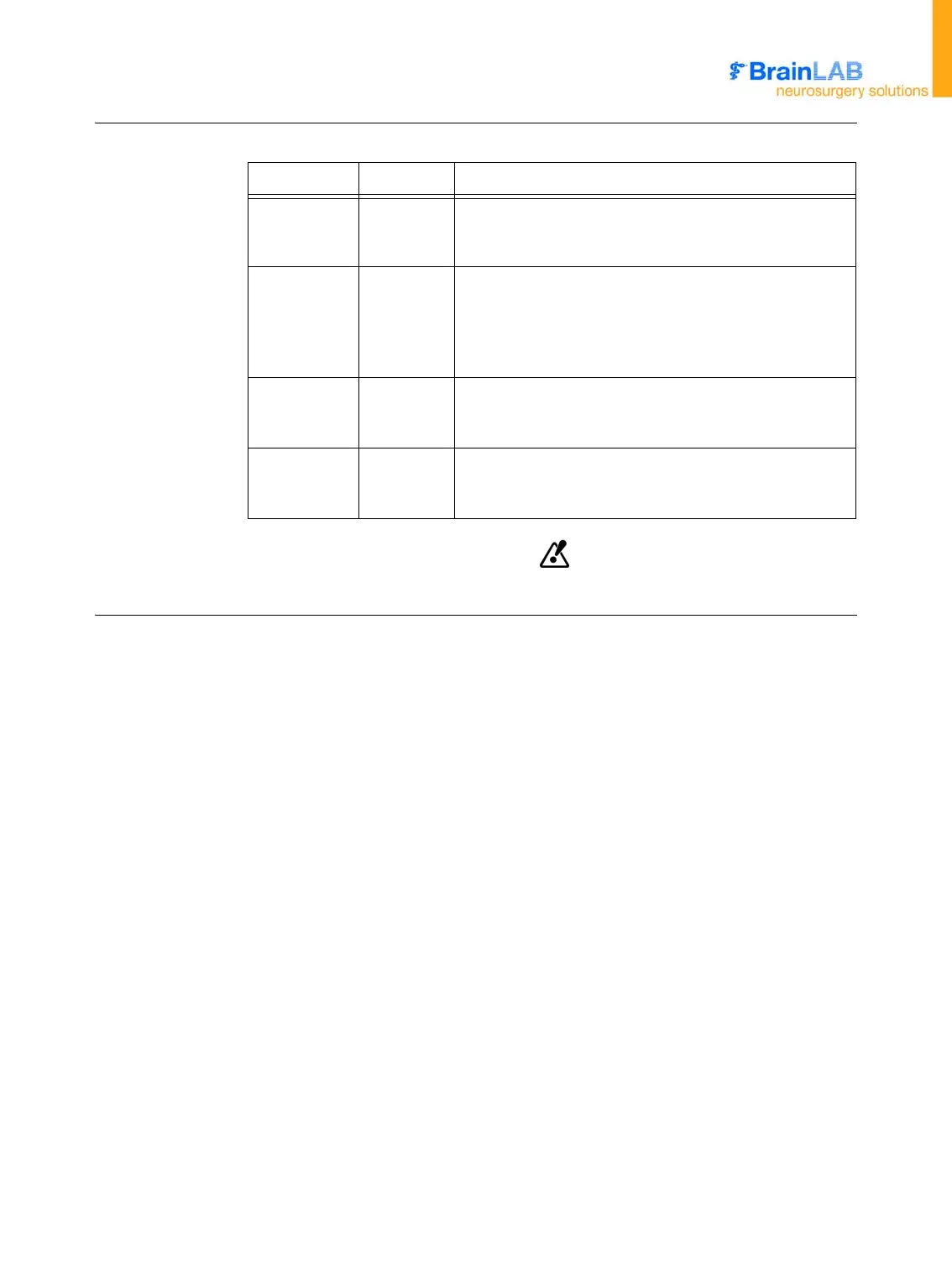
Status Bars The status bars indicate whether the camera is able to track the instrument.
Once a status bar is yellow, accurate tracking can no longer be guaranteed.
Status Bar Color Interpretation
Bottom Green
Normal tracking mode. The reference array and at least
one instrument with a known marker sphere geometry
are visible to the camera.
Bottom Yellow
Camera has just lost sight of an active array. Status bar
remains yellow for 30 seconds unless normal tracking
resumes.
If visibility is not established after 30 seconds, status
field turns red.
Top Red
No tracking possible. Patient registration has not been
performed, or marker spheres of a critical array are not
visible to camera.
Both Black
Camera communication error during startup. If camera
communication fails during use, a warning message ap-
pears.



 To Next Page