Software User Guide Rev. 1.0 Kolibri cranial/ENT Ver. 2.7 89
Surface Matching Registration
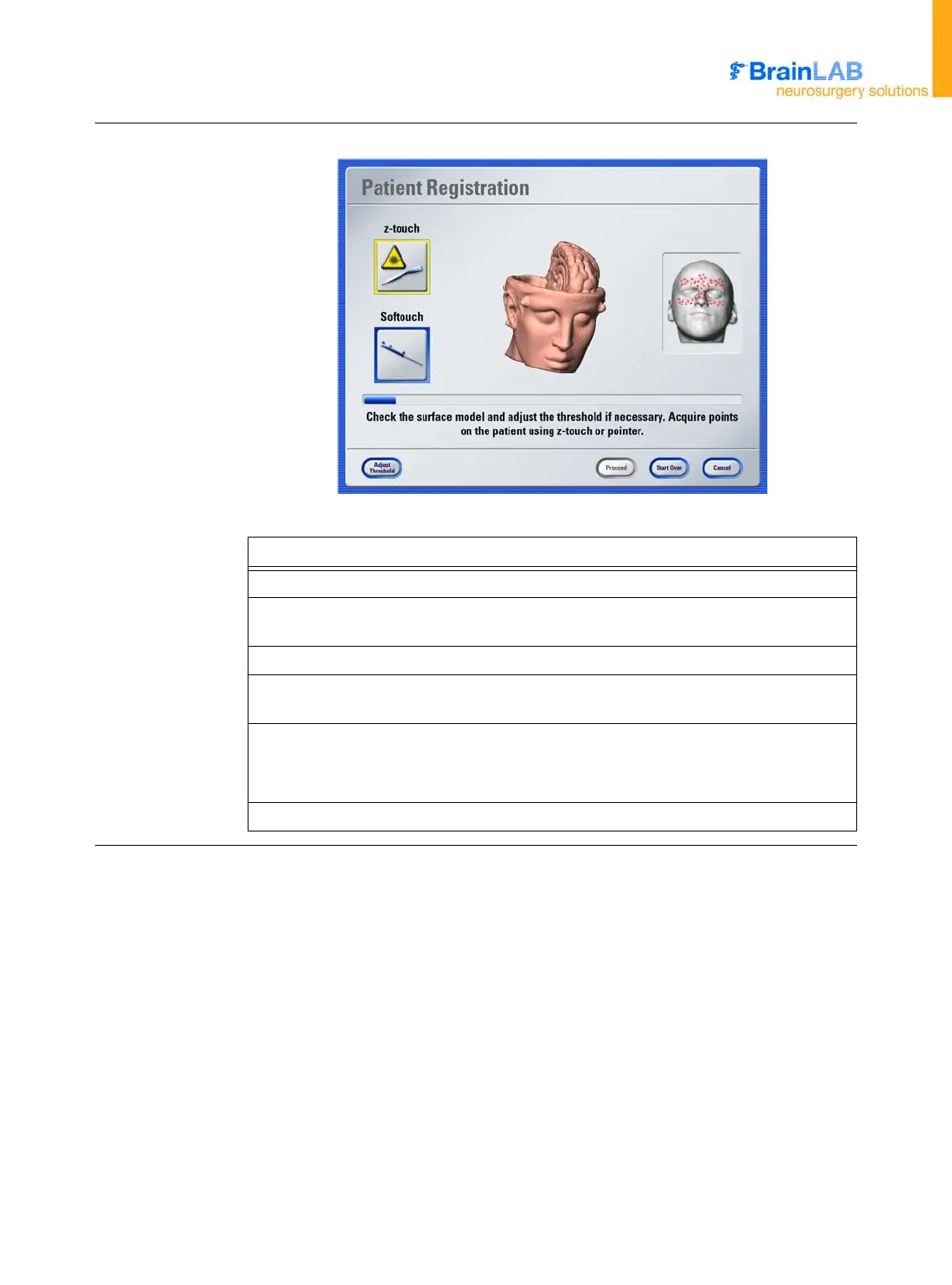
How to Acquire
Points using
z-touch
Figure 25
Steps
1. Press
z-touch
in the
Patient Registration
dialog.
2. Switch on the visible laser beam by pressing (and keeping pressed) the first level
of the two-level switch. The visible laser is displayed as a red point.
3. Point the visible laser to area of interest on the patient’s head and simulate scan.
4. Activate the infrared laser beam by pressing (and keeping pressed) the second
level of the switch. A green LED indicates that the laser is active.
5. To acquire points, slowly move the
z-touch
laser over the area of interest.
NOTE: Hold
z-touch
perpendicular to scanned surface so that the laser beam
meets the skin as a point.
6. Point acquisition is indicated by a “beep” and a progress bar.



 To Next Page