To Next Page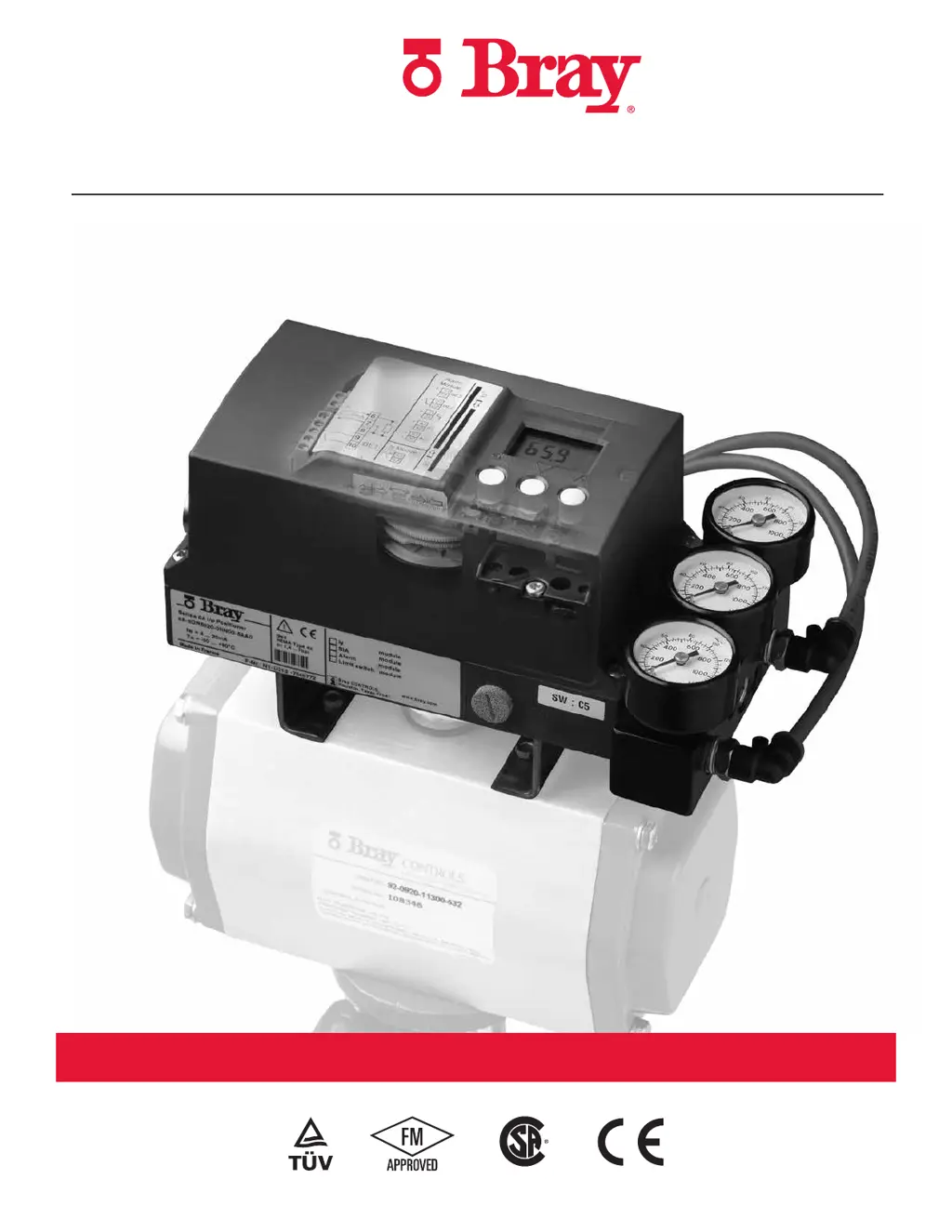


K
Kimberly Wagner MDAug 19, 2025
What to do if Bray Valve Positioners are not initialized?
- JJames ZunigaSep 12, 2025
If your Bray Valve Positioners are not initialized, start the initialization process.

What to do if Bray Valve Positioners are not initialized?
If your Bray Valve Positioners are not initialized, start the initialization process.
Why Bray Valve Positioners measuring range was exceeded?
If the measuring range of your Bray Valve Positioners was exceeded, it might be because the transmission ratio selector or the effective lever arm are not adjusted as per the actuator travel. To fix this, switch the transmission ratio selector to 90°, especially if you're using part-turn actuators. Also, adjust the effective lever length of linear actuators according to the measuring range.
What to do if the actuator does not move on my Bray 6A?
If your Bray Valve Positioner's actuator isn't moving, ensure the supply air pressure is greater than 20 psi, as the pressure may be lower than 1.4 bar.
What to do if Bray Valve Positioners remains in RUN 5?
If your Bray Valve Positioner remains in “RUN 5” and doesn't proceed to “FINISH” after 5 minutes, it could be due to play in the positioner-actuator-control valve system. For part-turn actuators, check the firmness of the grub screw on the coupling wheel. For linear actuators, check the lever's firmness on the positioning shaft. Eliminate any play between the actuator and the control valve.
Why is my Bray 6A Valve Positioners oscillating in automatic or manual mode?
If, in stationary automatic mode or manual mode, both piezo valves on your Bray Valve Positioners continually switch alternately, causing the actuator to oscillate, this could be due to sticking friction in the control valve's packing gland or an overly large actuator. Reduce the friction or increase the positioner's dead zone (parameter ”dEbA”) until the oscillation ceases. Alternatively, there could be looseness in the positioner/actuator/control valve system. Check the firm seating of the set screw on the coupling wheel for part-turn actuators, or the lever on the positioner shaft for linear actuators. Correct any other play between the actuator and the control valve.
What causes a piezo valve to constantly activate in Bray 6A Valve Positioners?
If a piezo valve activates constantly in the stationary automatic mode or manual mode on your Bray Valve Positioners, there may be pneumatic leakage in the positioner-actuator system. Initiate the leakage test in “RUN3” (initialization) to check and rectify any leakage in the actuator or feed line. This issue could also be caused by dirt in the pneumatic block, which requires cleaning or replacement of the built-in fine screens.
What to do if Bray Valve Positioners remains in RUN 3?
If your Bray Valve Positioner remains in “RUN 3”, it means that the actuator actuating time is too high. To resolve this, fully open the restrictor and/or set the pressure PZ (1) to the highest permissible value. If necessary, use a booster.
What to do if Bray 6A Valve Positioners remains in RUN 2?
If your Bray Valve Positioner remains in “RUN 2”, the transmission ratio selector and parameter 2 may not match the actuator type, or the stroke on the lever might be incorrectly set, or the piezo valve may not activate. Check the settings, referring to the leaflet “Device view (7)” as well as parameters 2 and 3. Also, verify the stroke setting on the lever using table 2.
Why does the CPU test blink on my Bray 6A?
If the “CPU test” blinks on the digital display of your Bray Valve Positioners approximately every two seconds and the piezo valve does not activate, it is likely due to water in the pneumatic block from wet compressed air. If caught early, this can be fixed by operating with dry air, possibly in a temperature cabinet at 50 to 70°C. Otherwise, repair is required.
How to fix if my Bray 6A doesn’t move control valve to the stop?
If your Bray Valve Positioner doesn’t move the control valve to the stop (at 20 mA), the supply pressure might be too low, or the load on the feeding controller or system output is too low. Increase the supply pressure, insert a ballast converter, and select 3/4-wire mode.
General guidelines for safe operation and handling of the device.
Defines who is considered qualified to install and operate the device.
Provides instructions on how to mount the S6A positioner to an actuator.
Covers two-wire, three/four-wire, HART, and Profibus connections.
Details wiring for hazardous area installations and intrinsic safety.
Guidance for installing a new positioner unit.
Steps for replacing an existing positioner in a running system.
Describes the different operating modes: manual, configure, automatic, diagnostics.
Details the monitoring functions and diagnostic data available.
Lists and explains various diagnostic values and their meaning.
Details the various parameters for configuring the positioner.
Explains fault messages, error codes, and diagnostic parameters.
Provides tables for troubleshooting fault profiles and their solutions.
 General
| Brand | Bray |
|---|---|
| Model | 6A series |
| Category | Valve Positioners |
| Language | English |