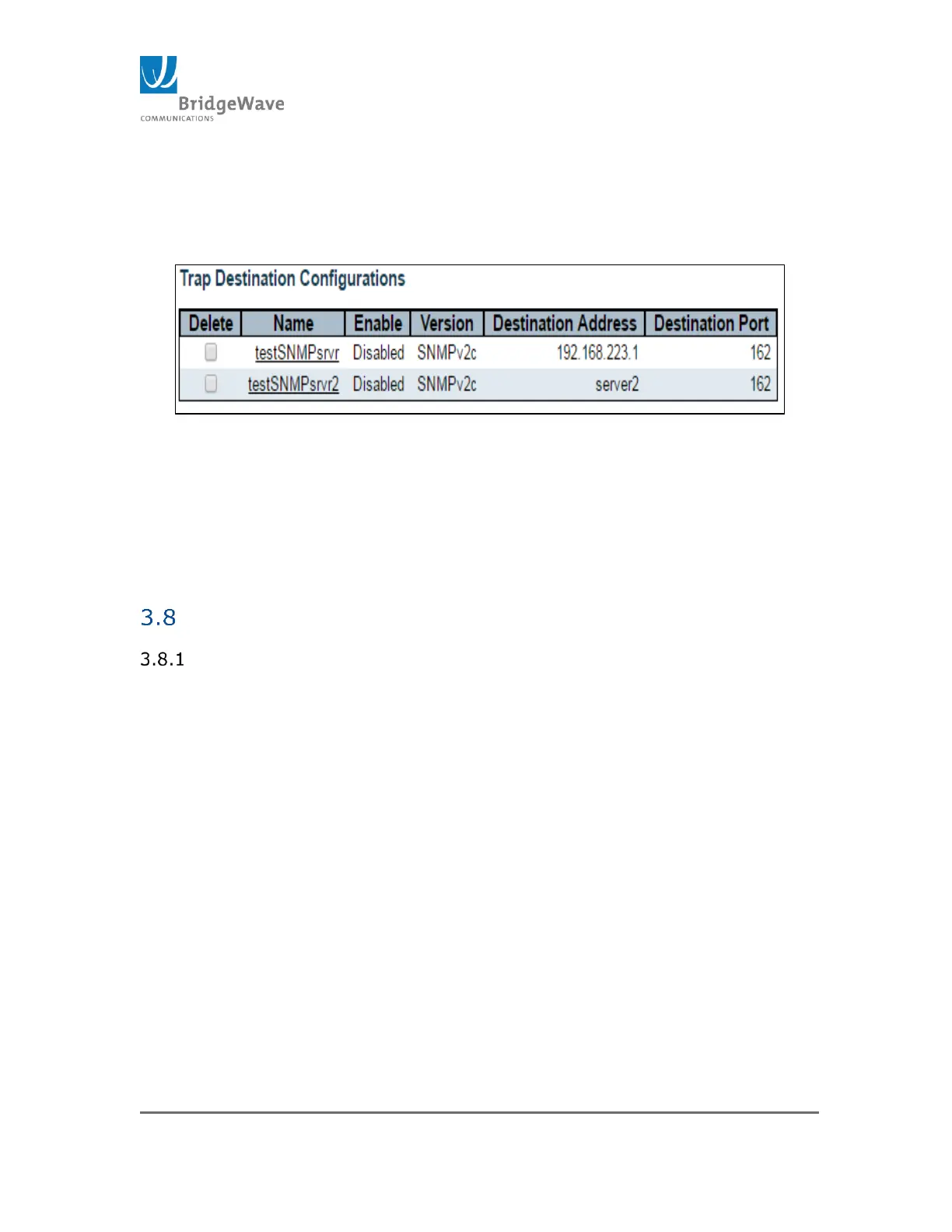
Destination Port: Indicates the SNMP trap destination port. The SNMP
agent will send SNMP messages via this port. The valid port range is 1
– 65535.
Figure 14: Trap Configuration Example
Modem Firmware Version: This table displays the Modem/FPGA
revision residing at each memory location identified as Factory, App 1,
App 2, and App 3. Selecting one of the fields and saving the
configuration will result in the unit switching to the Modem Firmware
Version residing in the memory location selected.
Modem Firmware Upload Page
Selecting from the navigation pane Radio Functions>Modem Firmware
Upload opens the following screen



 To Next Page