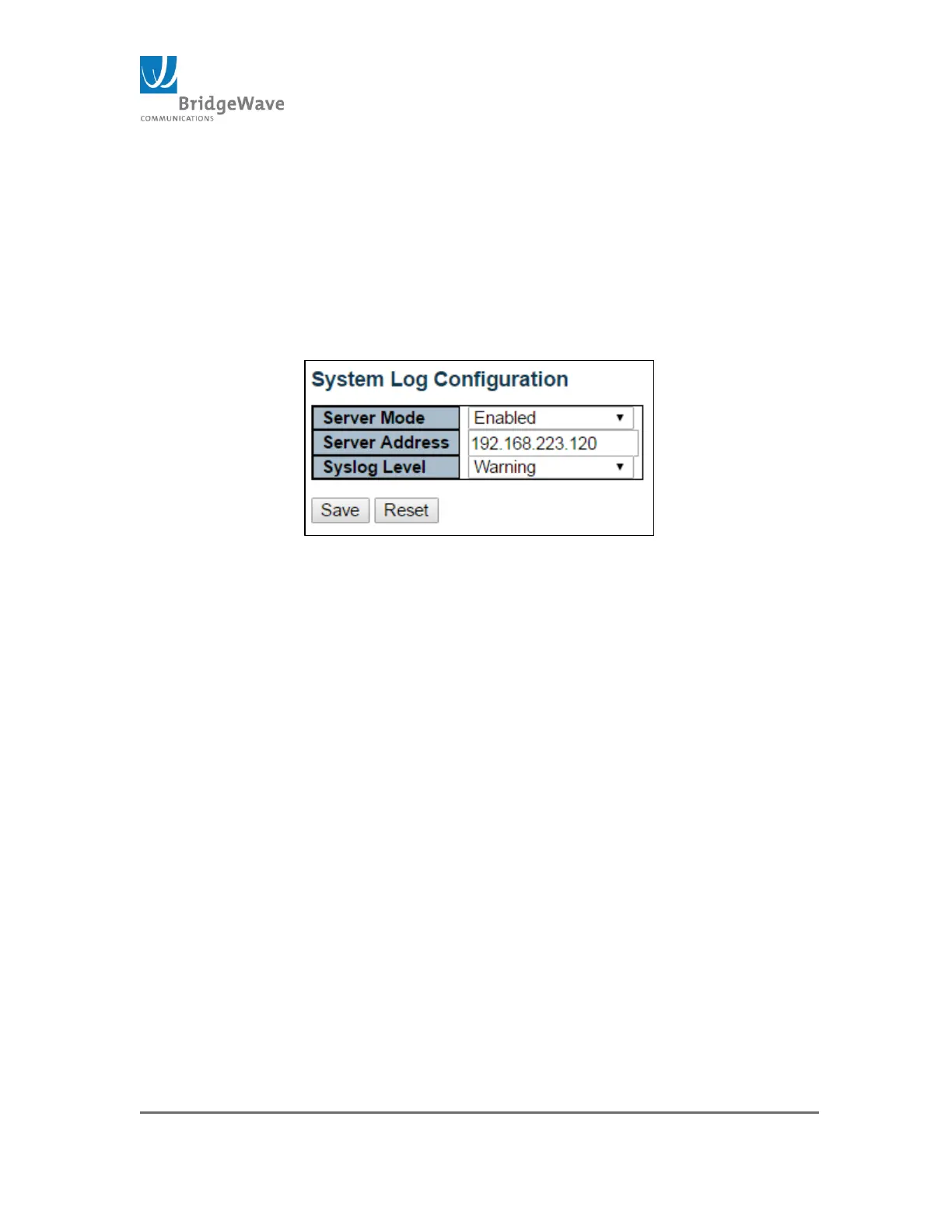
Syslog Level: Indicates that type of message level that will be
sent to the syslog server. Options are: Info, Warning, & Error.
Save Button: This buttons must be click to save the new
settings before moving to another page.
Reset Button: If configuration has been apply but has not been
save, clicking this button will revert the page back to previous
settings.
Figure 30: System Log Configuration Page



 To Next Page