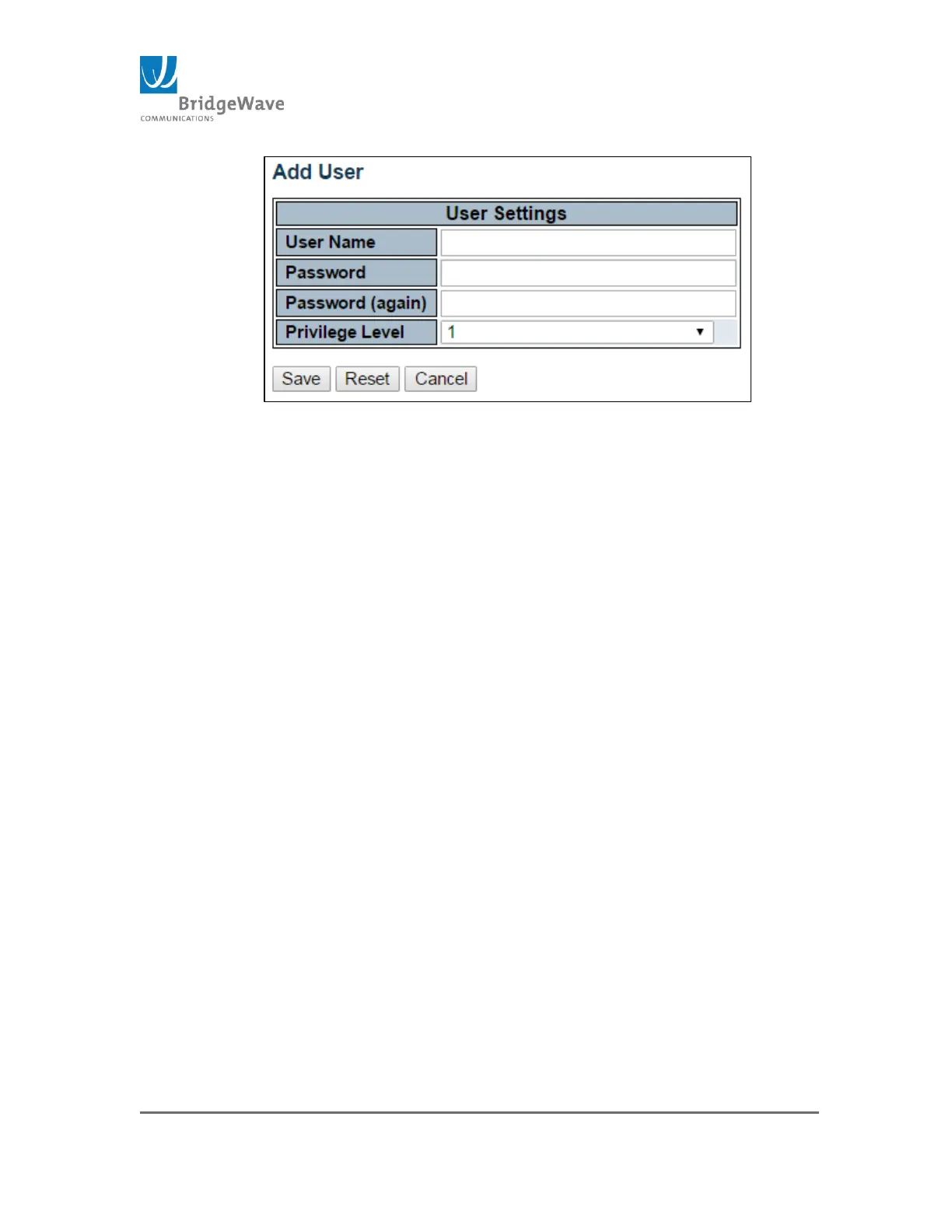
Figure 32: Add User/Password Setting
User Name: A string identifying the new user name. The allowed string
length is 1 to 31. The valid user name allows letters, numbers and
underscores.
Password: The password of the user. The allowed string length is 0 to
31. Any printable characters including space is accepted
Privilege Level: The privilege level of the user. The allowed range is 1
to 15.
Note: Privilege level setting is not available for Radio
settings only Switch control settings.
Save Button: This button must be click to save the new settings
before moving to another page.
Reset Button: If configuration has been applied but has not been
saved, clicking this button will reset the page back to previous settings.
Cancel Button: This button will undo any changes made, if not save,
and return to the User Configuration page.
Delete Button: This button deletes the current user account. This
button is only available for existing user.



 To Next Page