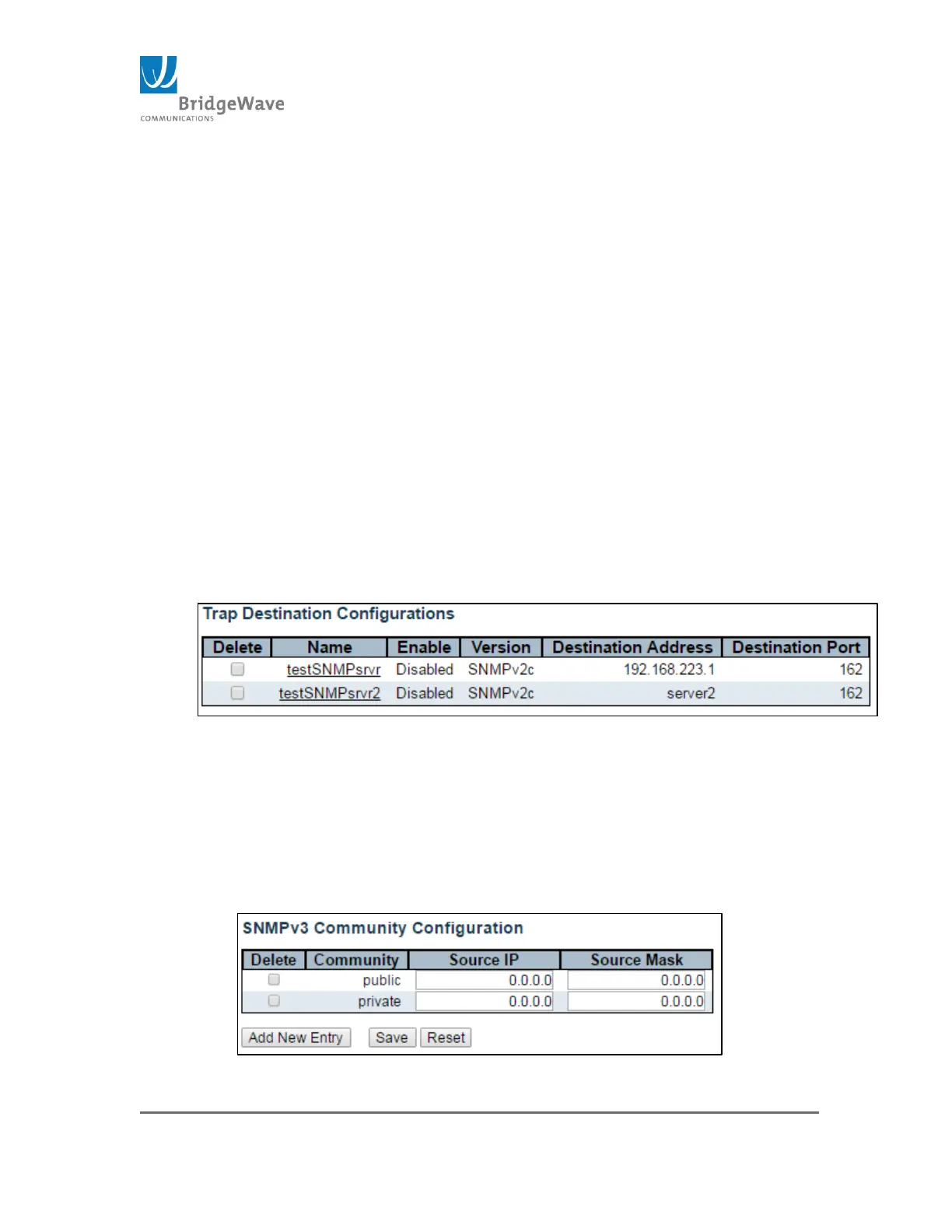
This page allows for the configuration of SNMP traps.
Mode: Enable/Disabled
Delete: Selecting this checkbox will delete the Trap Destination entry
once the “Save” button is click
Name: Indicates the trap Destination Configuration’s name
Enable: Indicates if that specific entry is either on or off
Destination Address: Indicates the SNMP trap destination address. It
displays an IP address in dotted decimal notation (1.1.1.1). It also
allows a valid hostname.
NOTE: A valid hostname is a string drawn from the alphabet (A-Za-z),
digits (0-9), dot (.), dash (-). Spaces are not allowed, the first
character must be in alpha character, and the first and last characters
must not be a dot or a dash.
Destination Port: Indicates the SNMP trap destination port. The SNMP
agent will send SNMP messages via this port. The valid port range is 1
– 65535.
Figure 41: Example of Setting Trap Destination
Community, Configuration Submenu
Selecting from the navigation pane Switch>Configuration>
Security>Switch>SNMP>Community will open the following screen:
Figure 42: SNMPv3 Community Configuration Page



 To Next Page