Diagnostics Page
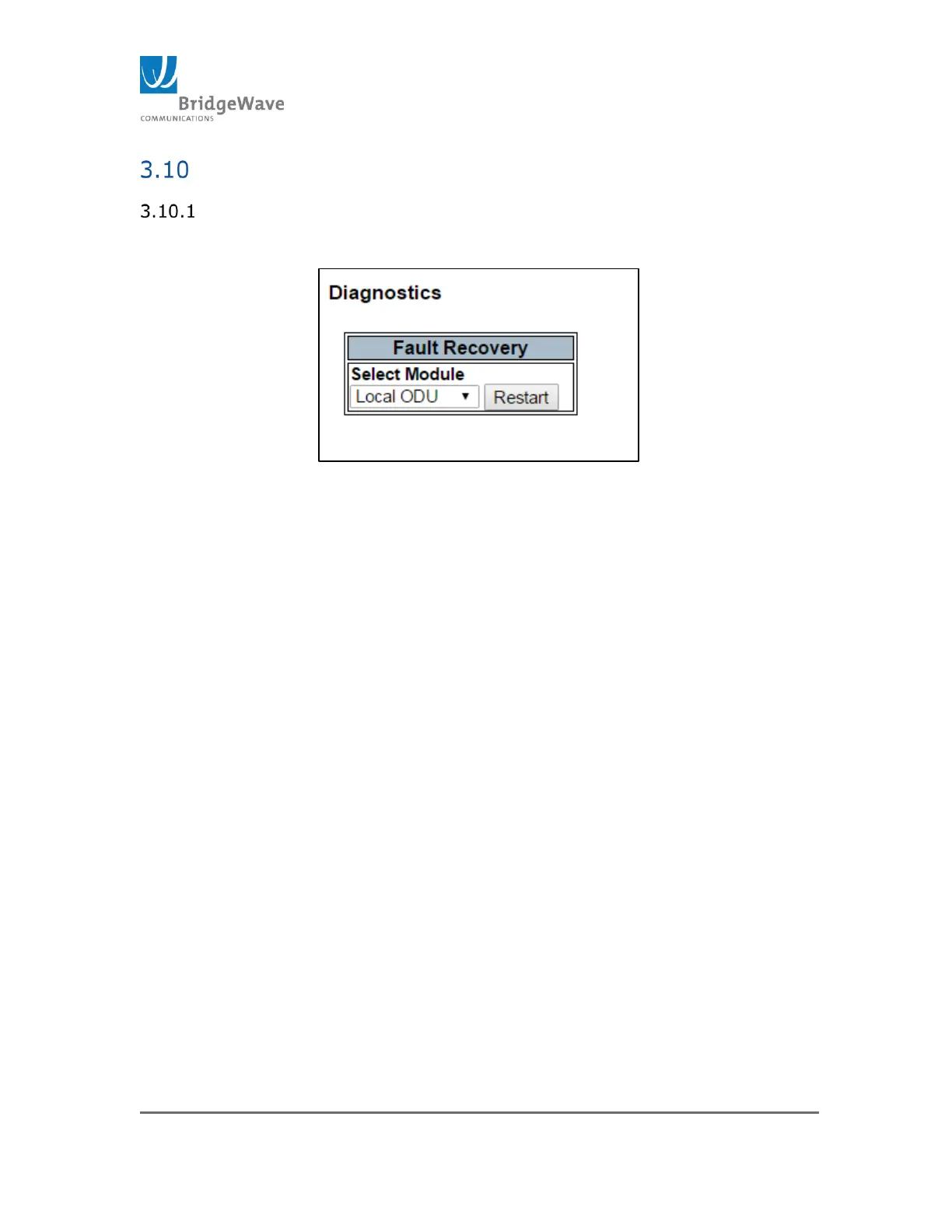
Selecting from the navigation pane Radio Functions>Diagnostics opens
the following screen
Figure 178: Diagnostic Page / Fault Recovery
The purpose of this page is to restart the radio as may be required for fault
recovery.
Fault Recovery, Select Module:
o Local ODU – Select this module to restart the UI software.
o Local Modem - Select this module to restart the modem/FPGA
Note: Restarting either device module will interrupt traffic over the
link.



 To Next Page