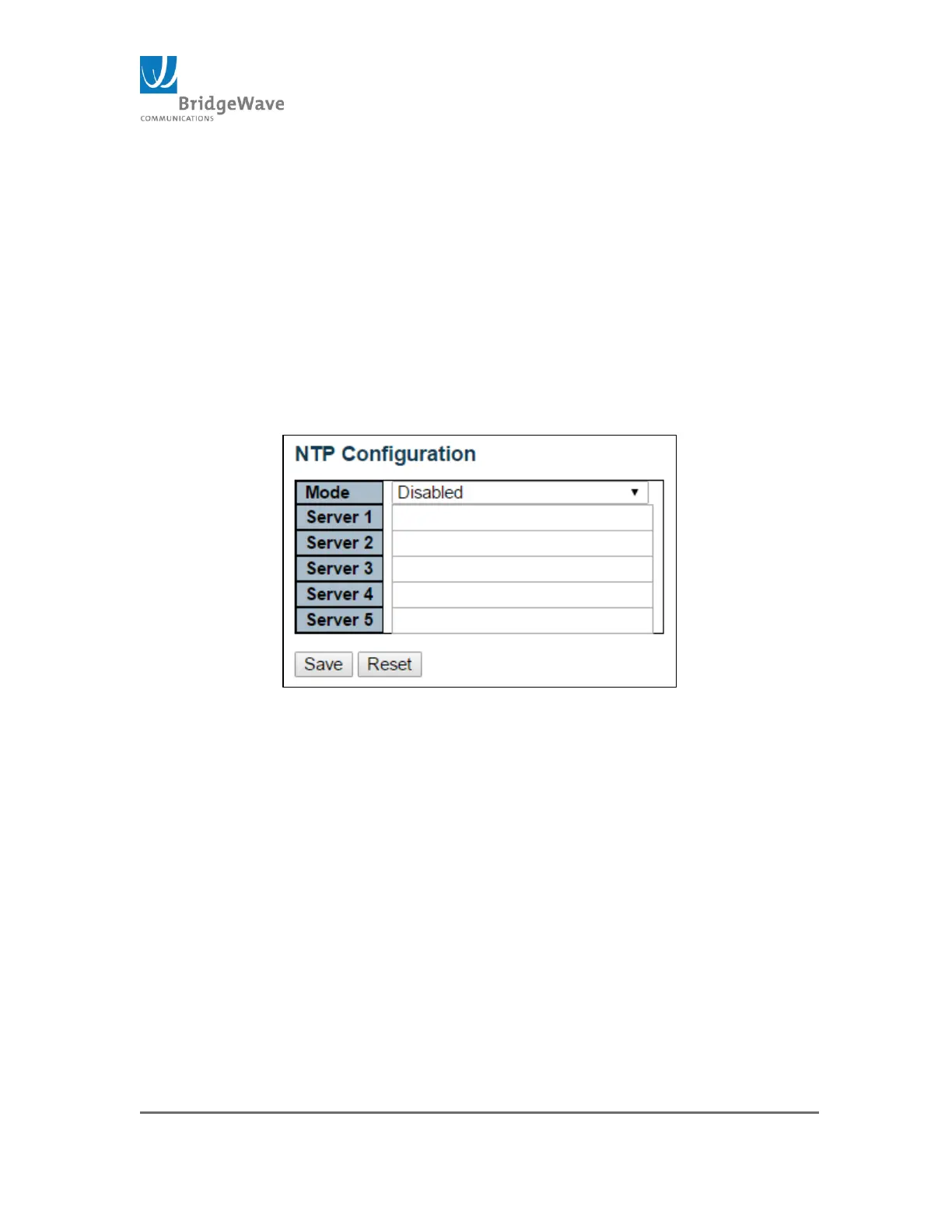
NTP: Network Time Protocol, use for synchronizing the system clock
with an NTP Server.
Mode: Enable/Disable (Default: Disable)
Server 1 – 5: Each one of these 5 fields permits the entry of
either and IPv4 address or an IPv6 address of the NTP server.
Save Button: Save setting before moving to another page. If
the save button is not apply, the new configuration on this page
will be lost.
Reset Button: If configuration has been applied but has not
been saved, clicking this button will reset the page back to
previous settings.
Figure 28: NTP Configuration Page
Time: This page allows for the configuration of the Time Zone.
Time Zone – List various Time Zones worldwide. Select Time
Zone from the drop down and click Save to set.
Acronym - User can set the acronym of the time zone. Range up
to 16 characters.
Daylight Saving Time – This is used to set the clock forward or
backward according to the configurations set under the “Start”,
“End” and “Offset” Settings table. Options to select from: Disable
(default), Recurring, & Non-recurring
Start Time and End Time Settings – These included the
Month, Date, Year, Hours, & Minutes.
Offset – Enter the number of minutes to add during Daylight
Saving Time (Range: 1 – 1440)



 To Next Page