Level: This field is used to filter the display system log entries. The following
options are allowed:
Info
Warning
Error
All (Default)
Clear Level: This field is used to specify which system long entries will be
cleared. The following options are allowed:
Info
Warning
Error
All (Default)
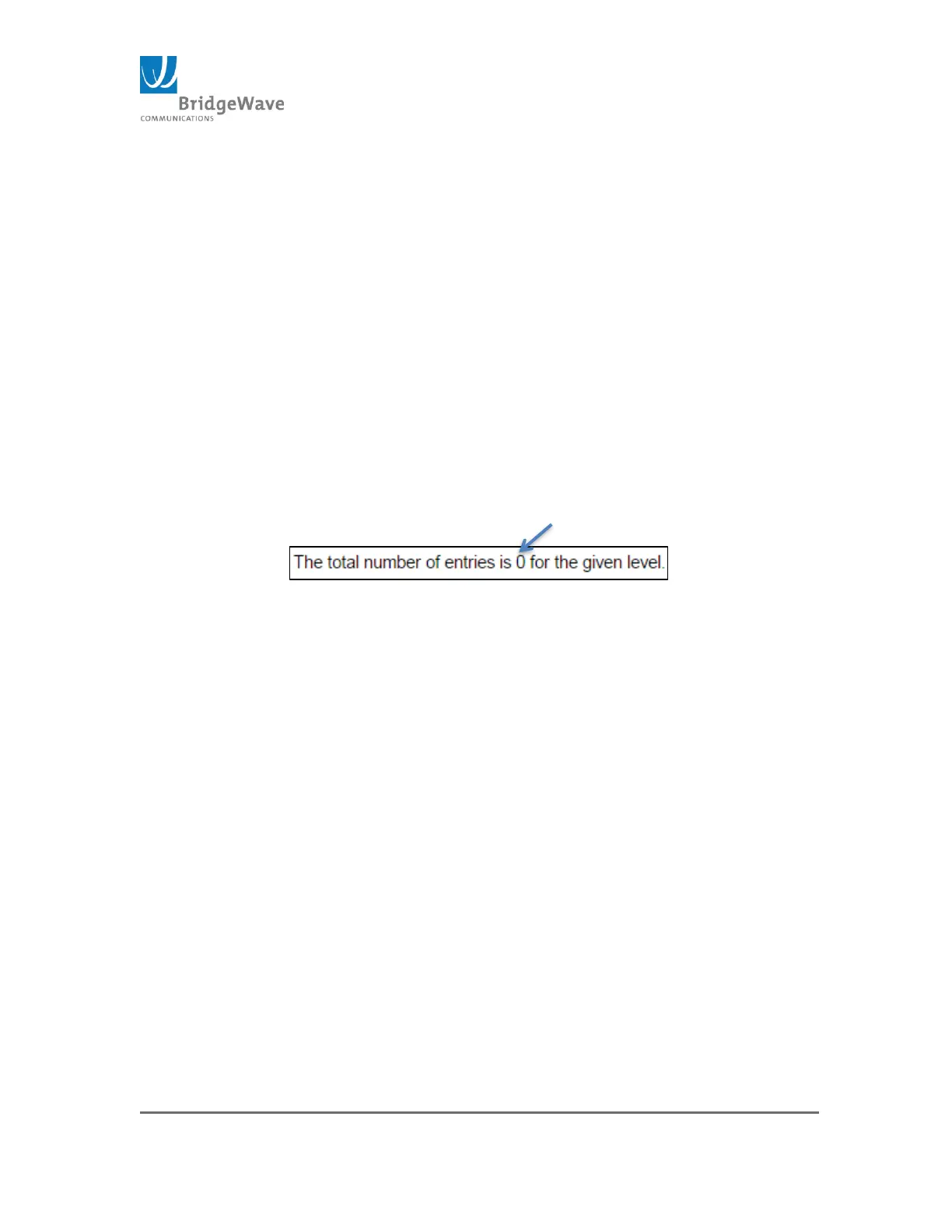
The total number of log entries is stated immediately under the pull down
menus.
Figure 213: Total System Log Entries
The “Start from ID” input field allows the user to change the starting point in this
table. The “with” box allows the number of entries per page to define.
The System Log Information Entry Columns are defined as follows:
ID: The identification of the system log entry.
Level: The level of the system log entry. The types of level were defined
above under the “Level” bullet.
Time: The occurred time of the system log entry.
Message: The detail message of the system log entry.
The Periodic Status Message format shown in Figure 20 can be decoded as:
$8 dBm $ Current Tx_Power level
$64QAM$ Current tx_modulation Constellation setting
$9$ Number of times the Transmitter changed modulation states
since last user reset
$65.25C$ RF_temperature (internal in the ODU)
$-33.3 dBm Receive Signal level in dBm
$QAM64$ Current Receiver Demodulation Constellation
$8$ Number of times the Receiver changed modulation states
since last user reset
$ 0.00e-15$ Receiver BER during the last 1min interval
This page also contains utility buttons to manipulate the System log display.



 To Next Page